 GAMESLASH
Ludo CLI brings AI game sprites, 3D assets and sound into terminal-based agent workflows
By GameSlash
Launched October 19, Ludo's CLI lets coding agents generate game assets through local commands, batch operations and credit limits, with paid Pro/Studio access.
Ludo.ai launched a new command-line interface (CLI) on October 19, 2026, moving its asset-generation tools from the browser into a developer's terminal. The release matters for game developers who use coding agents: instead of stopping a build to download an image or copy an API response, they can invoke Ludo commands inside the same repo workflow and save the output directly to disk. The announcement is documented by GamesBeat's October 19 report and Ludo's official CLI guide.
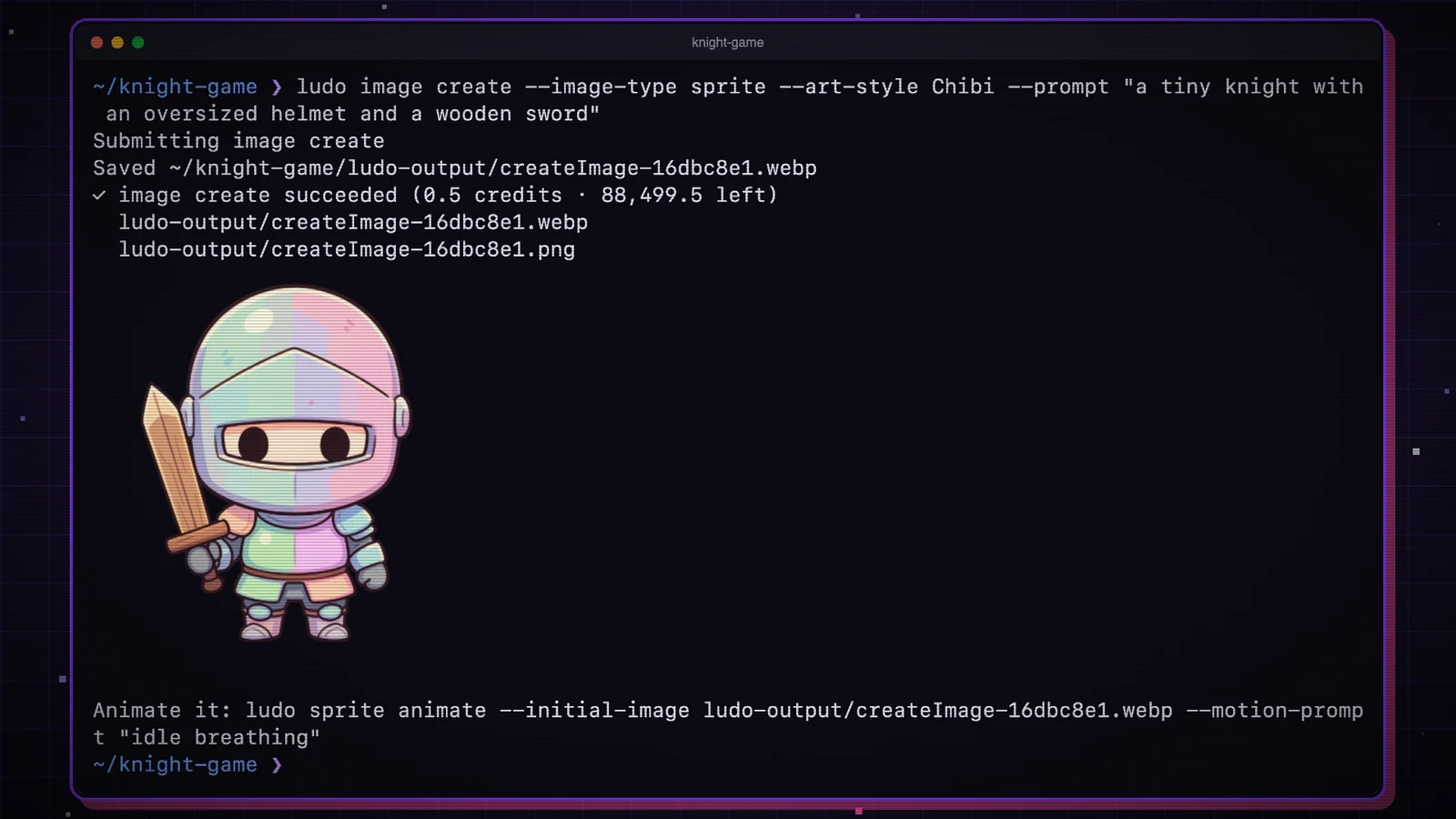
From a prompt to game assets in a terminal
The tool exposes existing Ludo generators for sprites, spritesheet animations, icons, backgrounds, textures, 3D models, sound effects, music, voices and video. A developer can request a sprite using `ludo image create`, animate it using `ludo sprite animate` and pass an image's local path to `ludo model create`. This is not the announcement of a new generative image model; the new feature is the CLI interface and the ability to chain operations without switching applications.
Results are saved by default under `./ludo-output` or a folder chosen with `--out`. The official documentation says WebP image outputs also receive PNG copies. When used for a Godot project, the `--engine godot` option can generate a Godot 4 `SpriteFrames` resource for `AnimatedSprite2D`, potentially saving manual spritesheet setup. These behaviors are described by Ludo and have not been independently benchmarked by GameSlash.
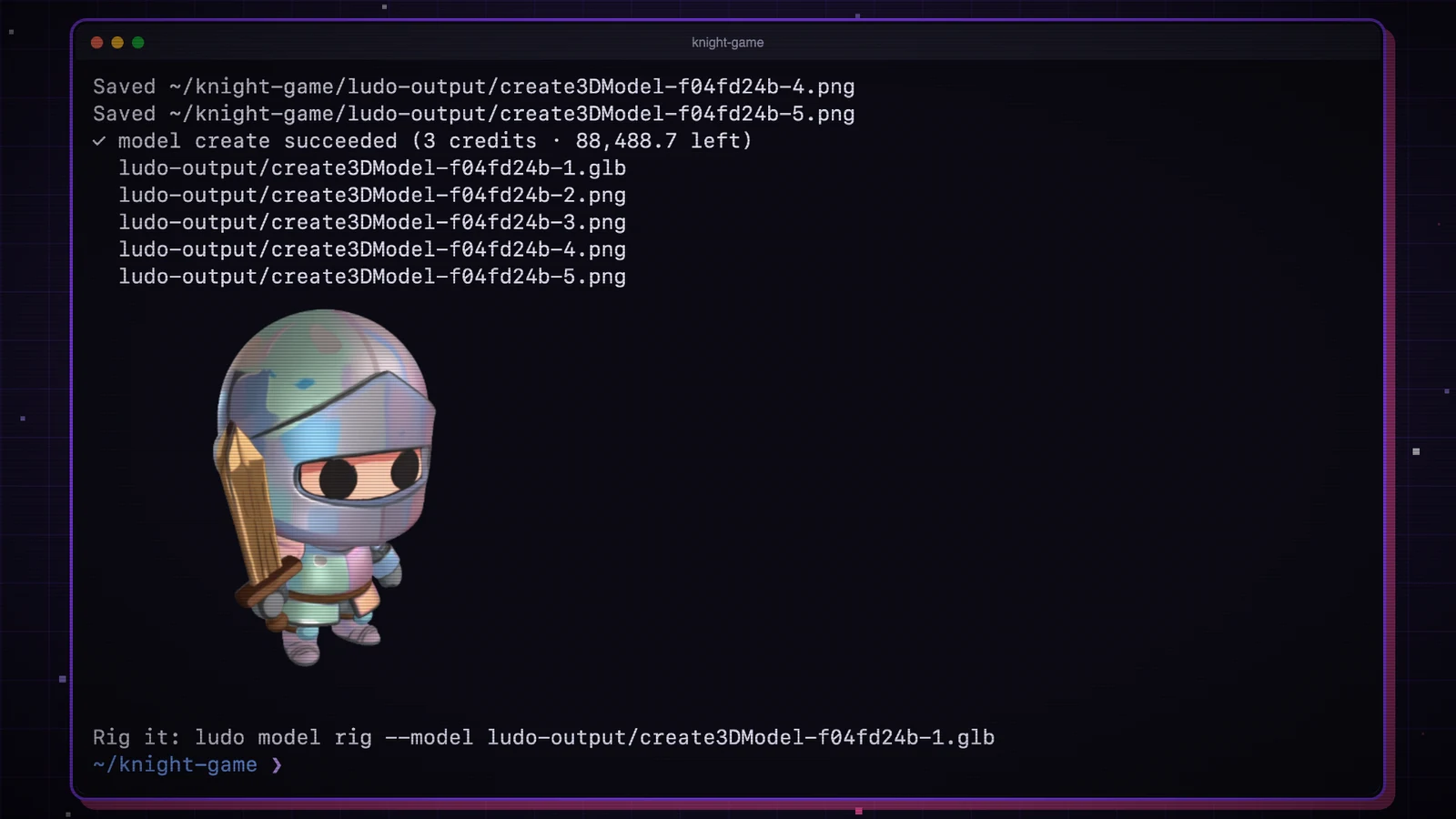
Why Ludo recommends CLI over its MCP server for coding agents
Ludo already offers an MCP server and REST API. Its developer comparison says MCP clients load broad tool schemas and may pass local files as base64, whereas a CLI-capable agent can consult only a needed command's `--help`, send ordinary local paths and receive output-file paths in machine-readable JSON. In other words, the new layer may reduce context consumed by exposing the generation tools and make asset handling simpler for agents such as Claude Code, Codex and Cursor; the company does not publish an independent before/after game-development benchmark on this page.
To connect the agent, Ludo documents `ludo skill install` for Claude Code and `npx skills add Ludo-AI/ludo-cli` for agents that recognize skills. `ludo init` creates a project configuration file and `ludo-assets.json` records generation history. A game creator could ask an agent to generate the character, animate it, then create matching enemies and sound effects as linked steps, while a human reviews art direction and licensing before use.
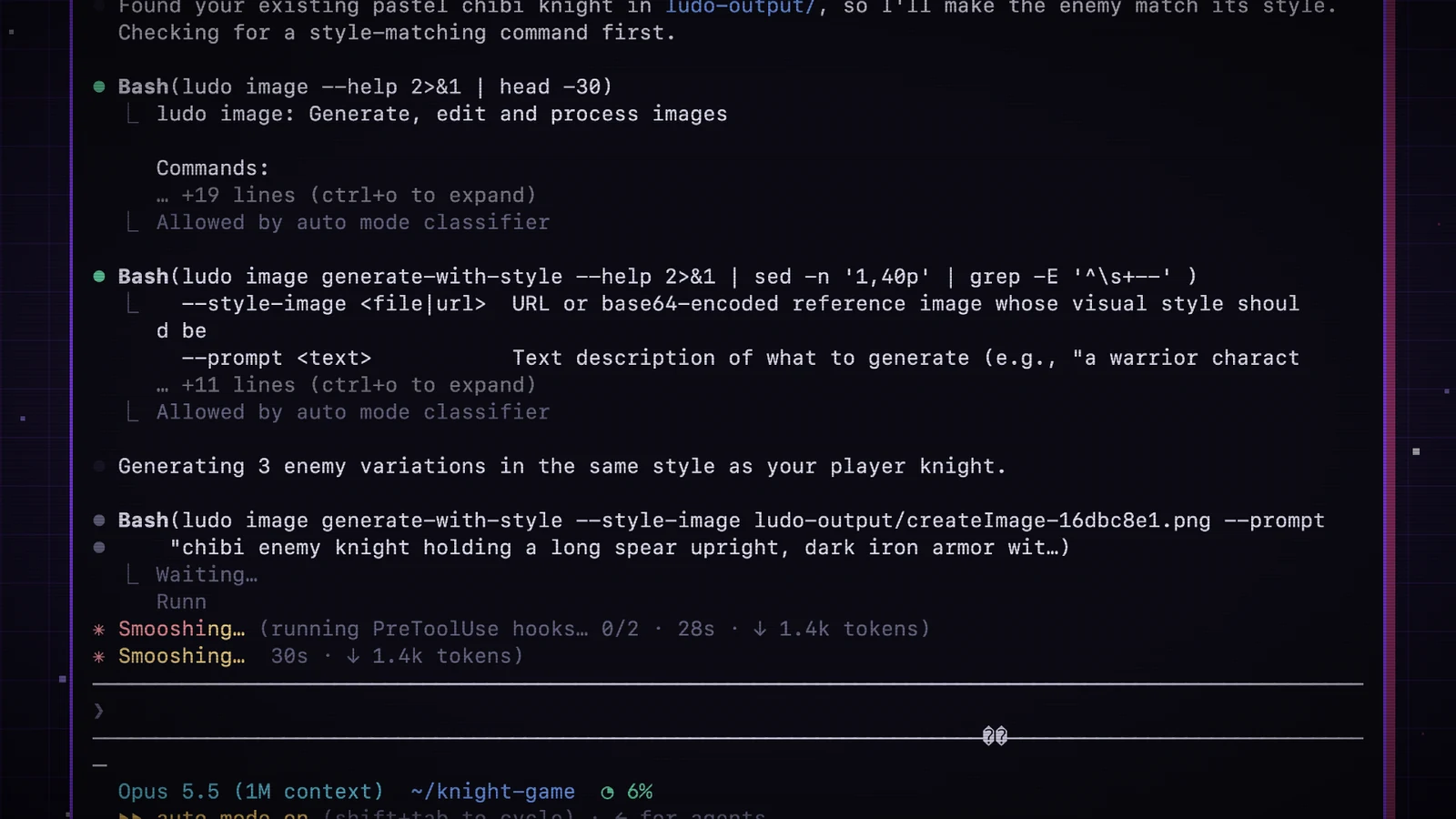
Batch generation and credit guardrails
The CLI supports multiple variations (`--n 4`), scripts via `ludo batch`, credit estimates with `--dry-run` and per-command safeguards through `--max-credits`. According to Ludo, a batch exceeding 50 credits requests confirmation; project or machine budgets can also be configured. Such safeguards matter when an agent is capable of chaining paid image, animation, model and audio operations.
The official pricing and access page limits CLI, MCP, API and Unity plugin access to Pro and Studio plans, not the free trial or Indie plan. At the time of this check, Ludo lists Pro at $50/month with 1,000 monthly generation credits and Studio at $350/month with 10,000. Credit use differs by asset type; developers should confirm current pricing and quality for their pipeline.
What changes for AI game production—and what does not
Ludo CLI is a practical connector between an AI coding agent and asset creation, not a promise that finished game art will arrive with no review. Character consistency, model rigging, style selection and actual engine integration still need checking in the target game. The broader direction resembles the automation already discussed in GameSlash's Playgama agent publishing and iteration report: separate pieces of game production are becoming programmable steps. The difference is that Ludo focuses on creating and organizing assets, while Playgama focuses on publication and iteration.
Source notes: Ludo CLI official documentation; Ludo developer plans and API/MCP comparison; GamesBeat, October 19, 2026. Image examples are all credited to Ludo.ai and should not be treated as GameSlash's own generation tests.