GAMESLASH
Flow — 3D AI Studio
By GameSlash
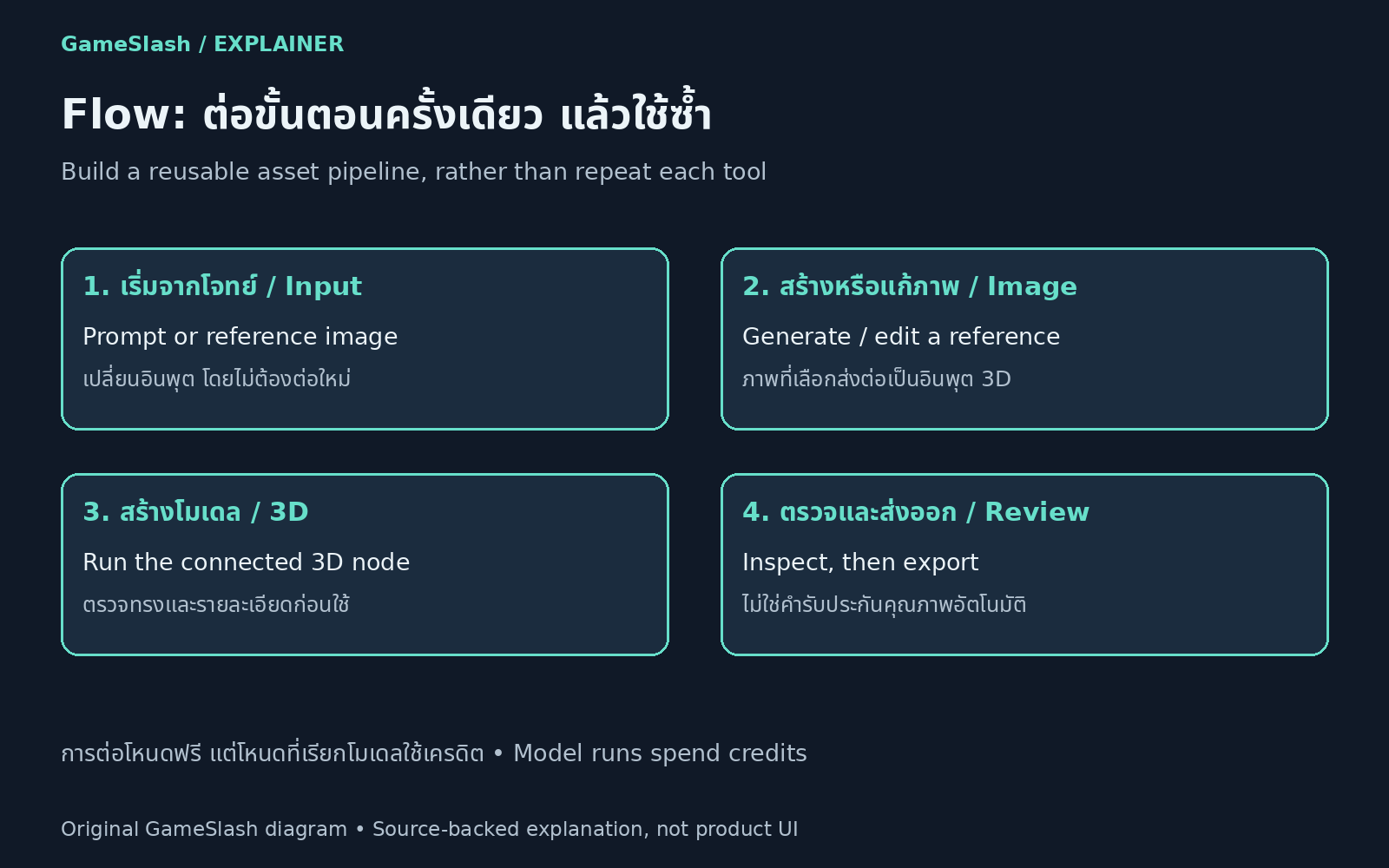
Connect image and 3D-generation nodes into reusable browser workflows instead of rebuilding each production step.
What it helps with
Connect prompt, image-generation or editing, and 3D-generation steps into reusable browser workflows. Start from a template instead of configuring the production chain separately for every asset.
Ways to use it
Open Flow in 3D AI Studio and connect the nodes needed for the task. Building and wiring nodes is free, while nodes that call AI models consume credits. Start with a short workflow, inspect its output and measure iteration costs.
Limitations
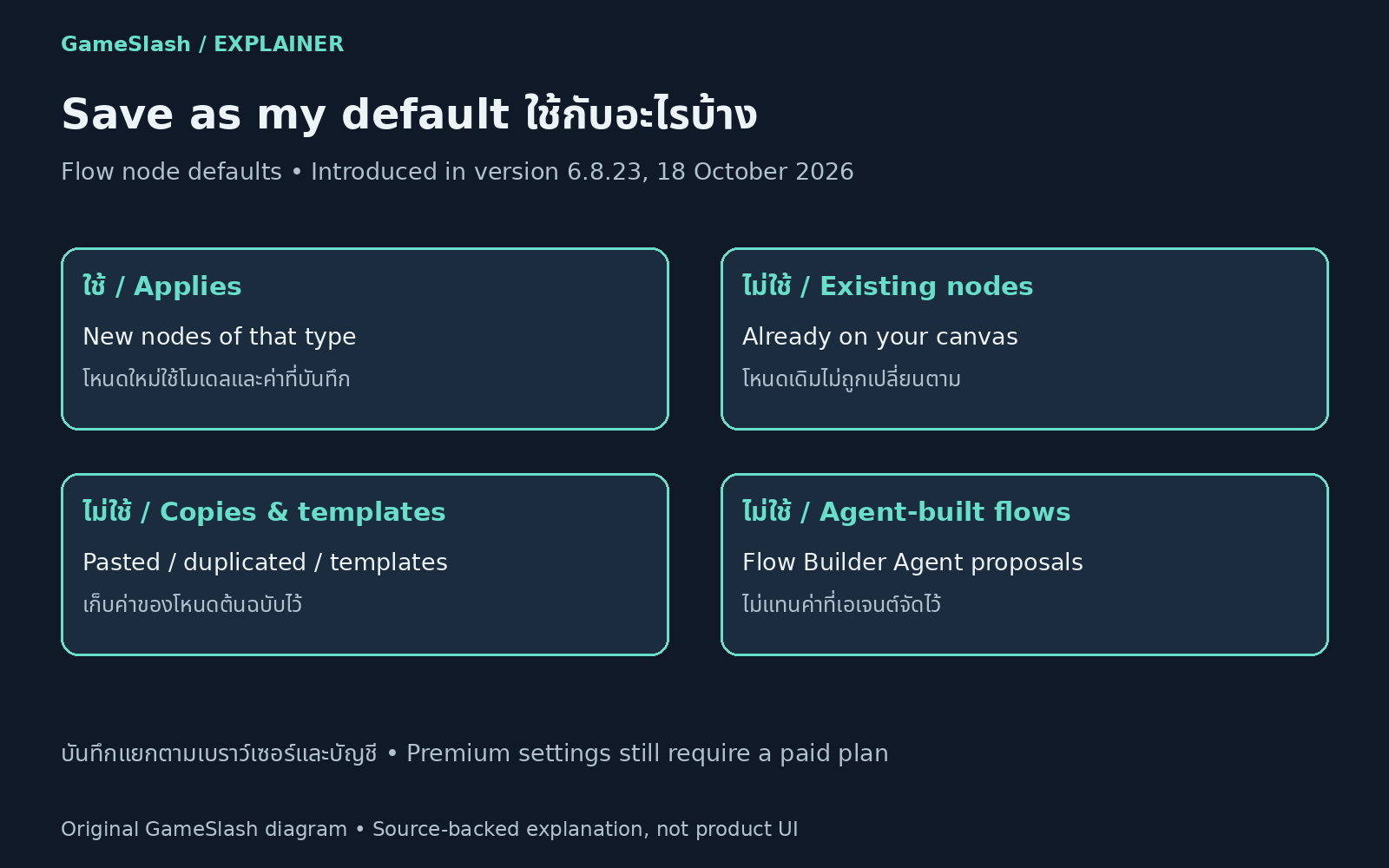
Saved defaults apply to newly added nodes of the same type, not existing nodes, copies, templates or agent-built flows. Settings are tied to the account in that browser, and premium options depend on the plan. Check output suitability before using models in a game.
Illustrations