 GAMESLASH
AI made a Godot game that breaks? Beckett lets it inspect the screen and errors
By GameSlash
Beckett connects coding agents to the Godot editor to inspect scenes, validate code and view running games. The free versus paid limits matter.
An AI assistant can write a Godot character controller, but what happens when the script has a syntax error or the player never picks up a coin? Beckett is a Godot 4.2+ editor add-on that allows an AI coding agent to inspect the project, edit a scene, launch it and see the running screen and logs. Its v1.16.0 release was published October 6, 2026.
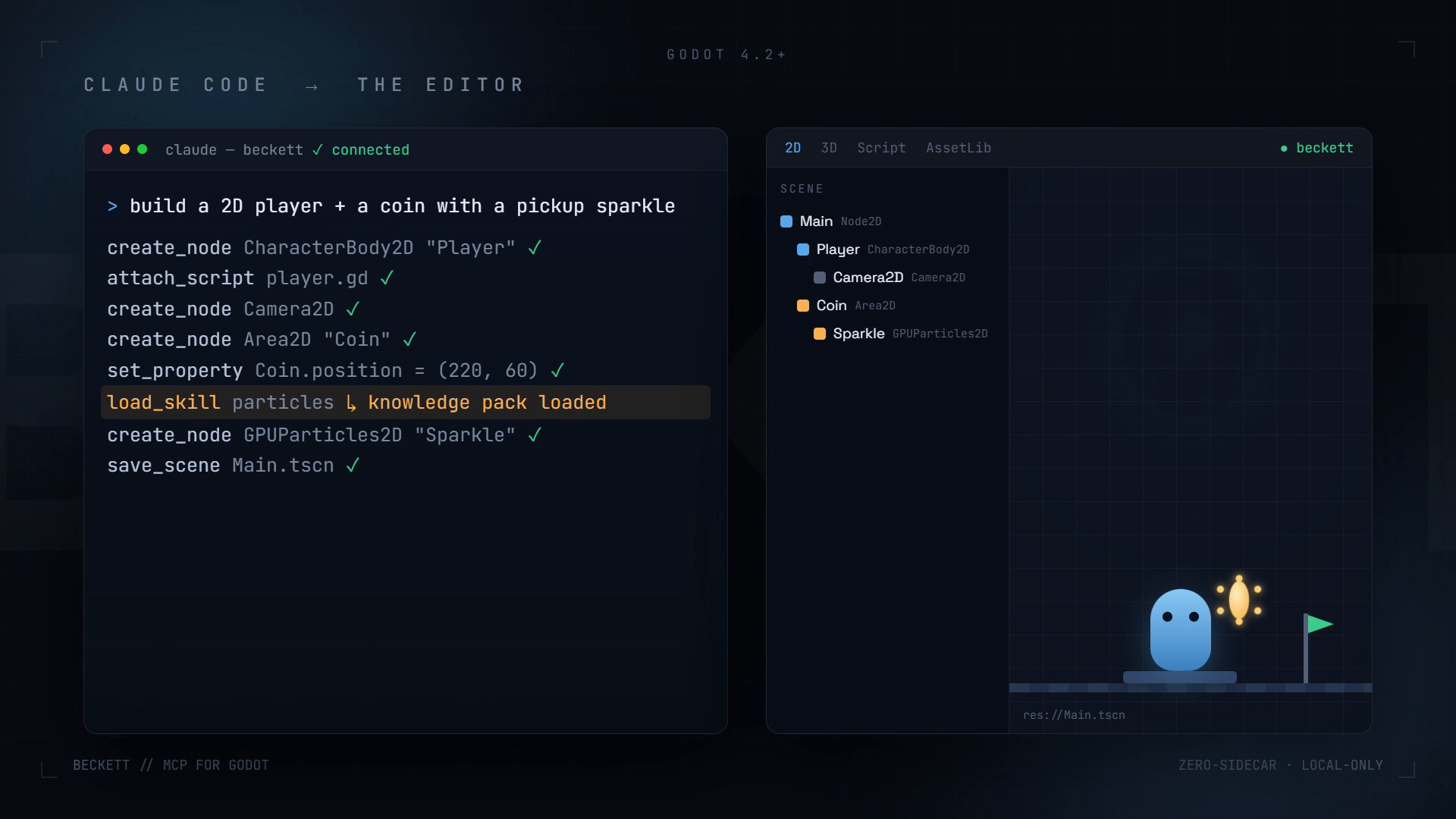
From asking for a game mechanic to checking it
Install the Beckett plug-in inside the Godot editor and connect a compatible agent such as Claude Code or Cursor. In the developer's example, the agent can add a blue 2D character, a coin and a pickup sparkle to a scene. Instead of merely sending a code snippet in chat, it works with the objects, scene and script in the game project.
The free Lite edition can launch a scene, take screenshots, read runtime logs and inspect the remote scene tree. The agent can use those observations to suggest or make corrections. Importantly, Lite does not autonomously press the game's buttons to complete playtests: input-driving and result assertions are features of the paid Full edition.
Why the code validation step matters
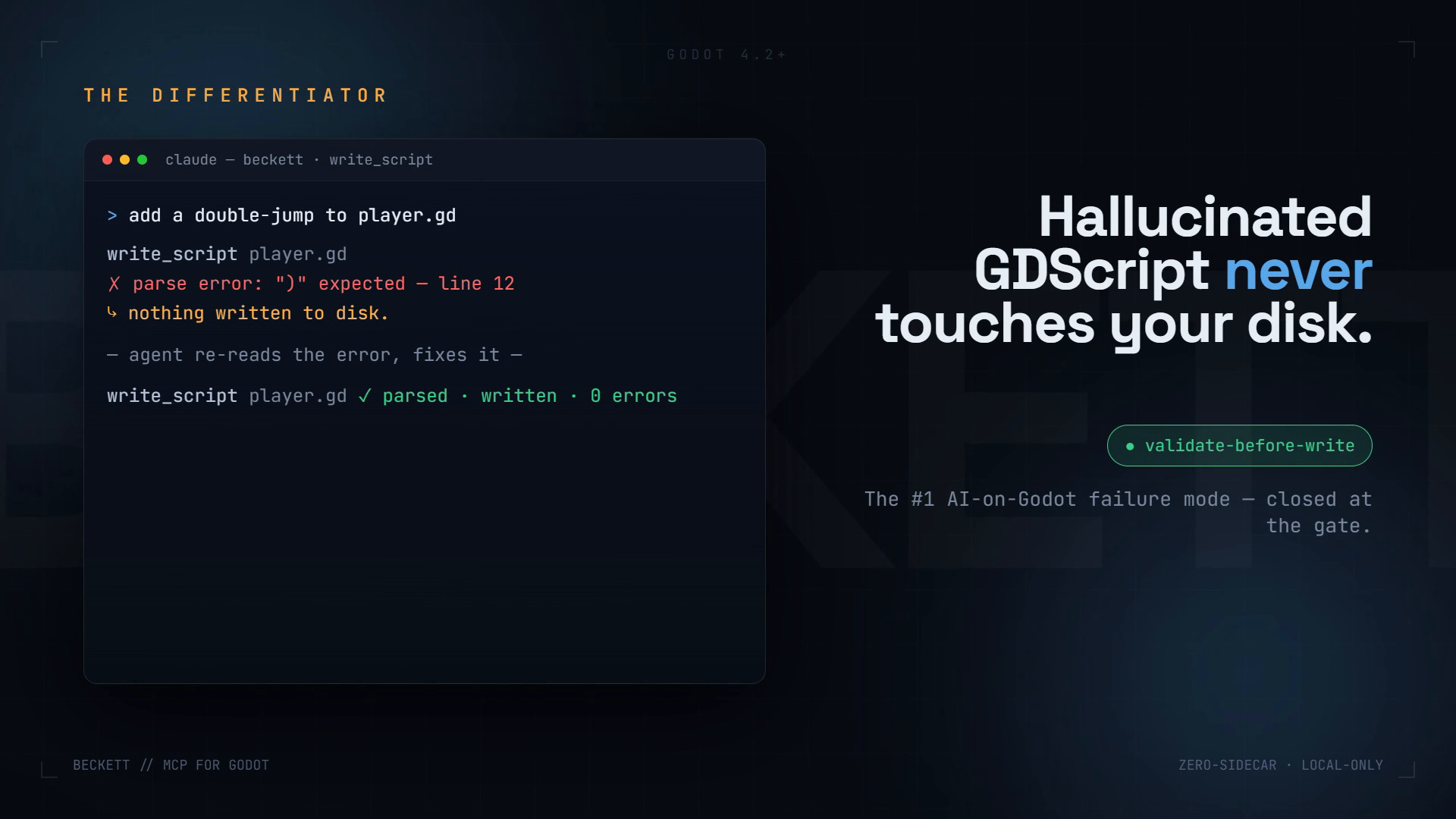
The developer documents a validate-before-write feature for GDScript. If an AI generates invalid syntax, the plugin checks it and refuses to save that broken script first. That prevents one class of failure; it does not prove the whole game plays correctly. Testing game rules, visuals and user experience is still necessary.
Another control you can actually see
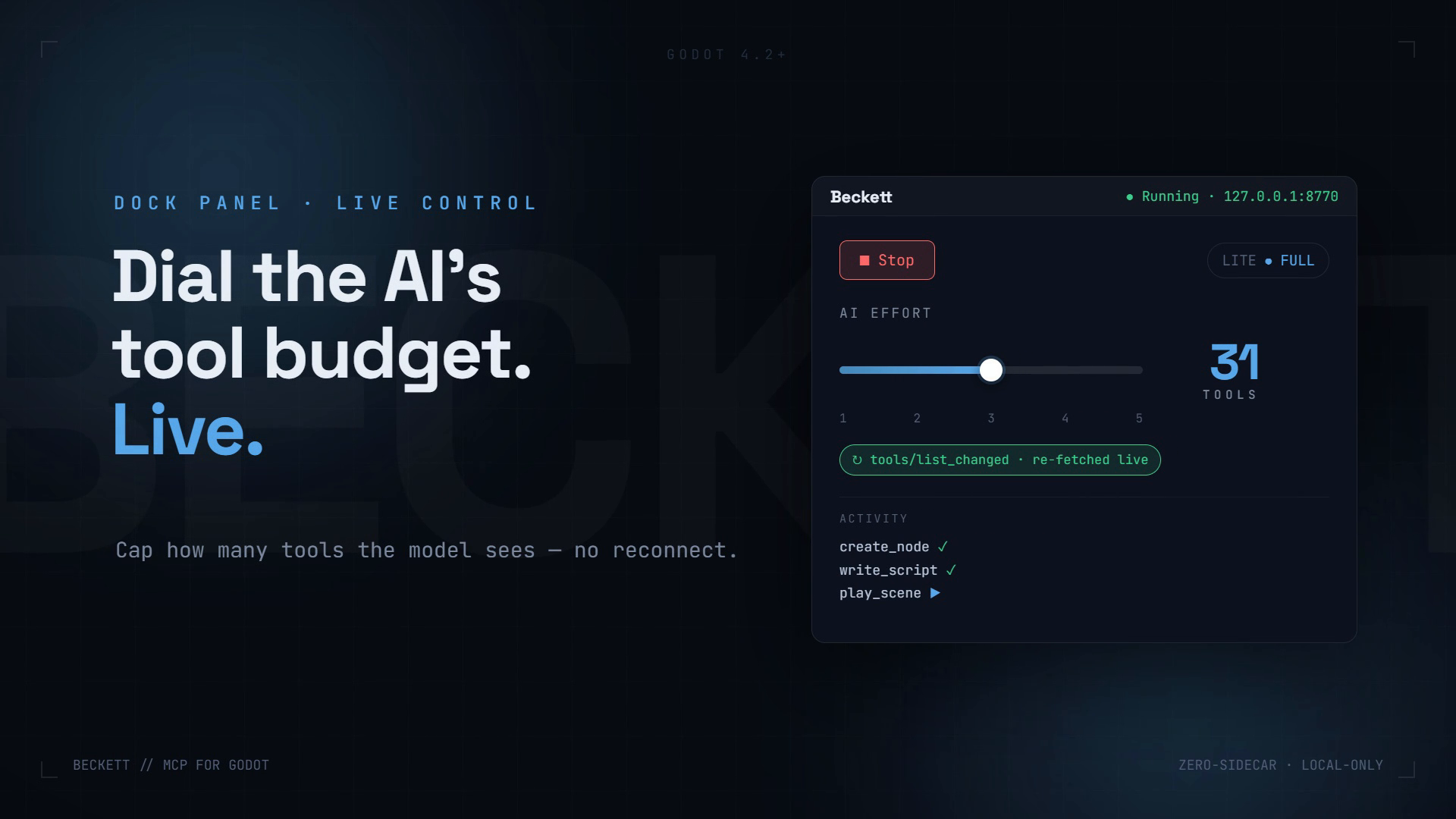
Beckett also shows an in-editor panel for changing the set of tools exposed to the AI agent. The screenshot is official promotional documentation rather than a GameSlash test recording. A smaller tool list can make the agent's options easier to manage; it does not guarantee fewer bugs or lower costs in every setup.
Try it and check the limits
The source repository explains installation and the Free Lite/Full distinction. The latest release used for this guide is v1.16.0 (October 6, 2026). Running a local editor, compatible AI client and its model still requires setup. No independent GameSlash gameplay test was performed.