 GAMESLASH
AI Asset Forge plans game assets and keeps generated files searchable
By GameSlash
AI Asset Forge plans and batch-generates game images, voice, music and video, then indexes files for search and reuse. Find out what works today and what is still on its roadmap.
Your AI game project now has twenty sword concepts, five menu tracks and several versions of every voice line. The hard part is no longer generating another file—it is finding the right one and reusing it without losing track of everything else.
AI Asset Forge is an open-source project that reads a game design document, uses AI to plan the images, items, scenes, music, sound and other assets needed, runs generation in batches, and organizes results in a searchable library. This is a practical guide based on the developer's README and screenshots
From a game plan to a searchable asset library
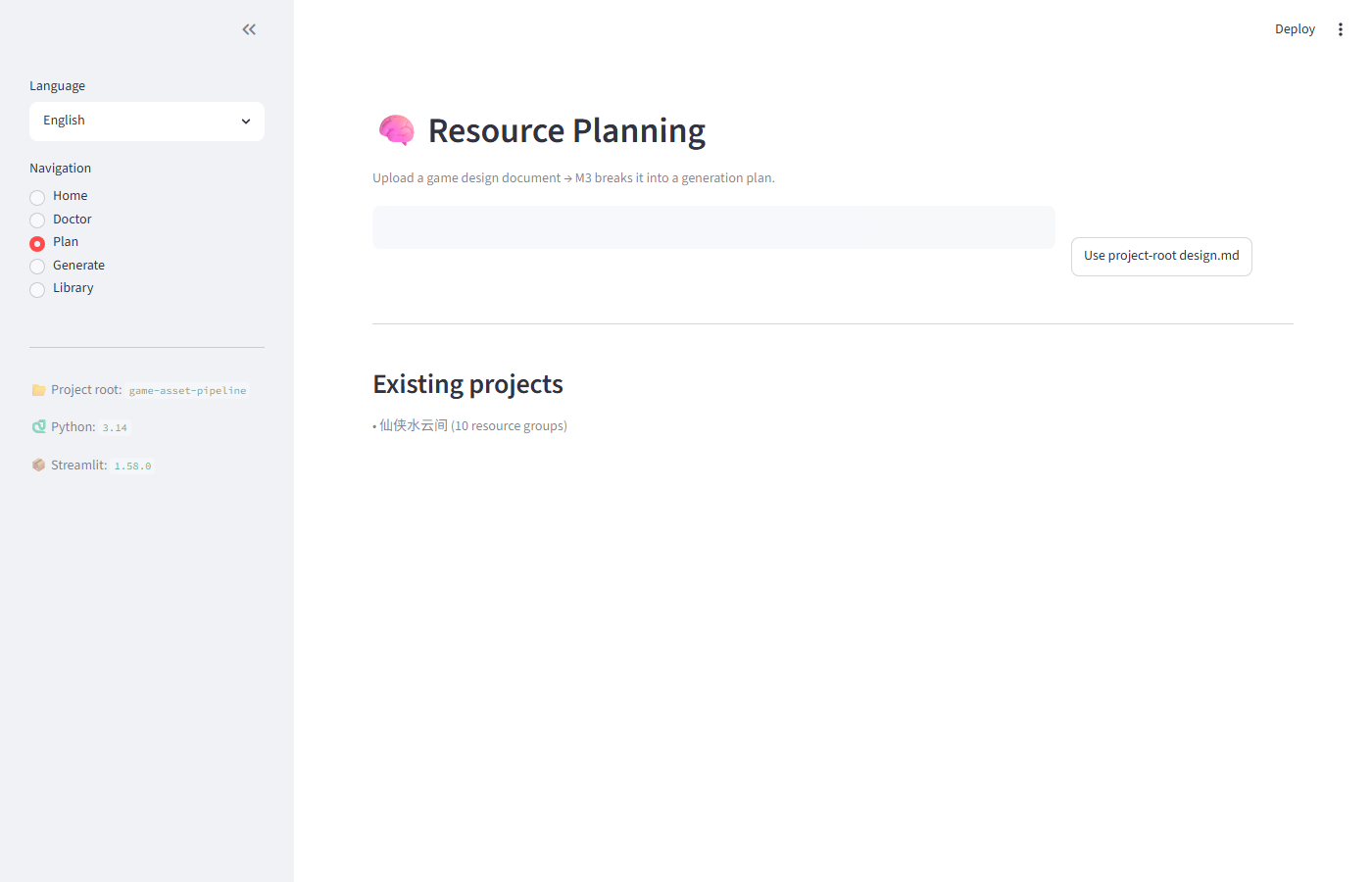
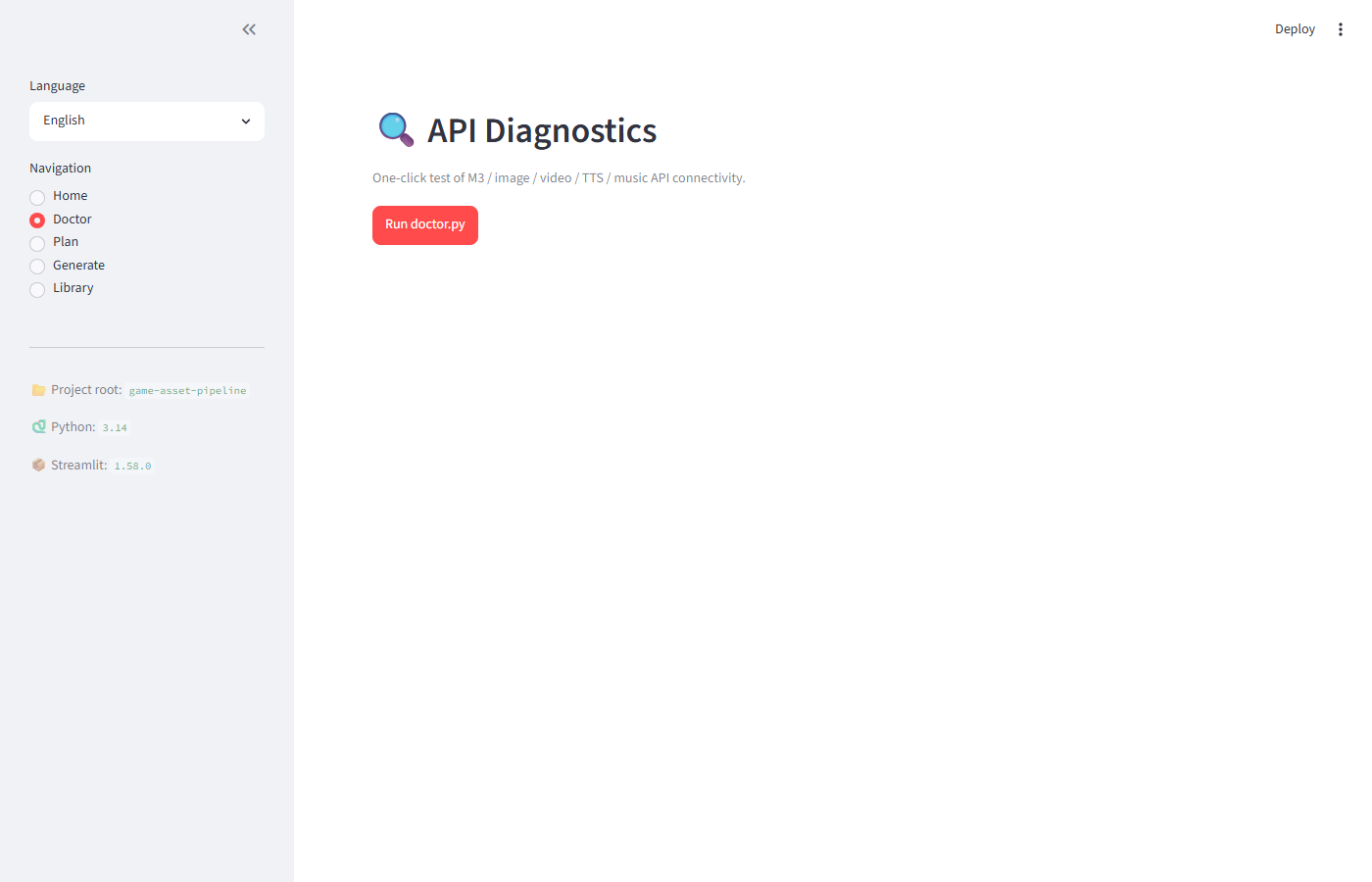
The creator's Resource Planning screen starts from a game design document and lists existing projects. The separate Doctor screen provides a connection test for the configured text, image, video, voice and music APIs, useful before starting a batch that may consume credits.
The Library indexes generated assets for search and preview. Assets can be copied into other projects, reducing the urge to regenerate art that you already made but lost in a folder. The library also uses SHA-256 to detect identical files; that does not mean it automatically detects visually similar artworks.
The useful workflow is more than another generator
According to the project's documentation, you begin with a .md or .txt game design note, ask MiniMax M3 to turn it into a resource plan, select which media types to produce, run the batch generation and inspect the results in Library.
For generated sound effects, the toolkit also contains an ffmpeg-based silence-detection and fade-out step, which can make raw effects easier to place into your game timeline.
What is ready and what is still planned?
The app is in beta and currently uses MiniMax for generation. It requires an API key, and creators should check the provider's charges before running it. Asset lineage graphs, version history and generation from an existing image remain on the roadmap.
Installation uses Python and uv, a MiniMax API configuration file and a Streamlit interface. Test it first with a tiny project and a small media batch, reviewing output quality and your actual AI provider charges.
It is useful for AI-assisted game creators drowning in files, not a game engine that turns every image into finished playable levels. Follow the GitHub instructions and read the project's MIT license.