 GAMESLASH
AI made your game, but the menu buttons don't match? Build one usable UI with Kenney's free kit
By GameSlash
Stop asking AI for a flattened menu image. Give your coding agent Kenney's CC0 button and panel assets, connect real controls and test the result.
An AI-built game may already have functioning levels, but the start screen can still look like a collection of unrelated buttons. Fixing each label and panel one by one is slow—and prompting an image model for a menu rarely gives you separately clickable controls.
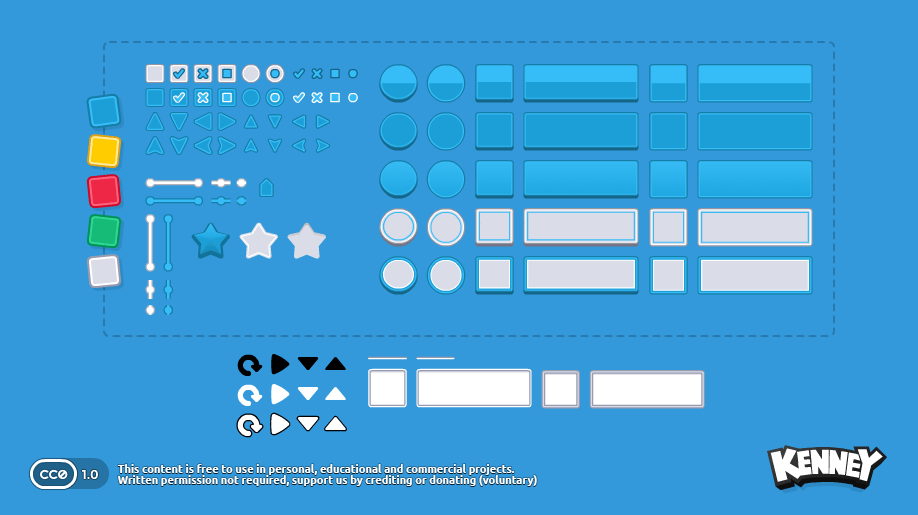
A practical alternative is to give your coding agent an existing UI kit first. Kenney's free UI Pack includes 430 interface files under the CC0 public-domain dedication. It supplies the visual pieces; your game engine and AI assistant still need to position them, connect button actions and test input.
Start with a working menu, not a decorative mockup
Download the pack from the official Kenney page. In your game project, create an assets/ui folder and import the images. Ask your coding assistant to build a main menu with Start, Settings and Quit using those assets—not to paint one big picture that merely looks like a menu.
For the first pass, require the Start button to open gameplay, Settings to expose volume controls, and Quit to close the game. Test those actions using a mouse or controller before worrying about polish. A mock screen is not yet an interactive UI.
Why a shared UI pack saves time
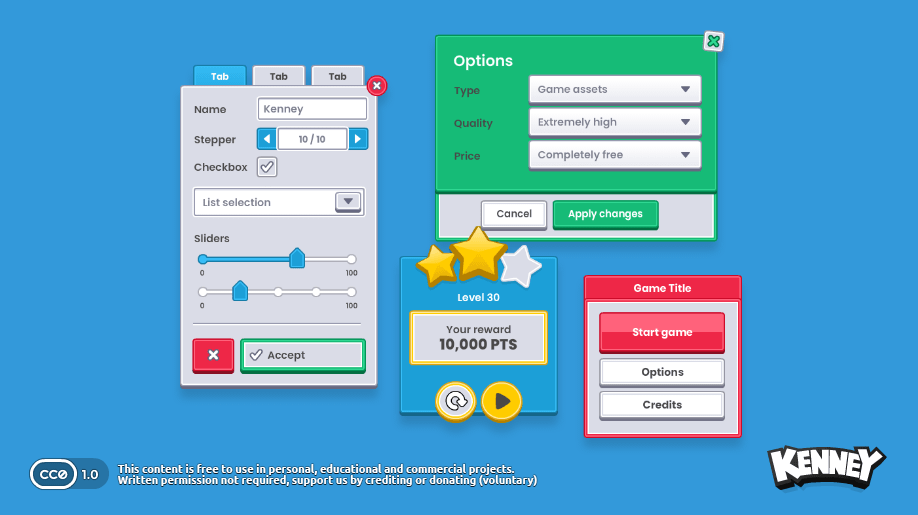
Using one family of controls makes corner shapes, shadows and colors consistent across the whole game. When the assistant builds the pause menu or inventory later, you can instruct it to reuse the same buttons and panel styles. This is especially useful for a vibe-coded prototype that otherwise accumulates mismatched generated images.
Build and check the UI at more than one resolution. Buttons need real click areas, readable text and enough spacing for touch or controller focus. The kit does not automatically implement responsive layout or game logic.
What this does—and does not—replace
This is an older asset pack, not a new AI product announced today. It is a source-verified technique for making existing AI game projects easier to finish. CC0 permits reuse, including commercial use, but the pack still requires you to integrate controls in your game.
Try a small experiment: tell your assistant 'use the files in assets/ui to create a consistent Start / Settings / Quit menu; connect the actions and let me test it'. Compare the result with a generated single-image menu. See Kenney UI Pack for downloads and license details.