 GAMESLASH
Unity ML-Agents: train game characters with rewards and penalties
By GameSlash
Learn how Unity ML-Agents examples use rewards to train a balancing agent and a block-pushing agent, with official scene images and practical setup limits.
Unity ML-Agents gives game developers example scenes for training behavior through rewards. Two useful starting points are keeping a ball balanced and pushing a block to a goal. Both make the objective visible, so you can inspect what your reward rules actually encourage.
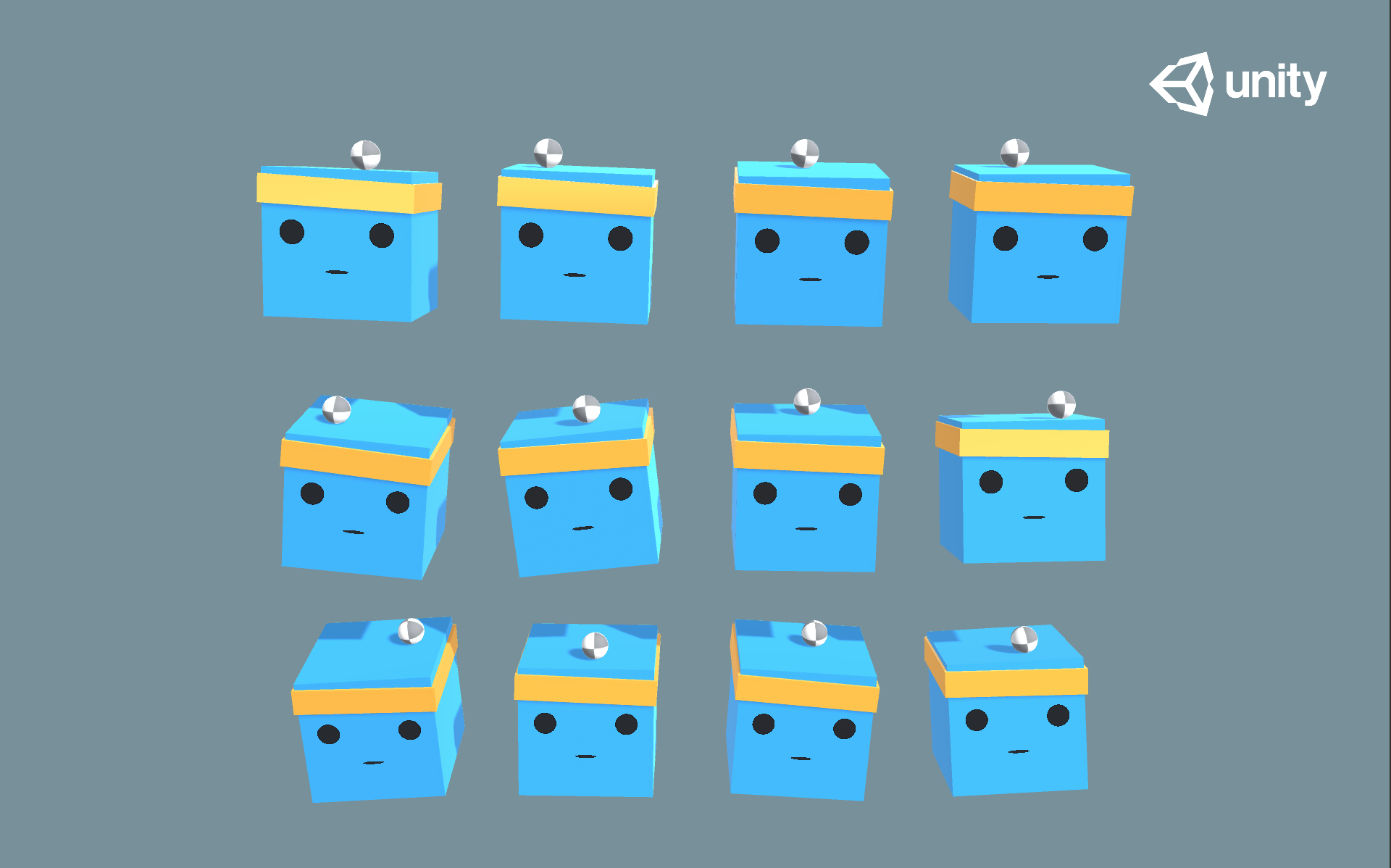
Balance a ball before designing a complex NPC
In 3DBall, an agent tilts a platform to keep a ball from falling. Unity's example awards +0.1 for each step the ball remains supported and −1 when it falls. The task demonstrates continuous control rather than selecting a fixed movement from a list.
For your own scene, decide what the agent can observe and which controls it may use before choosing rewards. A coding assistant can explain those components or help implement them, but you still need to check whether the resulting behavior matches your design.
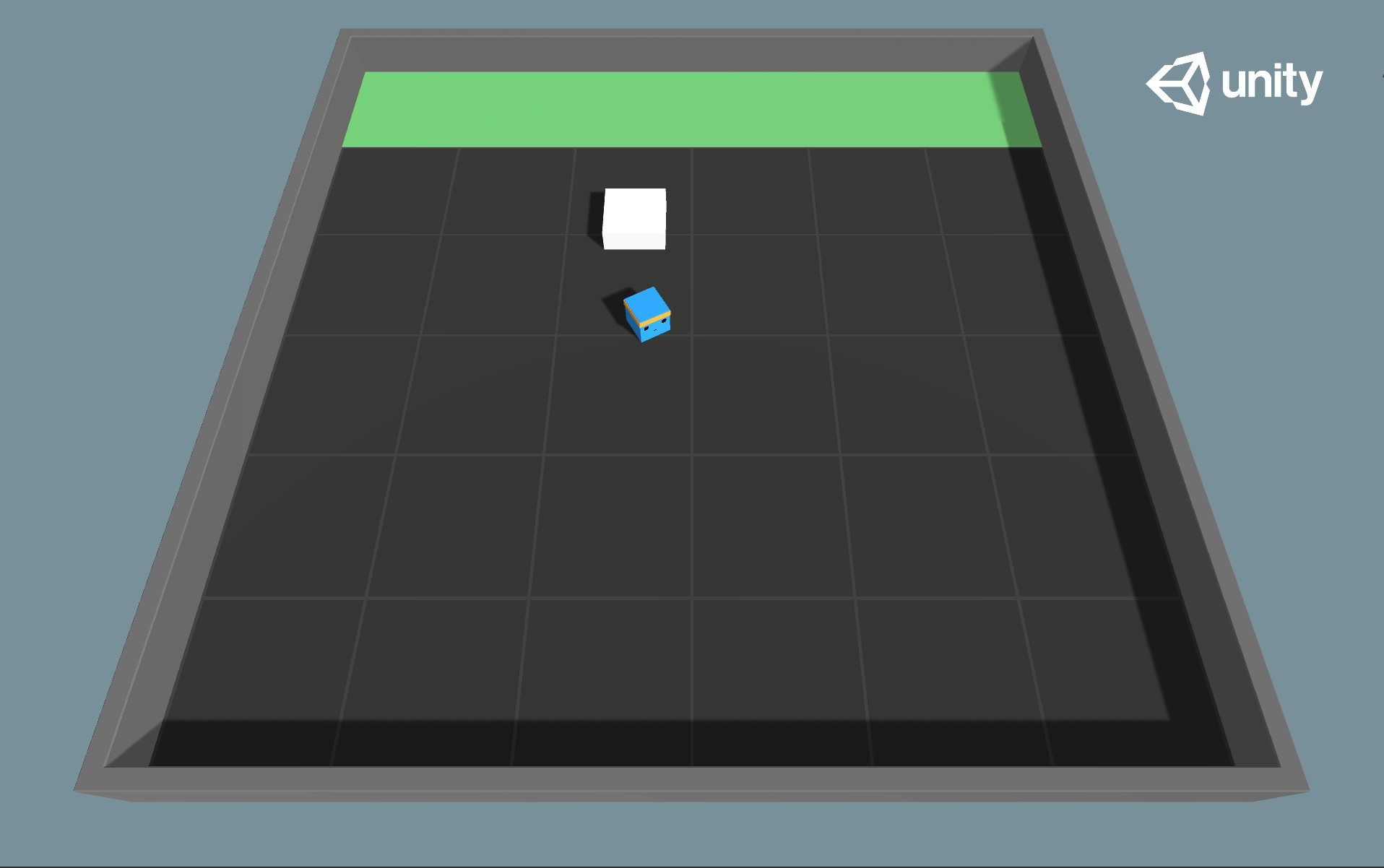
Reward the result, then check the behavior
Push Block rewards moving a block into the goal with +1 and applies −0.0025 each step. The time cost encourages completing the task rather than wandering. The example illustrates how changing a reward can change the behavior learned.
These are training examples, not ready-made characters for every game. Begin with one small arena, inspect failed attempts, and change one condition at a time. Do not infer that an agent understands your intended rules merely because its training score rises.
What you need
The workflow requires Unity, the ML-Agents package and Python training tools. Training and testing remain separate from generating code. This guide describes existing examples; GameSlash did not train these agents.
Read Unity's example documentation or see Unity ML-Agents in GameSlash Tools.