 GAMESLASH
LGUI 0.4 adds real browser UI tests for AI agents and improves Unity export
By GameSlash
LGUI 0.4.0–0.4.3 arrived November 8–9, bringing browser interaction tests, Unity font fixes and stricter validation, with Windows testing caveats.
LGUI, a game UI framework designed for coding agents, shipped version 0.4.0 on November 8, 2026 and followed it with 0.4.2 and 0.4.3 on November 9. The important change for AI-assisted game creators is a workflow for designing game screens in the browser, running interaction tests, and exporting them to Unity without hand-rebuilding every screen. The project's dated changelog documents exactly which features and fixes arrived in each version.
What changed in version 0.4.0?
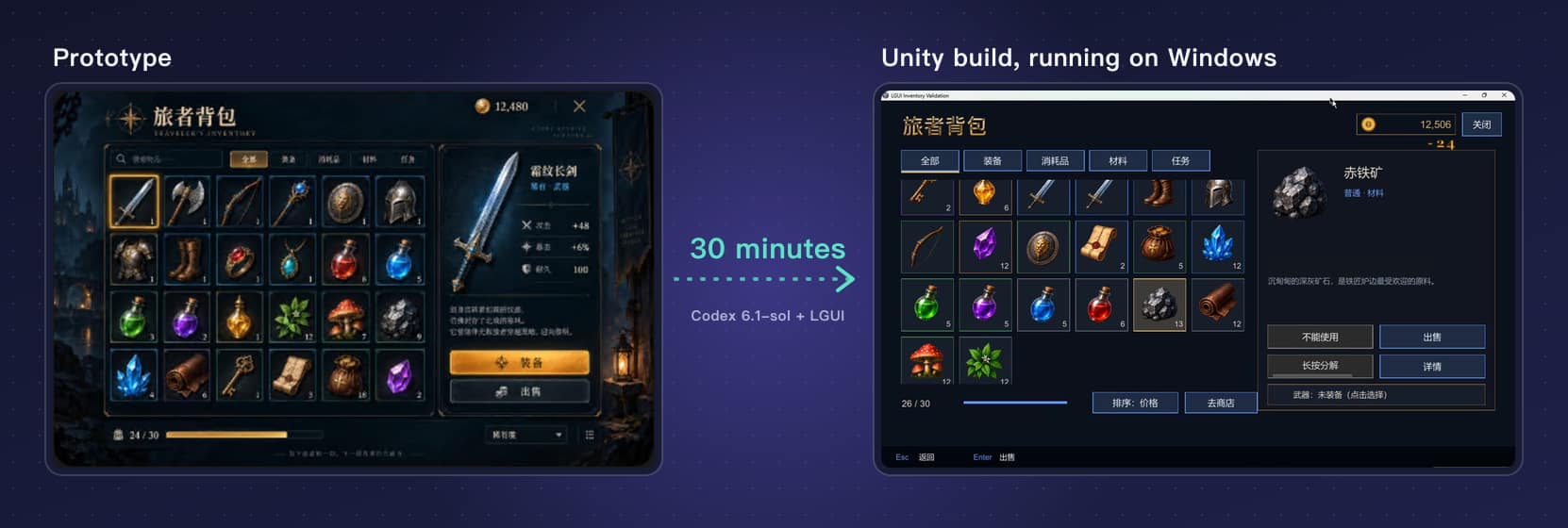
The November 8 release added browser-backed UI tests using the same test commands as its headless runner. An AI agent can prepare a screen in source files, run `lgui check` for structural problems, then use `lgui test --browser` to exercise clicks, touch and keyboard interaction in Chrome or Edge before exporting through `lgui unity export`. Version 0.4.0 also added project-font handling, more animation/tween controls and cross-package images. This makes checking actual hit targets and layouts more concrete than judging generated code alone.
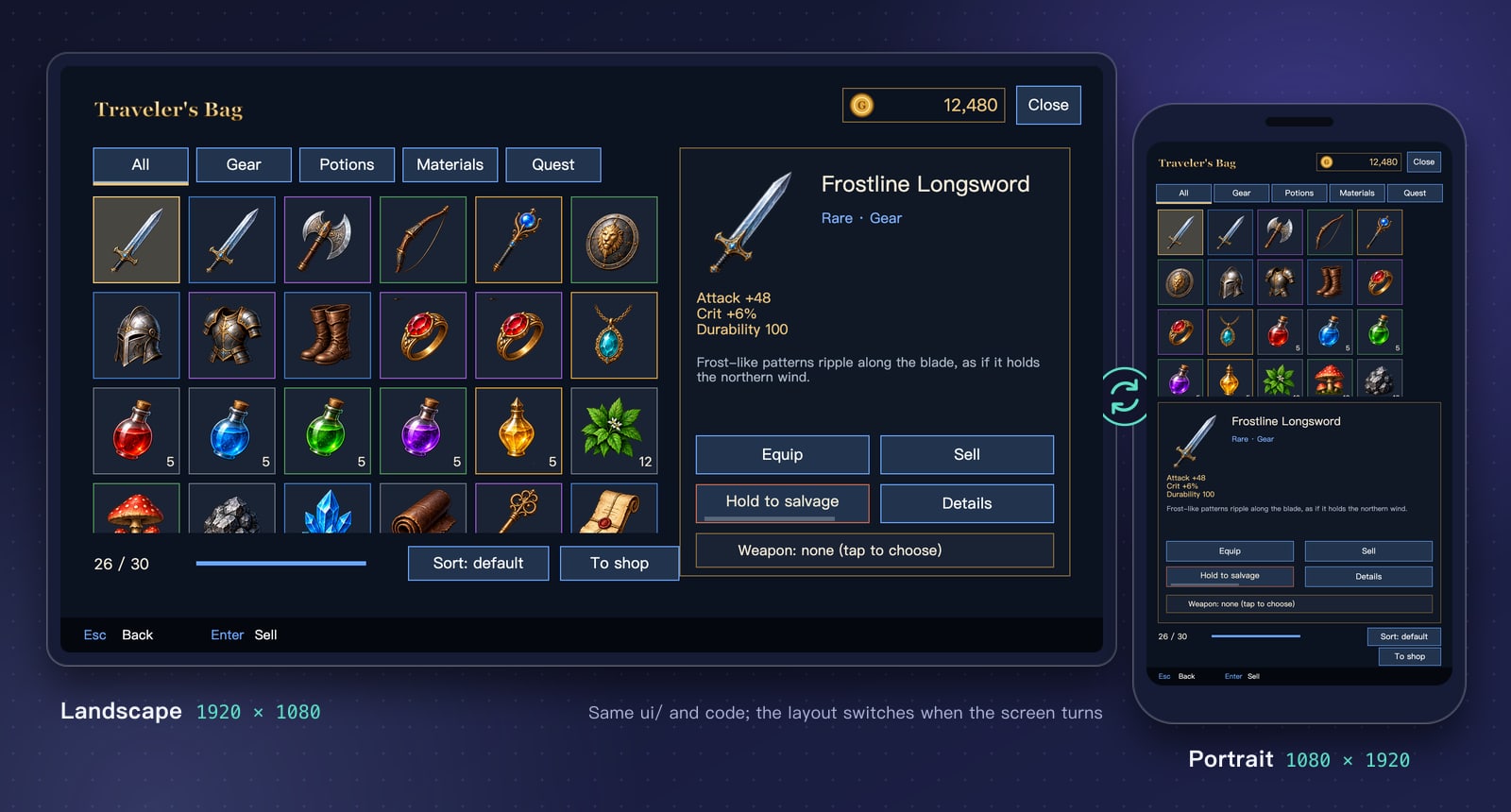
LGUI's screens use FairyGUI-style UI files and TypeScript logic. Its editor, browser preview and Unity exporter are distinct parts of the same pipeline; it is not a tool that converts a single prompt into a completed game. The public README and live inventory demonstration show the intended workflow.
November 9 updates fix Unity text, with a caveat
Version 0.4.2 addresses a bug where project fonts produced invisible text in Unity's TextMesh Pro integration; 0.4.3 adjusts stroke and shadow values to design-pixel units and tightens validation. Designers using italic text or heavy text shadows may now hit new validation errors. The maintainers explicitly say the latest C# changes have not yet been compiled and tested on a Windows Unity installation, so the fixes should not be described as independently verified in production.
How to use it in an AI game-development workflow
A practical first test is to build an inventory screen from the starter example, run `lgui check`, exercise the UI through `lgui test --browser`, and export to Unity. Compare fonts, outlines, click targets and portrait/landscape layout in the actual target engine; use the 0.4.3 release notes for breaking changes. The README requires Node 24 and Chrome or Edge for the browser-based workflow. LGUI is source-available under PolyForm Shield with additional permissions, rather than an unrestricted MIT-licensed engine.
Sources: LumioGames repository · Changelog dated November 8–9, 2026 · Licence and notices.