 GAMESLASH
3D game objects look flat? PLAYTEX AI explains texture maps and game skyboxes
By GameSlash
A September 30 creator guide shows surface texture and PBR-map preparation, plus a stylized skybox. Learn what uses AI and what does not.
A 3D game prop may have the right shape yet look like plastic when its surface lacks convincing roughness, color and bump detail. PLAYTEX AI's Creator Playground explains how to turn source artwork into reusable textures and separate material maps, then prepare a stylized game sky. The project's guide and original sample artwork, dated September 30, 2026, cover material preparation and game-engine handoff.
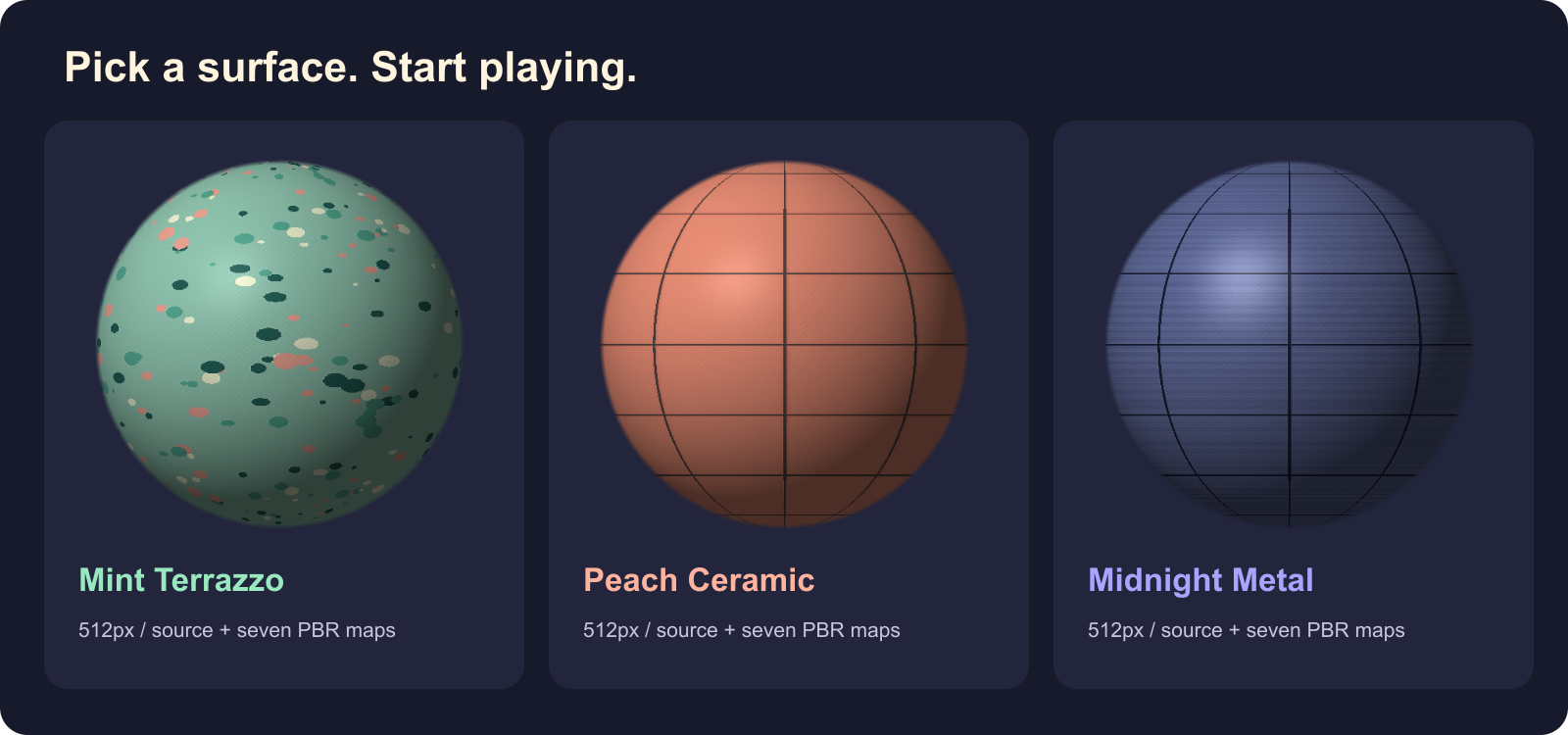
From an image to material maps
Start from a suitable photo or illustration. The image-to-texture workflow focuses on making a surface repeat without an obvious visible seam. The PBR Map Generator then prepares channels for color, normal detail, roughness and other properties that let a 3D engine respond to lighting more convincingly.
Important distinction: the developer says AI-assisted tools can create the source imagery, while the PBR map generator uses deterministic image processing, not an AI model inventing a new material from scratch. The original GitHub previews shown here were deliberately created as illustrations and should not be presented as results from the live online generator.
A sky around the scene
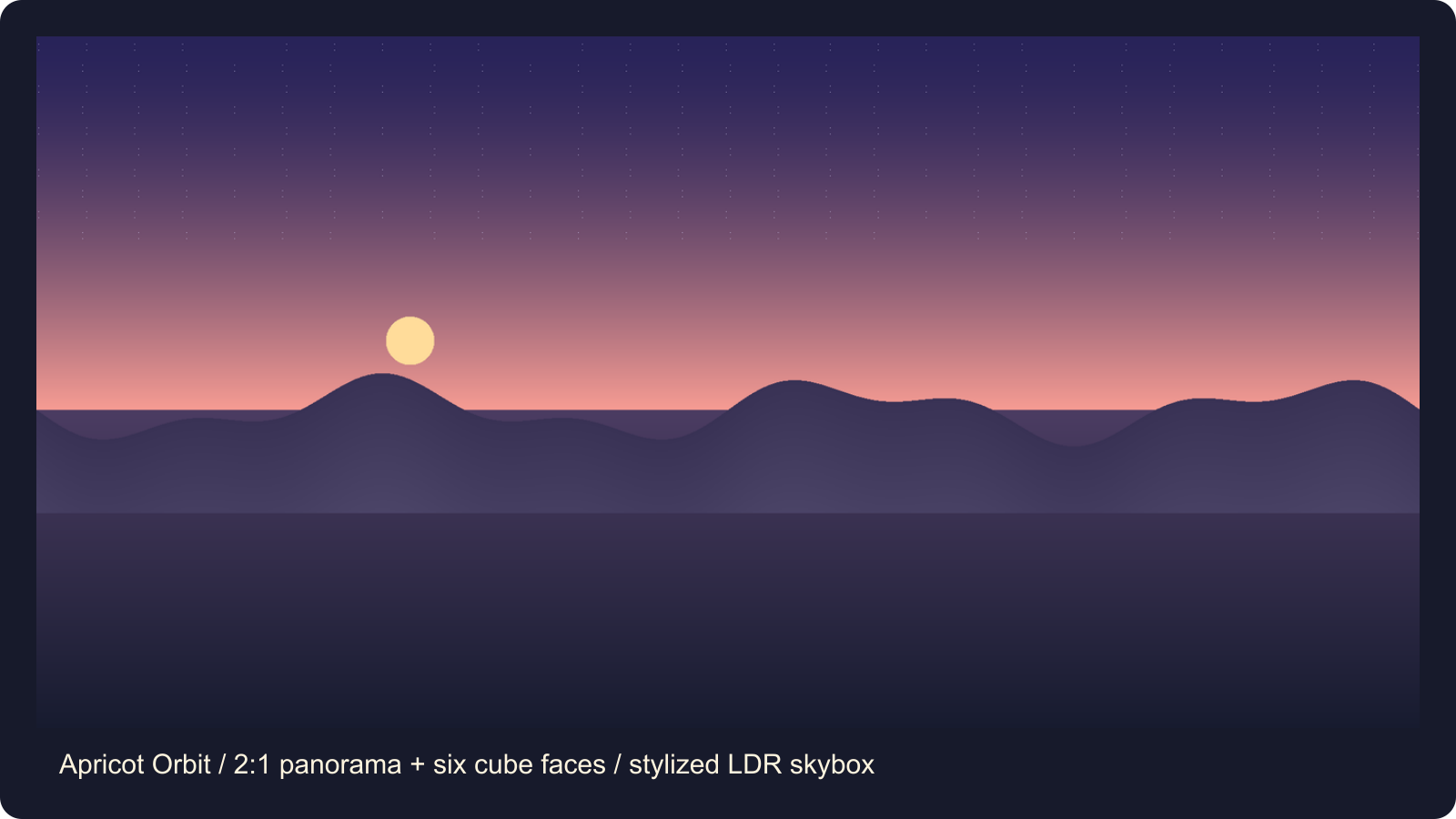
For an outdoor level, a panorama can become a surrounding skybox. The sample above is a stylized LDR sunset illustration with a matching six-face cube layout, not a physically accurate high-dynamic-range lighting capture. The skybox guide explains the workflow; lighting consistency and orientation still need checking in the game engine.
Before using a material in a game
Follow the engine handoff guide for import conventions such as normal-map direction and channel packing. A material that looks correct in one viewer may appear different in Godot, Unity or Unreal. Check seams, scale, file size and performance on your own scene. Also check the service's plan and download terms rather than assuming every hosted texture is free to redistribute.
Try the creator guides and downloadable samples. The two illustrations in this article are the project's original preview artwork released under CC BY 4.0 according to its file-specific rights record; the repo explicitly excludes some third-party or separate website assets from that license. No GameSlash testing of the paid web service is claimed.