 GAMESLASH
Players don't know which key to press? Give your AI-built game clearer control prompts
By GameSlash
A control-clarity guide using Kenney's free CC0 Input Prompts and Game Icons: show correct buttons for the connected device and test remapped controls.
A game can be technically playable and still lose people in the first minute because they cannot tell what to press. On a keyboard it says 'press A' while the player uses a controller; after a key is remapped, the on-screen hint still shows the old key.
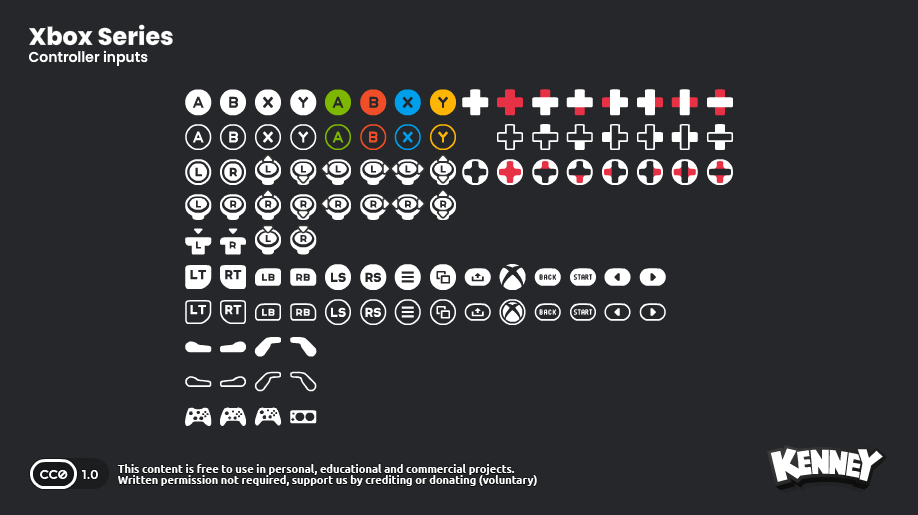
Kenney's Input Prompts pack provides 1,500 CC0 files for keyboards, gamepads and other devices. Pairing the right symbol with the game's real control settings is more important than how impressive the artwork looks.
Show the actual assigned control
Import the prompt images and tell your AI assistant to read the game's existing input actions. For Jump, Interact and Pause, draw the symbol for the current assigned key or button near the relevant on-screen instruction. Do not hard-code a button image that only happens to match the developer's own machine.
Ask the AI to test the simplest failure cases: switch from keyboard to controller, remap Jump, and disconnect the controller. Each transition should update the visible hint correctly. If the engine cannot detect devices or bindings yet, implement that logic first.
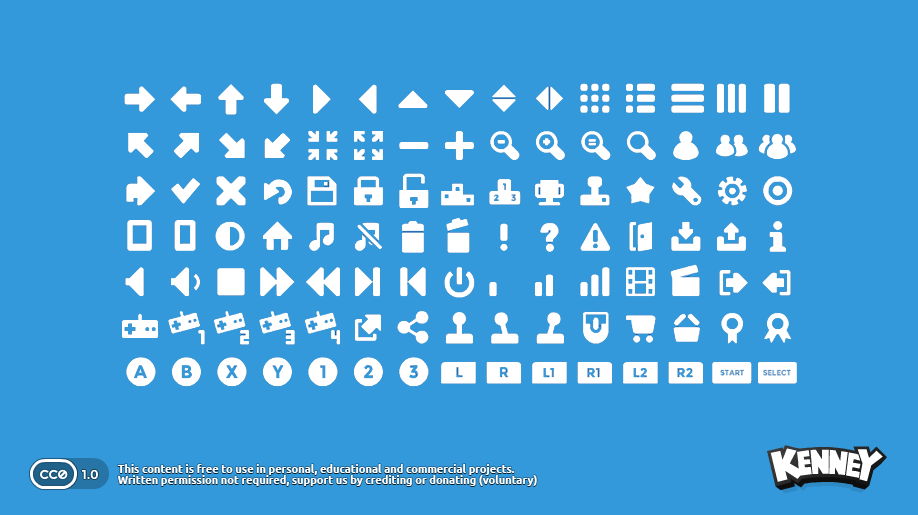
Generic icons and device buttons solve different problems
The separate 105-file Game Icons pack includes common interface symbols such as settings, audio and pause. Use it for a menu meaning; use Input Prompts for exactly which physical control activates that menu. Mixing those roles can make the interface misleading.
A simple brief is: 'For Interact, display the currently bound keyboard or gamepad glyph; when the player changes the binding, update the hint immediately. Keep a text fallback if a symbol is missing.' Include a short tutorial scene and test it with a second person.
A reusable skill, not a new AI launch
Kenney lists Input Prompts as a pack first released in 2024 and Game Icons in 2014. The official input-prompt guide also discusses bitmap/vector formats and missing keyboard characters. See Input Prompts and Game Icons for CC0 downloads.