 GAMESLASH
Three.js Lab Skills: a coding-agent workflow for editable 3D geometry and browser interaction
By GameSlash
A source-based look at reference-driven geometry, browser review and the limits of the Blender connection, with asset licenses kept separate from code.
Three.js Lab Skills, hosted in the 3D-lab-skills repository, gives coding agents a workflow for creating geometry with Three.js or a connected Blender setup, then reviewing motion and interaction in a browser. This is a source-based overview; GameSlash has not run the tools.
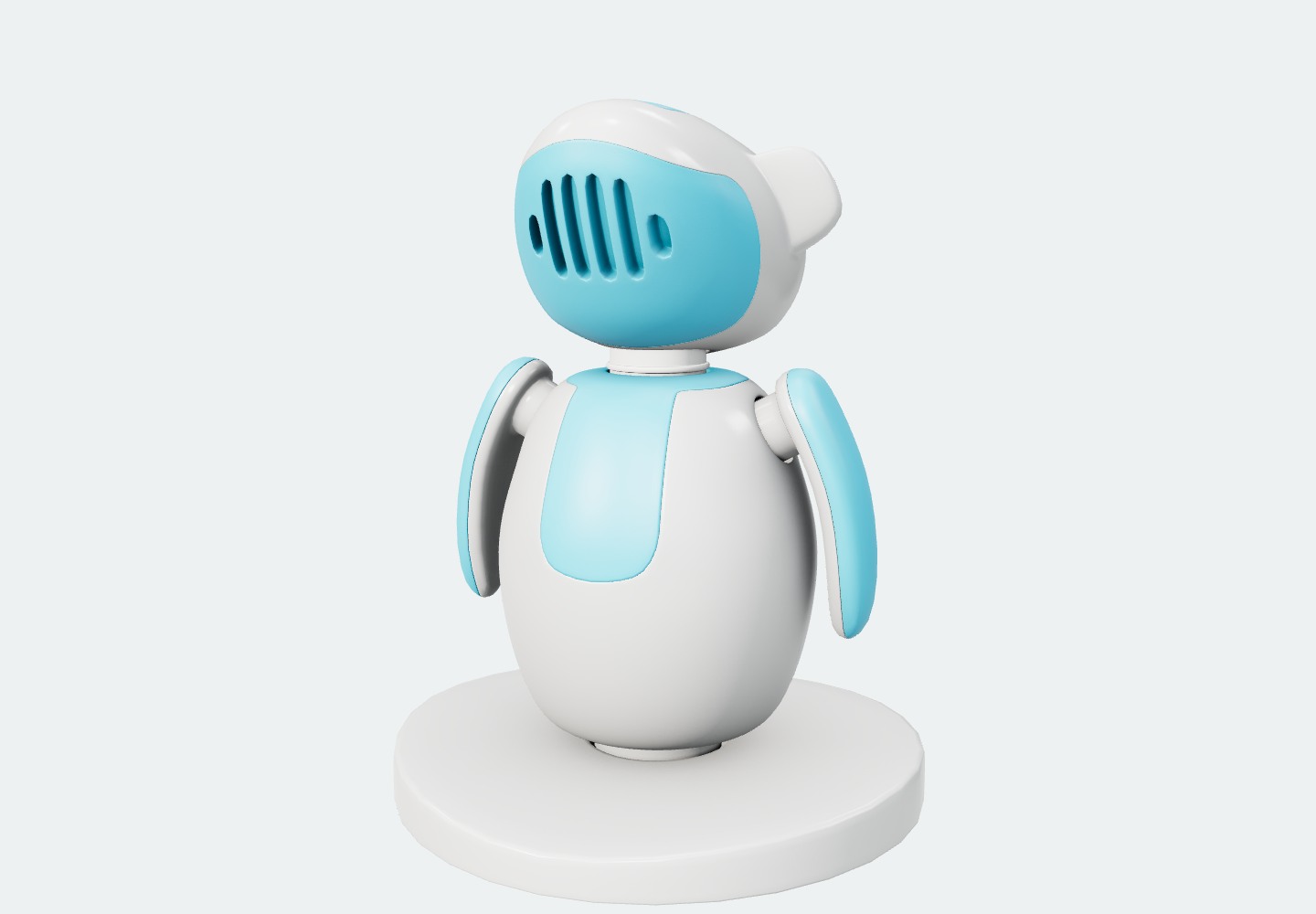
The robot is an existing gallery asset, not evidence that this AI workflow generated it.
Start with a reference, then review the geometry
The documented workflow starts with a reference image, code-authored geometry and a localhost review page. Geometry can use Three.js or an already connected Blender setup. Motion, controls and click responses are implemented in Three.js.
Requirements include Node.js 22 or later, npm, Git and a coding agent with local file and shell access. Reference images come from the host agent’s image tool or the user. The documentation says live Blender generation remains unverified until its addon connects; installing the skills alone does not establish a working Blender generation pipeline.
Keep the behavior code alongside the model
A GLB does not contain the entire interaction program. Keep the Three.js behavior code and check import, scale, polygon budgets and behavior in your own engine before using the result in a game.
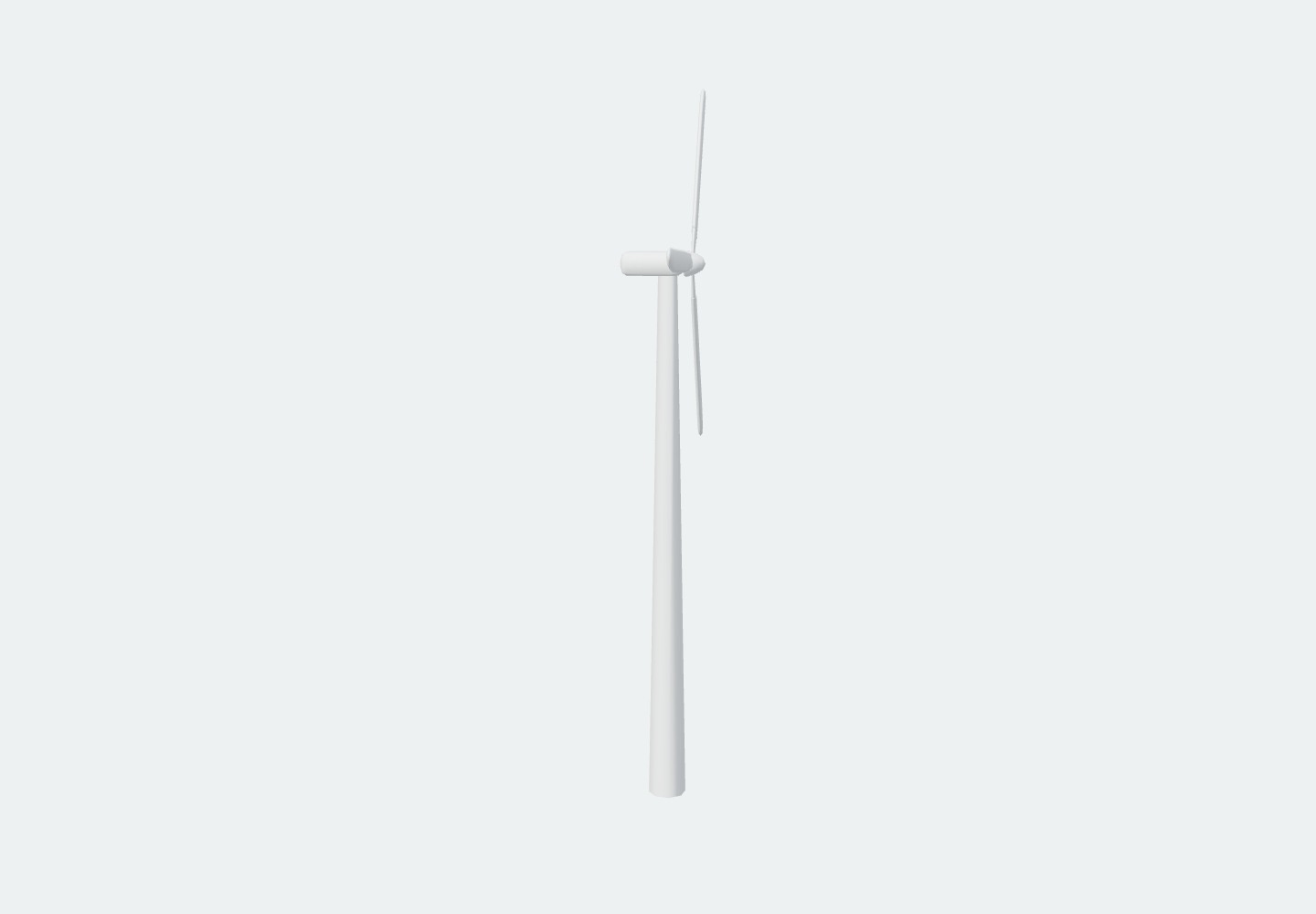
This turbine is another existing model used for gallery inspection, not a newly AI-generated result or gameplay screenshot.
Check model rights separately from the code
The project code uses GPL-3.0, while individual assets retain separate terms. The project records CC BY 4.0 credits for the robot and turbine illustrated here; this is not a blanket license for every gallery model.
Read the Three.js Lab Skills documentation and individual model credits and terms before reusing assets.