Back to Tools
Game design and data management

Godot: Saving Games

By Godot contributors

A Godot save/load foundation with JSON and scene-reconstruction caveats.
guide
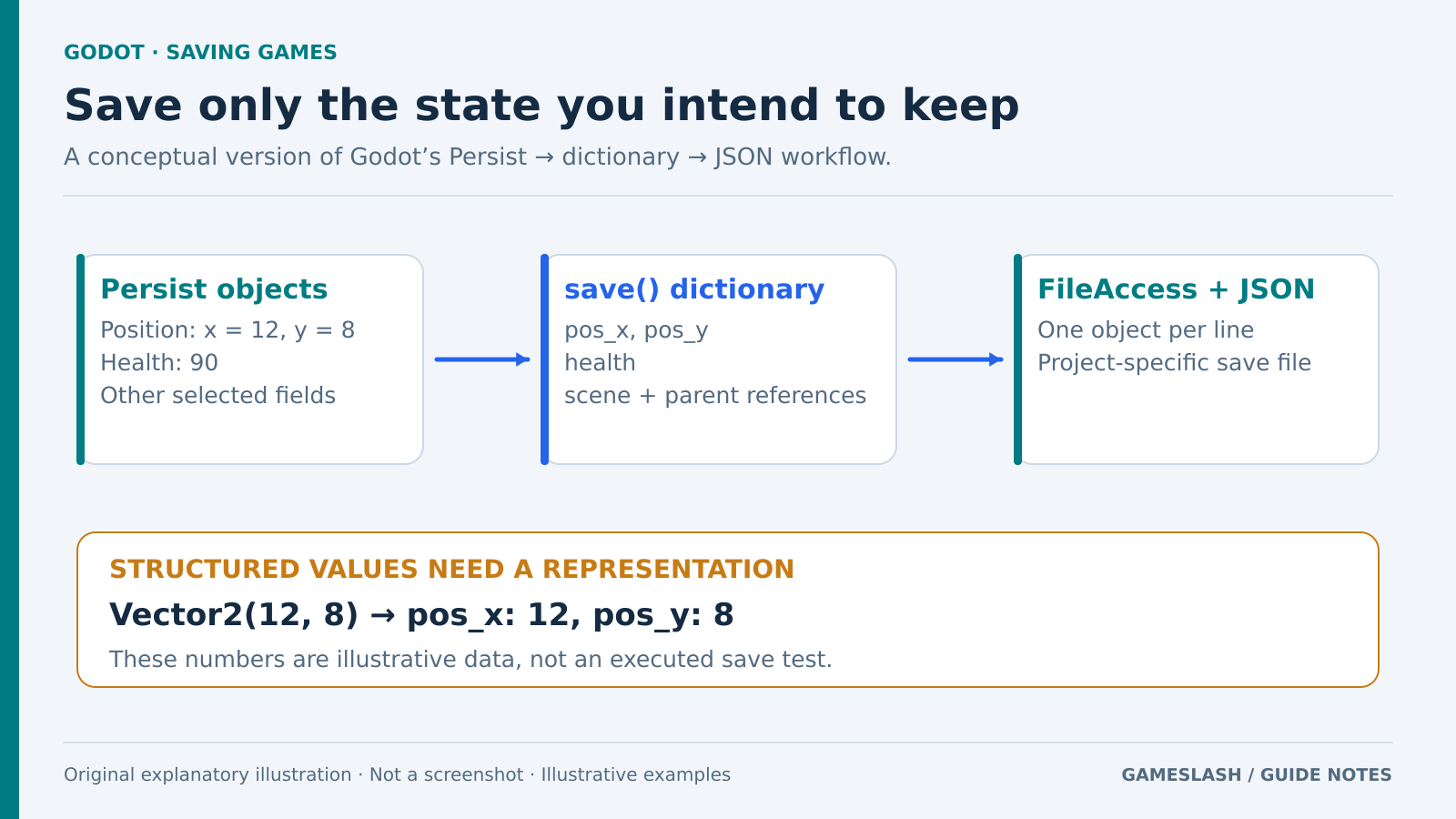
Persist objects supply selected fields to dictionaries, which become JSON lines written with FileAccess; a Vector2 is represented as separate x and y values.
Original serialization diagram using synthetic values. No game or save file was executed. Original explanatory artwork prepared for GameSlash with AI assistance. Documentation is the factual source only; no source imagery reused. Not an official screenshot or gameplay capture. Concept source

Use it for: A prototype checkpoint that restores position, health and object state.

Start: 1) Select persistent fields. 2) Add objects to Persist and return a dictionary from save(). 3) Follow FileAccess/JSON serialization and reconstruction.
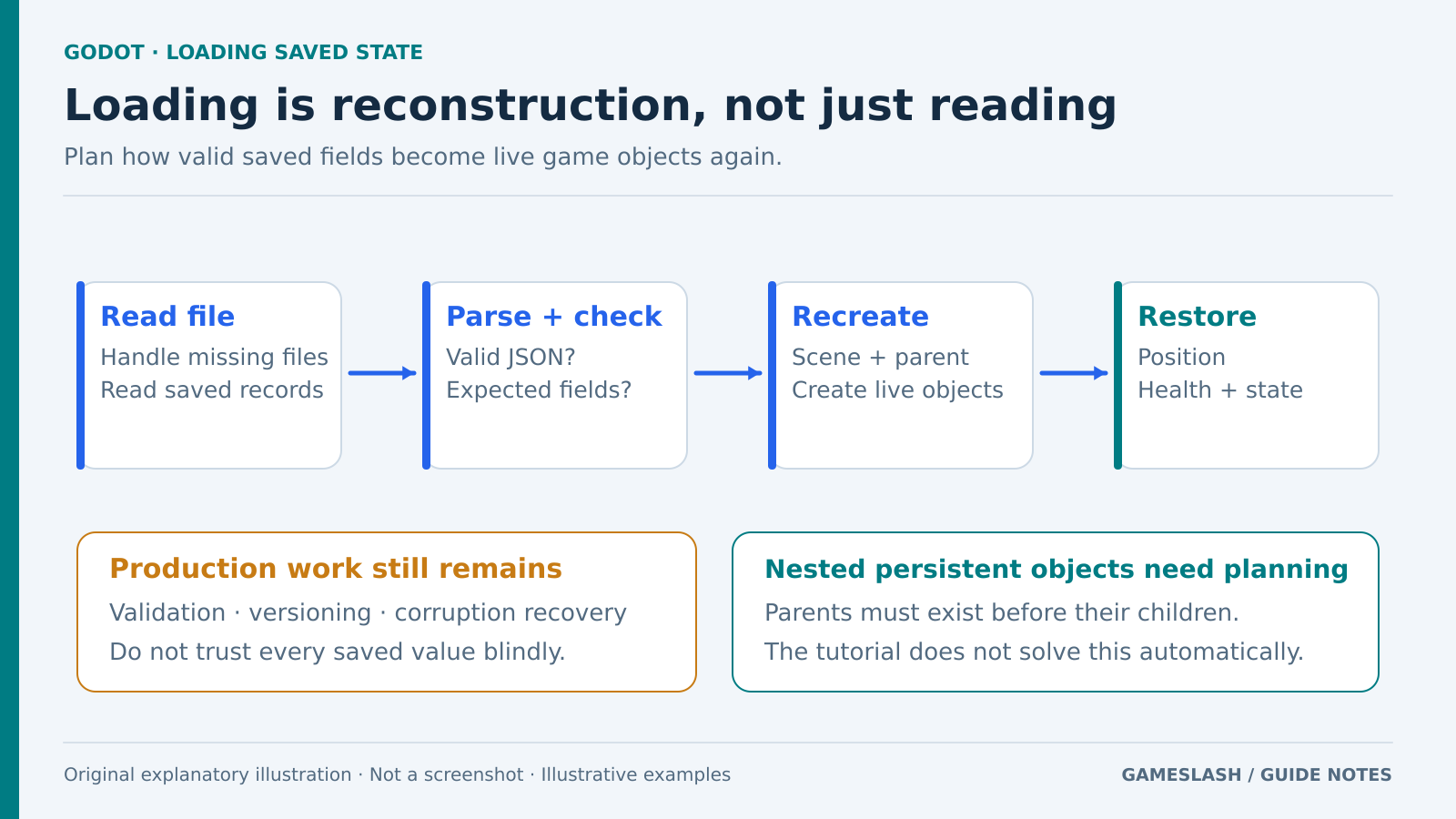
A four-step load diagram reads records, checks parsed data, recreates objects and restores fields, with notes on recovery and parent-before-child ordering.
Original loading diagram. The validation and recovery work shown is a project responsibility, not a guarantee of the tutorial sample. Original explanatory artwork prepared for GameSlash with AI assistance. Documentation is the factual source only; no source imagery reused. Not an official screenshot or gameplay capture. Concept source

Try checking: Save, close and reopen the game; then test missing or incomplete data in a project copy.

Limits: JSON needs converted values for Vector2. The example does not automatically support nested Persist objects. Production saves still need validation, versioning and corruption recovery.

Source: Official guide

View source