 GAMESLASH
PerfectPixel helps turn AI character art into stable game animations
By GameSlash
See how PerfectPixel checks cut-off poses, removes stray backgrounds and aligns sprite frames before you use AI art in a 2D game.
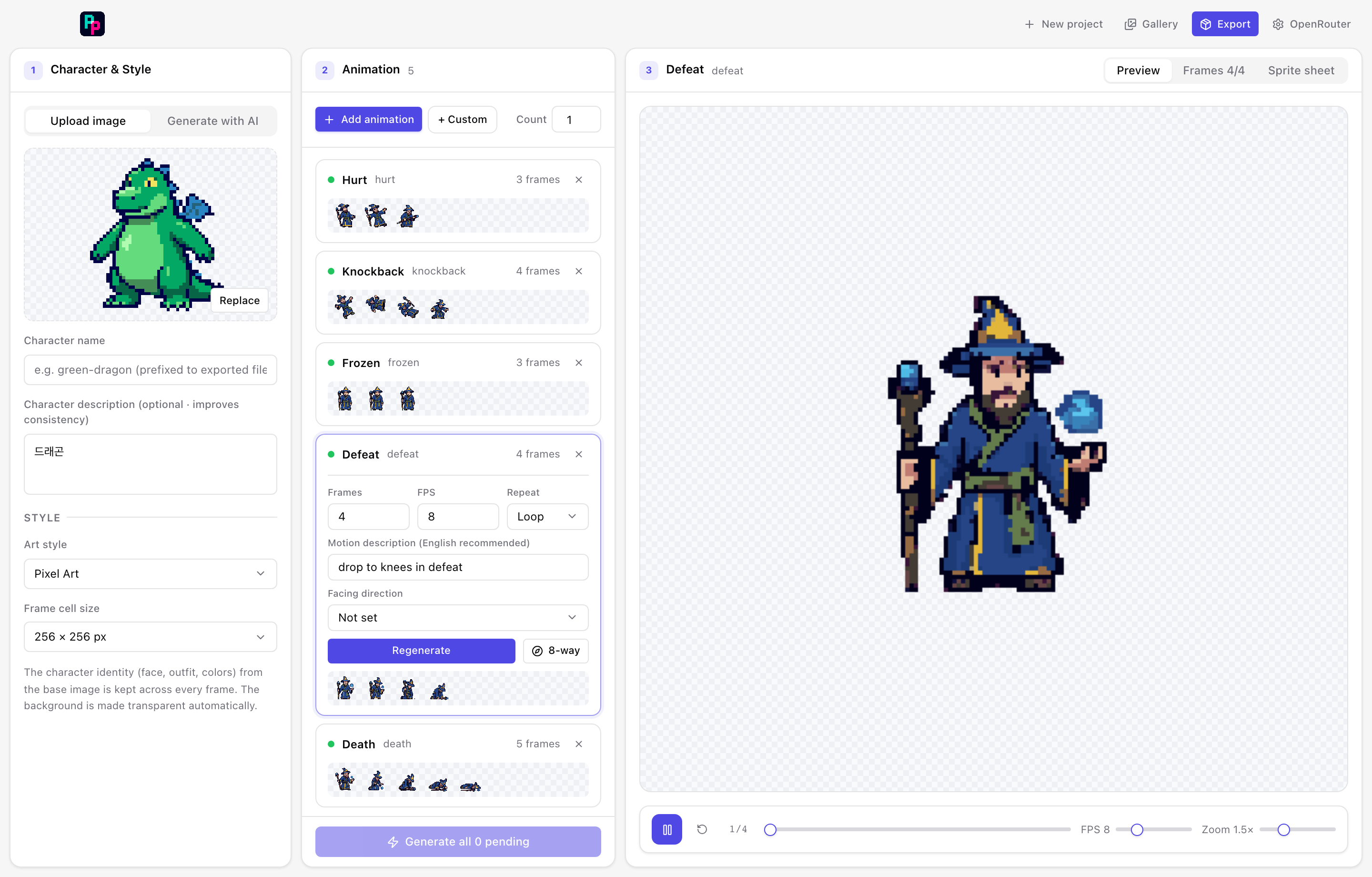
AI drawings can look good as still images but cause trouble once turned into game characters: backgrounds may stick to the sprite, different poses get cut in half, or the character appears to slide between frames. PerfectPixel is an existing open-source project that generates character art and animations, then checks and repairs common image problems.
Why a picture is not yet a game animation
PerfectPixel takes a character description and a motion such as walking, attacking or cheering, asks an image model to generate a sequence, then separates the poses into frames. The source project describes more than 100 motion presets and optional eight-direction sets. It needs an AI-provider API key and a local app build; it is not a free, single-prompt online game maker. The developer demonstrates the process and source code at the official repository.
In games, frames have to contain the same character in the right place each time. If the drawing shifts left and right between frames, the character seems to jitter even though the animation technically plays.
The useful difference is automatic checking, not merely generating more images
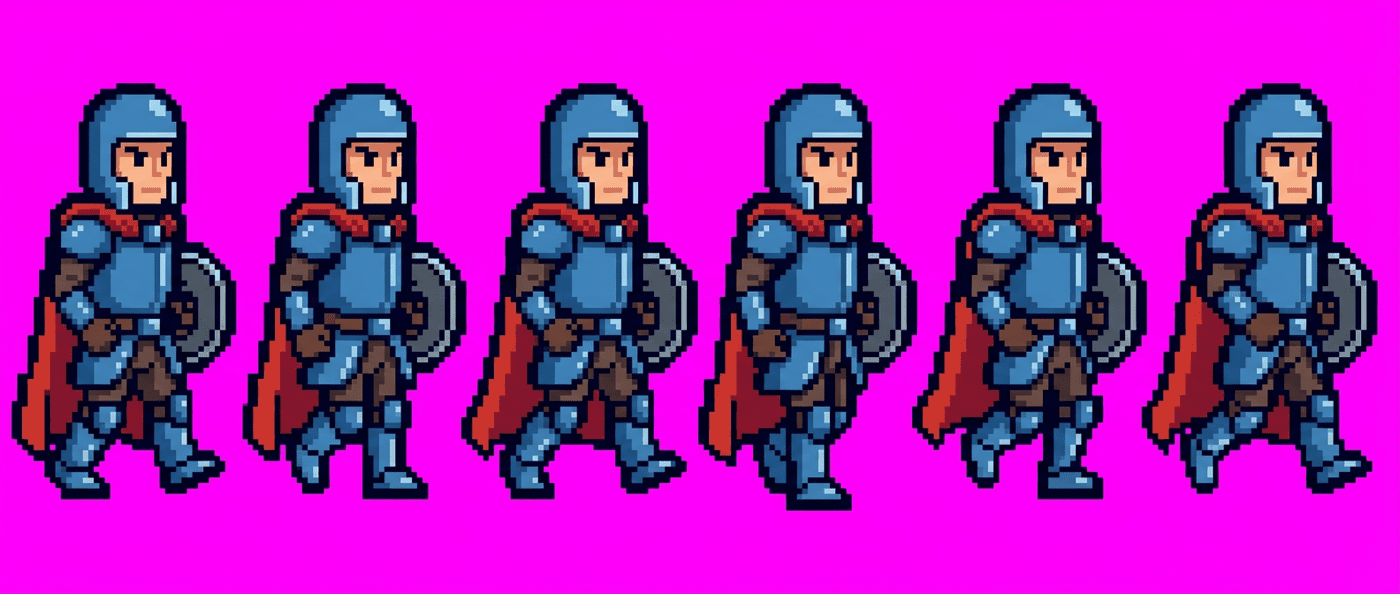
Instead of trusting the first strip of AI pictures, the tool checks whether the number of frames is correct, whether the poses have meaningful movement, and whether the character's appearance changes unexpectedly. It can retry with specific corrections for a detected problem, up to three passes. This is a claim about the project's documented workflow, not independent testing or a promise that every animation will pass.
It also cleans up the background and uses the character's visual center to keep the body stable across frames. The developer provides side-by-side illustrations and project-reported measurements; results will still vary with input art and the chosen image model.
What a beginner game creator can take away
If you are making a small 2D game with AI assistance, start with one approved character image, then generate a short animation. Check four things before importing it into a game engine: transparent background, complete limbs in every frame, stable character position, and consistent pixel size. PerfectPixel offers an example of turning these checks into a repeatable workflow rather than re-prompting blindly.
The repository documents exporting sprite sheets, frame images, animated previews and metadata for importing art into a game. However, a completed sprite sheet is still an art asset: gameplay controls, collision, rules and testing remain separate tasks. See the project code and setup requirements before assuming it will run on your computer.
Source and image credits: PerfectPixel (gykim80), GitHub repository. The repository lists the MIT license. No first-hand game test was conducted for this article.