 GAMESLASH
Scenario Skills 0.62 lets AI make playable game ads from an idea, no gameplay footage needed
By GameSlash
November 11 update lets creators start with a short game brief, generate two concept screens and build a preview playable ad using Scenario agents.
Scenario released Skills v0.62.0 on November 11, 2026. Its playable-ad agent can now begin with a game idea or a genre name, instead of stopping when the creator has no gameplay recording or screenshots. The update changes the starting point for prototyping interactive mobile-game advertising, not the mechanics of an already released game. The official release notes and merged change #410 document the change.
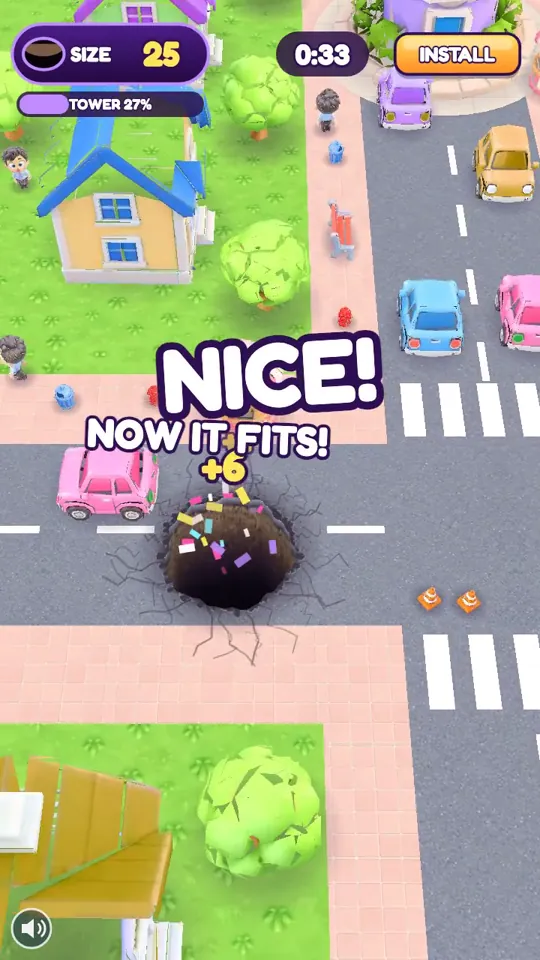
What can creators do without a finished game?
The new workflow asks for a one-paragraph brief identifying the world, the finger gesture or player action, a memorable payoff, and how the round ends. The agent selects a suitable genre recipe, then obtains two concept screens through Scenario, normally a calm opening and a key moment. Those images serve as reference inputs for a concept playable rather than being passed off as screenshots of a shipped game. A description alone does not establish that the real game already exists.
The change specifically addresses idea-only requests such as a crowd runner or a sort puzzle. Genre templates cover mechanics such as tower defense, crowd runner, survivor and match-3; the agent may suggest a nearby existing recipe for unsupported ideas. A real gameplay recording, when supplied, still takes precedence over a speculative brief. Scenario's public step-by-step guide documents the idea-first intake and the limits of the process.
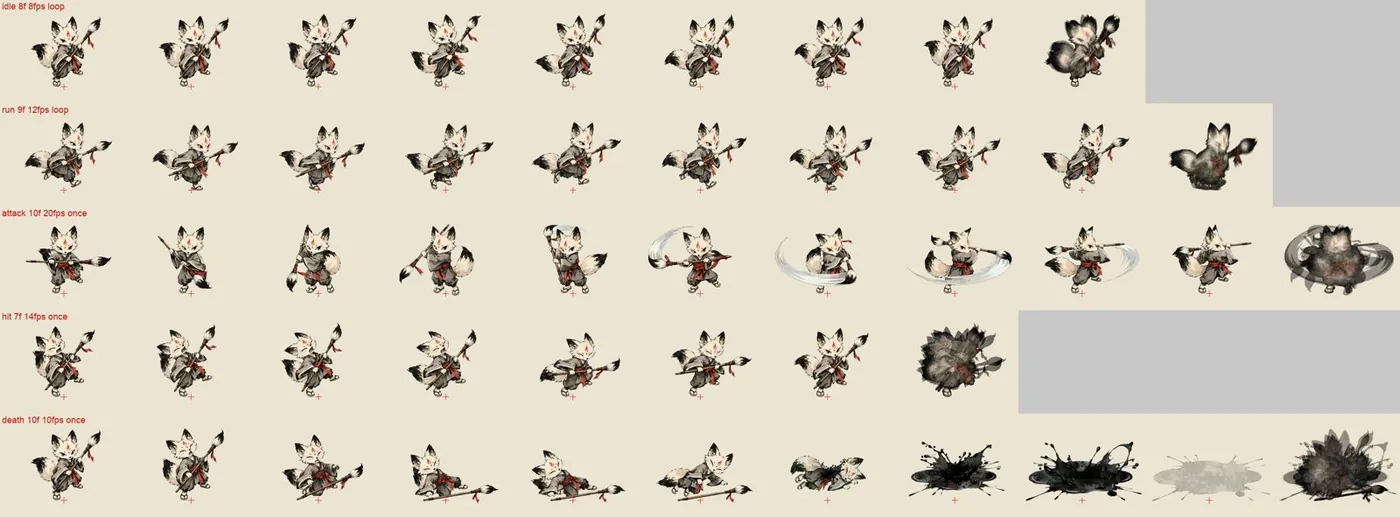
From concept images to an ad that can be tried
Scenario's workflow uses AI tools to produce art, characters and sound, a coded mini-game for the chosen mechanic, and network-specific packages. Its checks include a test win, a near miss, size limits and the install-button call. The public guide lists Meta, Google, AppLovin, Unity, MRAID, Moloco, Mintegral, Liftoff and Pangle as output targets. These are the workflow's documented capabilities, not an independently verified game or campaign run by GameSlash.
The new idea-only path includes an explicit cost check before generating concept screens. If a brief or budget is missing in an unattended job, the skill may stop instead of spending credits or inventing gameplay. When an app-store URL is not real, the output should be labelled preview-only rather than campaign-ready. Even a generated preview needs testing in each ad network's own preview tool before distribution.
Why it matters to an AI game creator
This is useful for testing whether a game's core interaction is readable as a 30–45-second playable concept before a full build exists. Developers still need to define the player action and payoff, approve any art and spending, then validate that the ad reflects the real game before launch. The November 11 release also mentions a MiniMax H3 video LoRA training guide and task-level billing changes, but these are separate changes, not part of the playable-ad prototype itself.
Sources: Scenario Skills v0.62.0 · Pull request #410 · Official playable-ad guide · Examples and art credits.