 GAMESLASH
Vibe-coding a 2D game but the art clashes? Use one CC0 asset pack before generating more
By GameSlash
A practical beginner workflow: use Kenney's free CC0 characters and level art, then ask AI to build a small playable Godot game and test it.
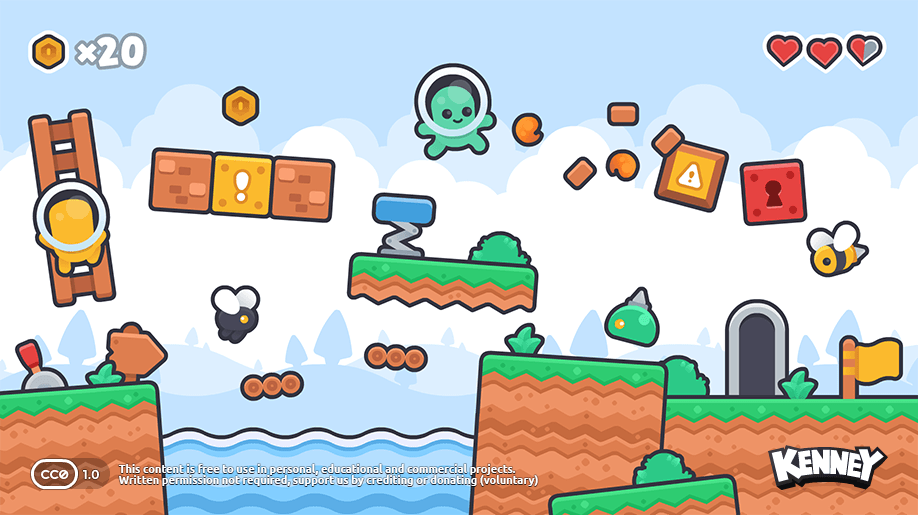
Ever asked an AI assistant to build a 2D game, only to get a hero, enemies and backgrounds that look like they came from three different games? Generating new art for each instruction can make a prototype visually inconsistent. An easier beginner route is to start with one legally reusable art pack and ask AI to write the game logic around it.
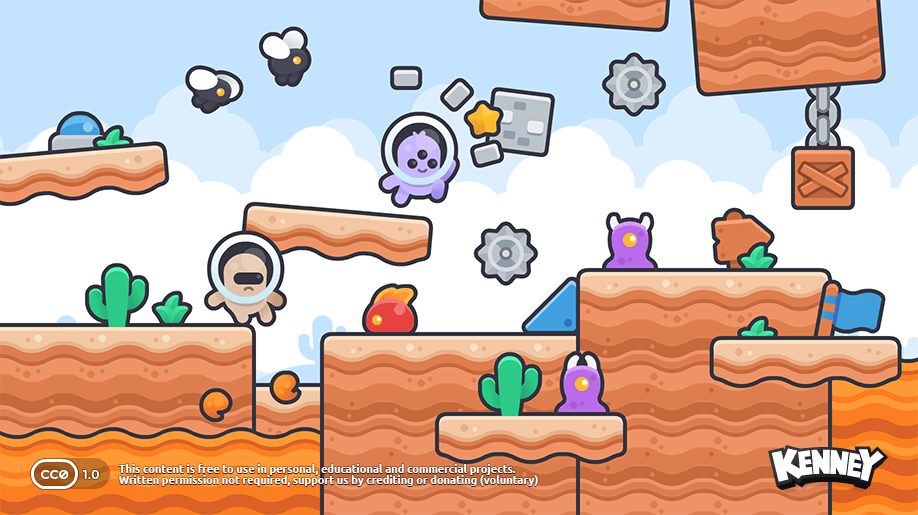
Kenney's New Platformer Pack contains 440 files covering characters, level pieces, objects and other 2D assets. It was released in 2025, so this is a practical guide based on existing resources, not breaking news. Kenney labels the pack Creative Commons CC0, including commercial use. The previews below are Kenney's own example assets, not evidence of an AI-generated playable build. Check the original pack and its license.
1. Lock the visual style before asking AI to build the game
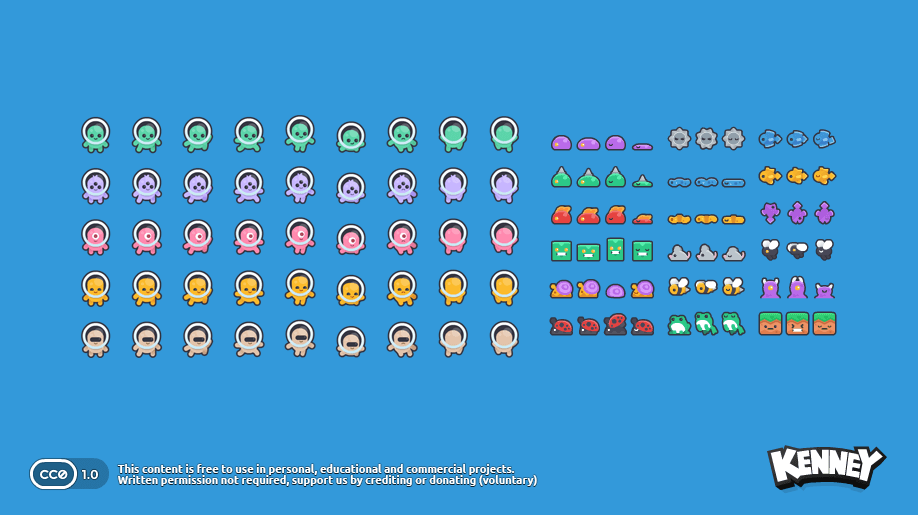
Download the pack and keep the filenames intact. Choose one player character, a few ground tiles, one obstacle and one enemy for the first test level. Rather than asking AI to invent new sprites, point it to these exact local files. A consistent source pack is a design constraint, not an AI feature.
Suggested instruction to your coding assistant: “We are making a simple 2D platformer in Godot. Use only the images provided in this project's Kenney asset folder. First list the candidate character, terrain and enemy files. Do not generate new graphics. Ask before replacing assets, and explain which files you used.”
2. Build a small level and make sure the floor is solid
Ask the assistant to create a controllable player, a short level, ground collision, one hazard and a finish condition. In Godot, TileSet/TileMapLayer handles repeated terrain pieces, but imported tiles do not automatically become solid floors; collision shapes must be configured. The official Godot TileSet guide explains why characters can otherwise fall through walls or floors.
Keep the first version tiny: one screen, movement, jump, obstacle, restart. Once that works, ask AI to expand it. If you start with a giant world, you'll spend more time diagnosing which system is broken.
3. Animations need frames, not just a sprite file
If the downloaded character art includes multiple frames, ask the assistant to identify their order and create an idle/walk animation with Godot's AnimatedSprite2D and SpriteFrames. Verify the image's actual frame layout before choosing grid rows or columns. The Godot sprite animation tutorial documents importing individual frames or a sprite sheet.
What to check before treating the prototype as playable
Check five things yourself: the character moves and jumps reliably; the collision matches what you see; animation frames do not jump in size; enemies and hazards behave as requested; and images remain legible at the game's actual resolution. If something fails, capture the relevant scene or error and ask AI to fix only that part.
CC0 applies to Kenney's distributed pack, not automatically to third-party photos, music, fonts or other images your agent may download. Also, “free to use” does not mean the AI finished a game: assembling scenes, adding controls and testing remain separate steps.
Sources: Kenney New Platformer Pack (CC0); Godot TileSets; Godot sprite animation. This is a sourced beginner workflow, not an independently tested project.