 GAMESLASH
Got AI-made game art, but can't animate it in Godot? SpriteBrew slices, previews and exports frames
By GameSlash
SpriteBrew helps turn sprite images into editable animation frames and engine-ready files. Learn what the free tools do, see the developer's examples and check the AI costs.
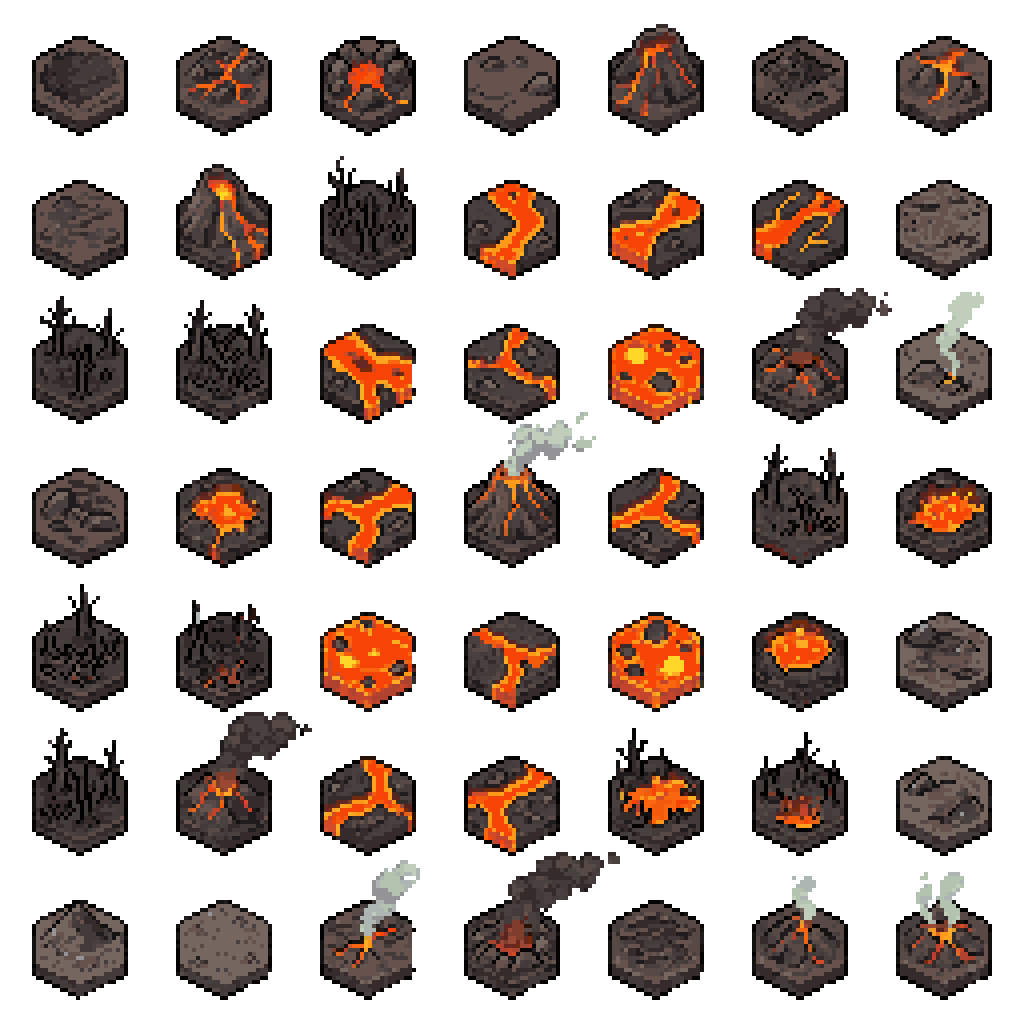
Generating a nice sword or character is the easy part. The hard part starts when your game needs separately usable pictures, consistent animation frames and files that Godot or GameMaker can import. SpriteBrew focuses on that missing step between an AI image and a working game asset.
The developer's open-source web tool can create pixel-art examples from prompts or accept artwork you already have. It can cut a sprite sheet into frames, let you preview a character walking with keyboard controls, fix a few pixels and export game-oriented formats. These are documented features, not a GameSlash hands-on test.
Start with the art you already have
Suppose an AI gave you one large picture containing a walking hero in several poses. Upload that sheet to SpriteBrew, select frame dimensions or try auto-detection, then split it into separate frames. An editor lets you touch up stray pixels without regenerating the whole image.
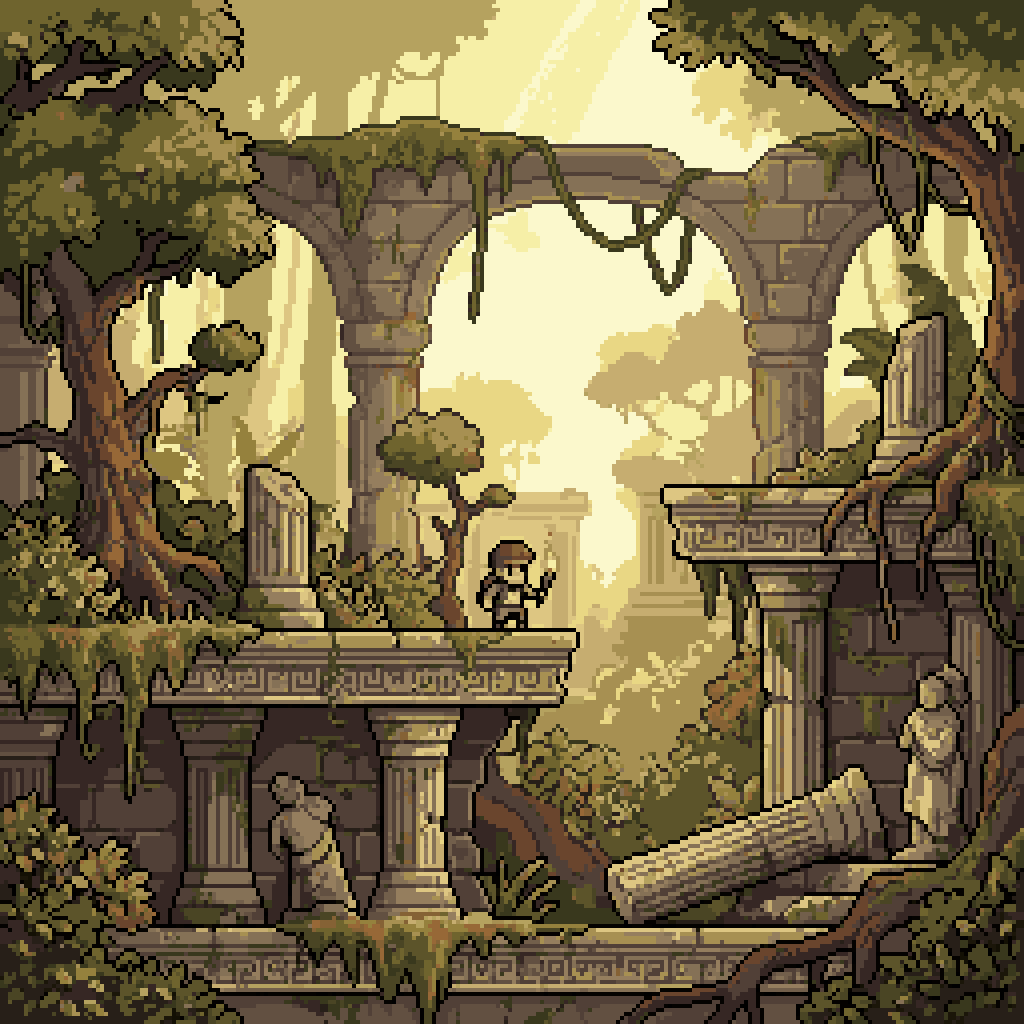
The developer documents preview controls for walking and attack animations. The illustrations here are static style examples from the official gallery, not evidence that an animation loops smoothly or imports correctly into a game. Check the sliced frames and test them in your own project.
Export frames in the format your game expects
According to the project README, export options include Godot SpriteFrames .tres, GameMaker horizontal strips, RPG Maker MV/MZ 3×4 grids, TexturePacker JSON for engines such as Unity, Aseprite JSON and individual PNG frames in ZIP. This matters because an attractive picture on its own is not a ready-to-use animation.
SpriteBrew also offers AI generation in several styles and a feature for animating an uploaded character, using Retro Diffusion models. These AI functions require login and tokens; the README distinguishes them from free, account-free slicing, preview, editing and export. Actual quality and generation costs depend on the task, so check current terms before relying on it for a whole game.
Best beginner test and limitations
Try a single hero with four walking poses. Import the resulting files into your real game, check each frame size and whether the motion loops correctly, then adjust mistakes. It is more useful than ordering dozens of characters before knowing your game's image requirements.
This is a live hosted tool and an open-source project, not proof that AI will automatically keep every new pose consistent. SpriteBrew's code repository is under AGPL-3.0; ownership and rights for individual AI-generated outputs should be checked against the generator's terms if you plan to sell a game.
The live app's October 27 update (v0.6.4) says Custom Animation and 8-Direction Rotation on the Create tab now cost 50 tokens rather than 25; other prices are unchanged. Generation requires sign-in. Check the displayed cost before submitting a generation.
Explore the developer documentation and try the service at spritebrew.com. This is a practical tool overview based on repository documentation reviewed October 27, 2026—not a new-launch announcement.