 GAMESLASH
AI built a mobile game, but do the buttons work? Agentic Game Factory puts builds through tests
By GameSlash
Agentic Game Factory shows a Godot mobile-game workflow with 146 automated tests and separate autoplay checks. See MergeDrop, real limits and beginner takeaways.
An AI agent can generate a mobile game, but what happens when the Play button does nothing, the interface breaks on another screen size, or the app fails store checks? Agentic Game Factory tackles the less flashy part of vibe coding: checking that a generated mobile game actually holds together before release.
This is an existing MIT-licensed open-source case study, first created on GitHub July 26, 2026—not a newly announced October 26 product. Its creator, 1xai Games Studio, shows a repeatable workflow built on Godot 4.7, with a playable merge-puzzle project named MergeDrop as its example.
What happens between a game idea and a build?
The creator defines an outline and approves the game concept. An AI agent then works through core rules, automated checks, interface, art, audio, packaging and feedback. The creator still has to judge the resulting game and decide whether it feels right. This is supervised development, not one magic prompt.
The repository currently documents 146 display-free tests that check rules, plus a separate autoplay bot that uses real button handlers until game over. It also describes guards for font rendering, screens with different proportions, scrolling and platform-specific billing code. These are repository claims, not independent tests run by GameSlash.
Real example: MergeDrop and its store graphics
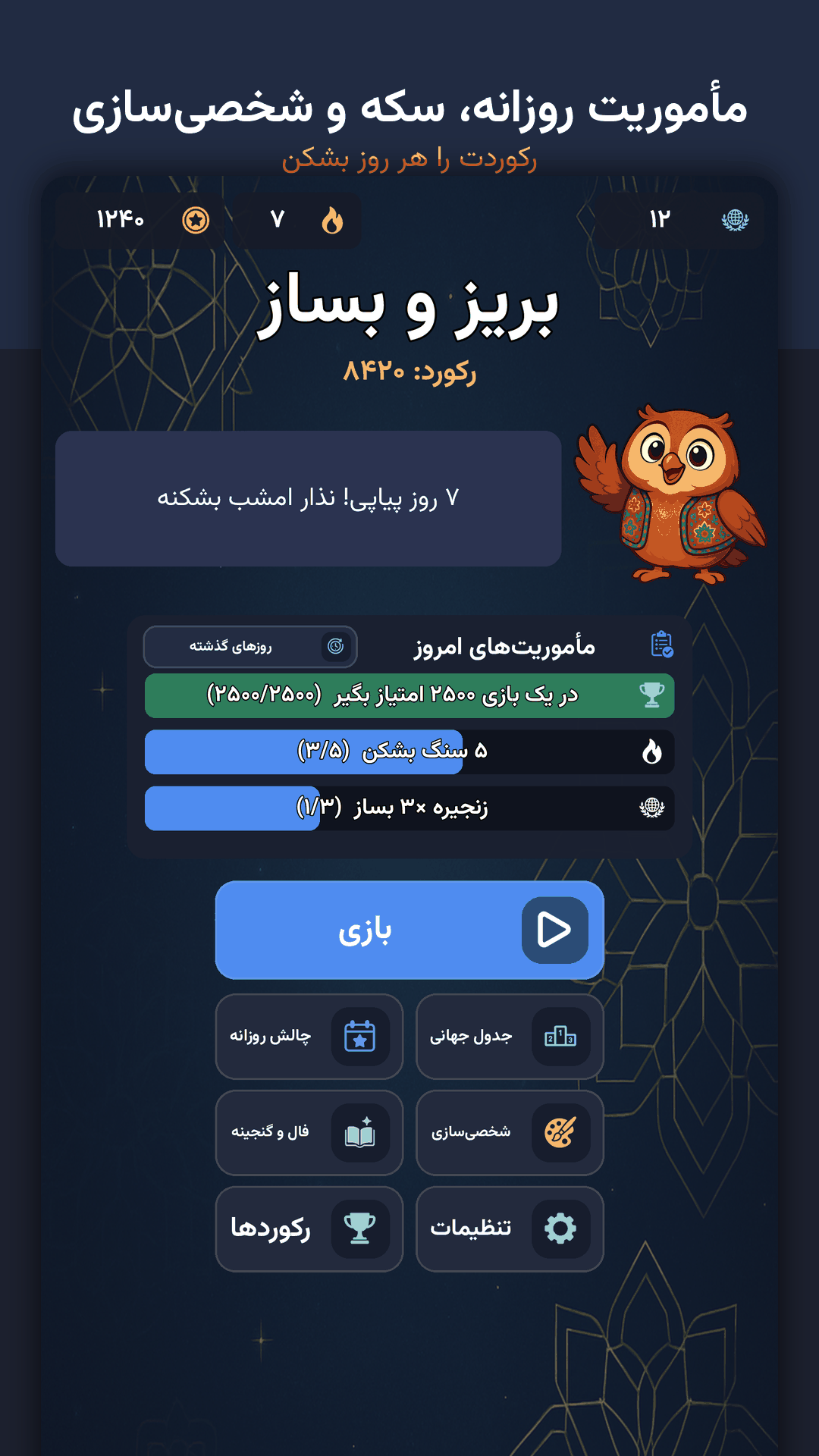
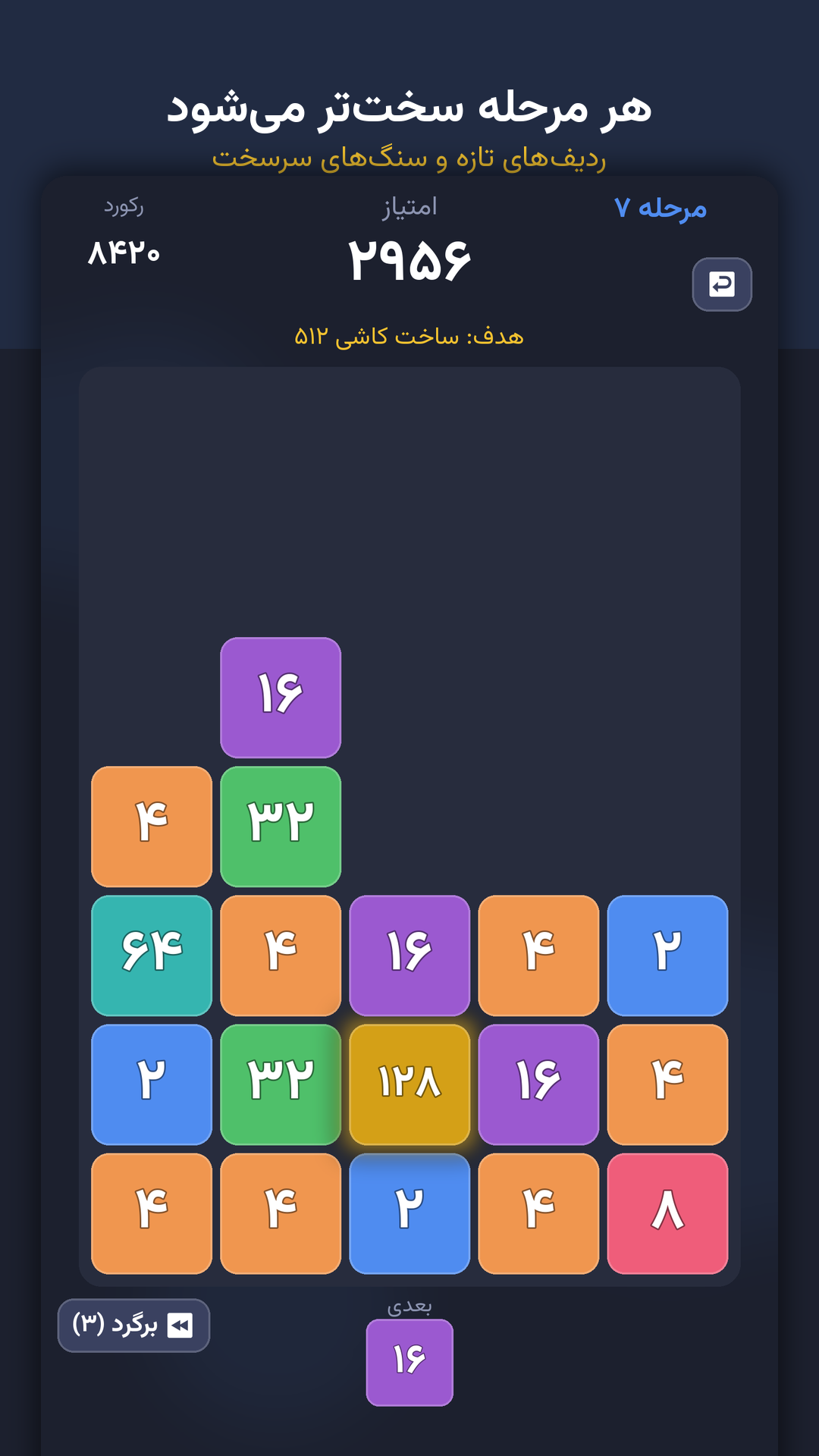
The images are the creator's store-marketing screenshots for MergeDrop, a number-merging puzzle with progression and daily challenges. According to the README, some store artwork is composed by a screenshot script based on the game's own layout constants. We therefore label these as store visuals rather than unedited runtime captures.
The repo says MergeDrop has been packaged into signed Android builds, but it has not yet been published to an app store. Its in-app purchase integration was checked within a build, while live purchase testing still requires a device and store-side product configuration. A human must handle developer accounts, fees, signing keys and the final publish action.
What can a beginner borrow from this approach?
Do not start by asking AI to produce your whole commercial game at once. Start with one small puzzle, have the AI separate game rules from graphics, write tests for win/lose states, and run an automated playthrough. Then inspect menus, screen sizes and any store requirements before asking for a release package.
Read the project README, its documented lessons from failed attempts and the MIT licence. Downloadable builds are linked from the project Releases. GameSlash reviewed the source and promotional images, but has not installed the game or run the test suite.