 GAMESLASH
Need 3D game props? Blender AI Plugin helps agents build, check and export models
By GameSlash
The October 27 v2.0 fork packages Blender production skills for AI agents, with visual checks, exports and setup limits.
Need a supply crate, sci-fi prop or environment piece for a game? Proyecto 26's Blender AI Plugin builds on arjun988/blender-skills. Its October 27, 2026 v2.0 update packages a Blender production workflow for coding agents, from blocking out an object to inspecting it and preparing exports.
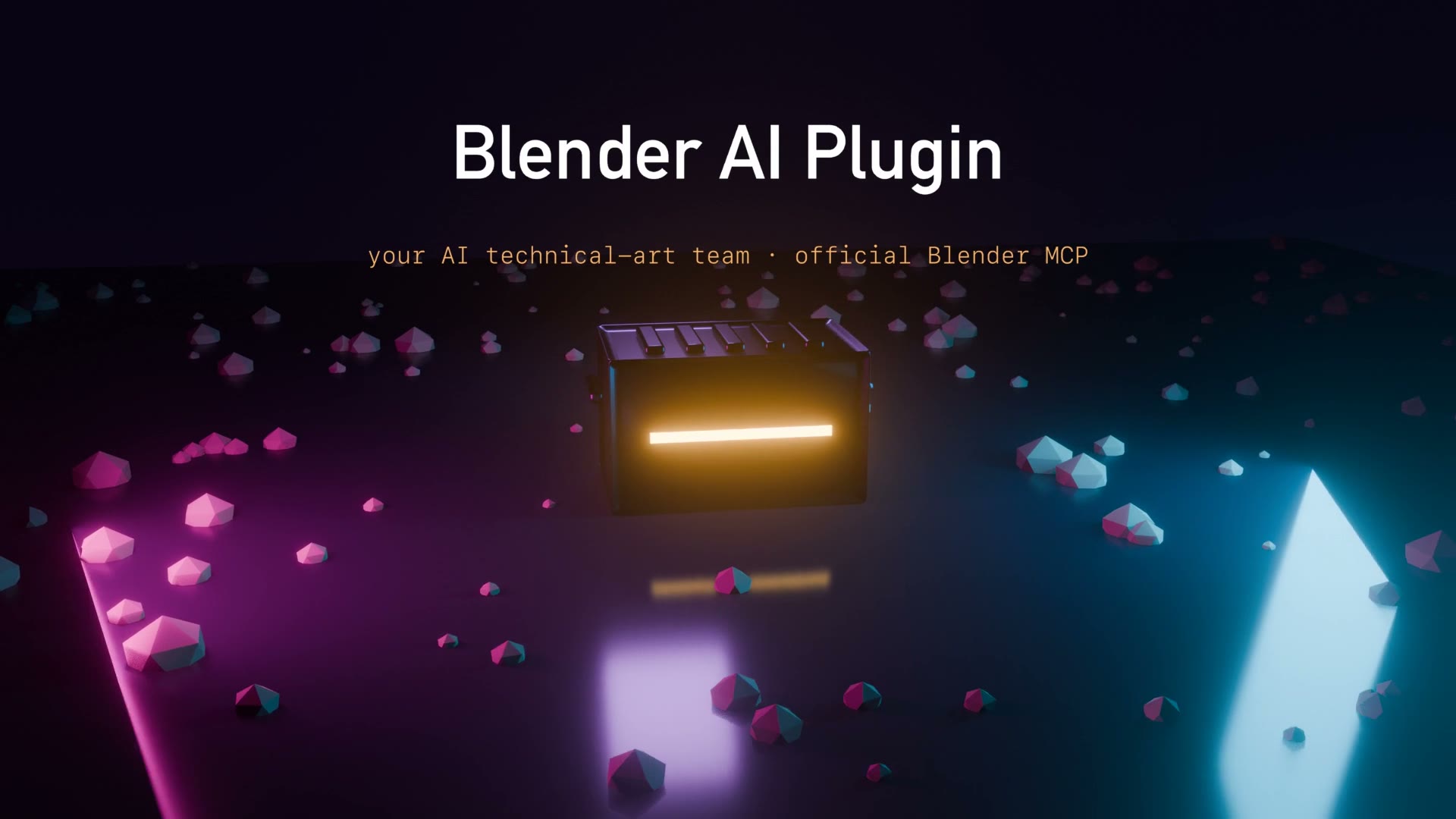
What the agent actually does
You install Blender 5.2 or later and connect an AI coding agent to Blender using the official Blender Lab MCP server—a bridge that lets an agent operate the 3D editor. Then add the plugin's skill pack. The developer lists 95 skills and 29 tested Blender Python scripts covering modeling, materials, lighting, scene checks and exports to Unreal, Unity and Godot.
A concrete example from the project's README is asking for a game-ready sci-fi supply crate with a polygon budget, worn surface material and rotating preview. The documented workflow is brief → build → check screenshots → optimize → export. This needs the installed software and working agent connection; it is not a web page where one prompt always produces a finished game.
Examples and important limitations
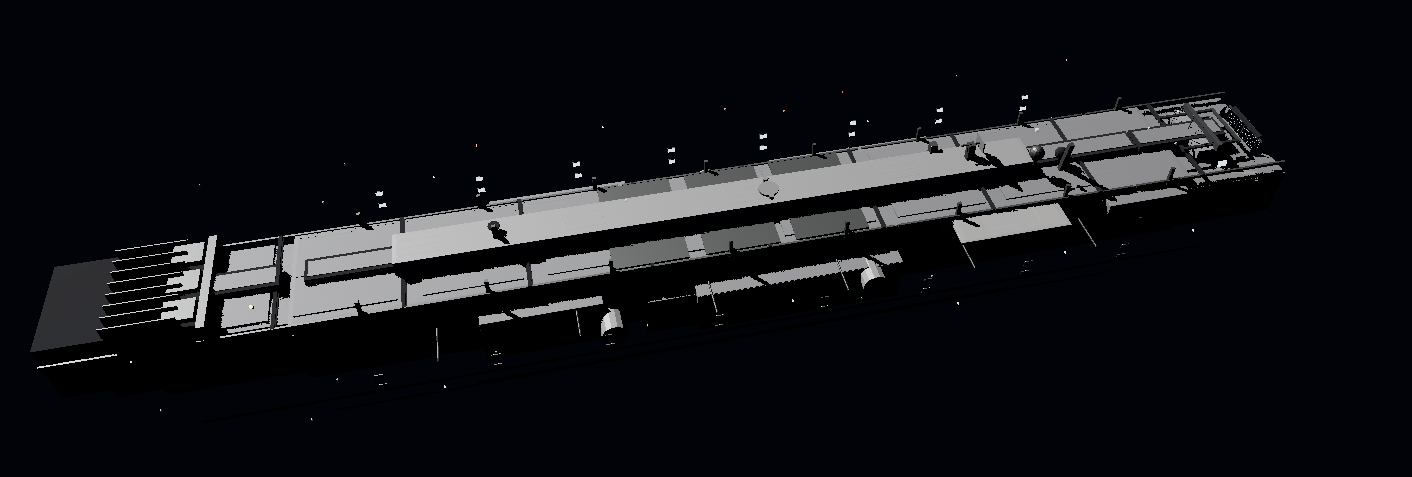
The repository includes the 3D illustration above, but it is not independently confirmed to be the exact output of that supply-crate prompt. The screenshot-and-validation steps can help catch errors, yet creators still need to inspect geometry, textures, performance, export settings and rights before shipping. Blender and the AI model are separate dependencies and may have their own setup or usage costs.
Where to start
Read the official GitHub README and installation guide. The project documents setup for Claude Code, Codex and other compatible agents. It is an early repository, not evidence of a production-proven pipeline for every game.
v2.0 changelog and upstream project
The MCP connection lets an agent execute Python with your user permissions. Save work first and test in a virtual machine or an environment without sensitive data.
MIT license and Proyecto 26 / Blender Skills contributor credits