GAMESLASH
VARCO Sound
By GameSlash
Generate and edit sound effects and ambience as separate tracks with natural-language instructions, a desktop app and a Unity plug-in.
What it helps with
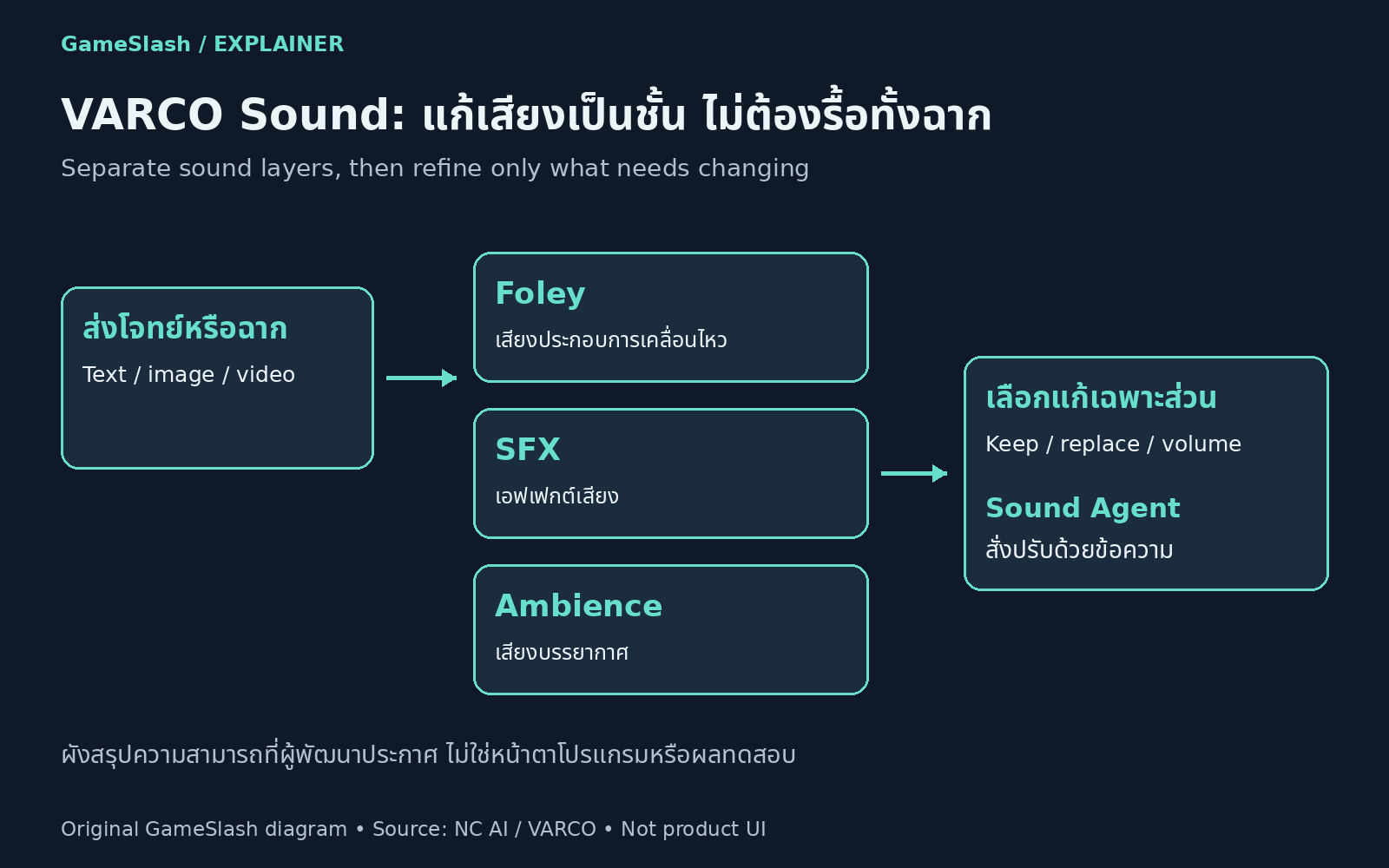
Generate Foley, sound effects and ambience from text, images or video, then edit separate tracks. Sound Agent supports natural-language changes such as replacing one layer or rebalancing sounds without regenerating everything.
Ways to use it
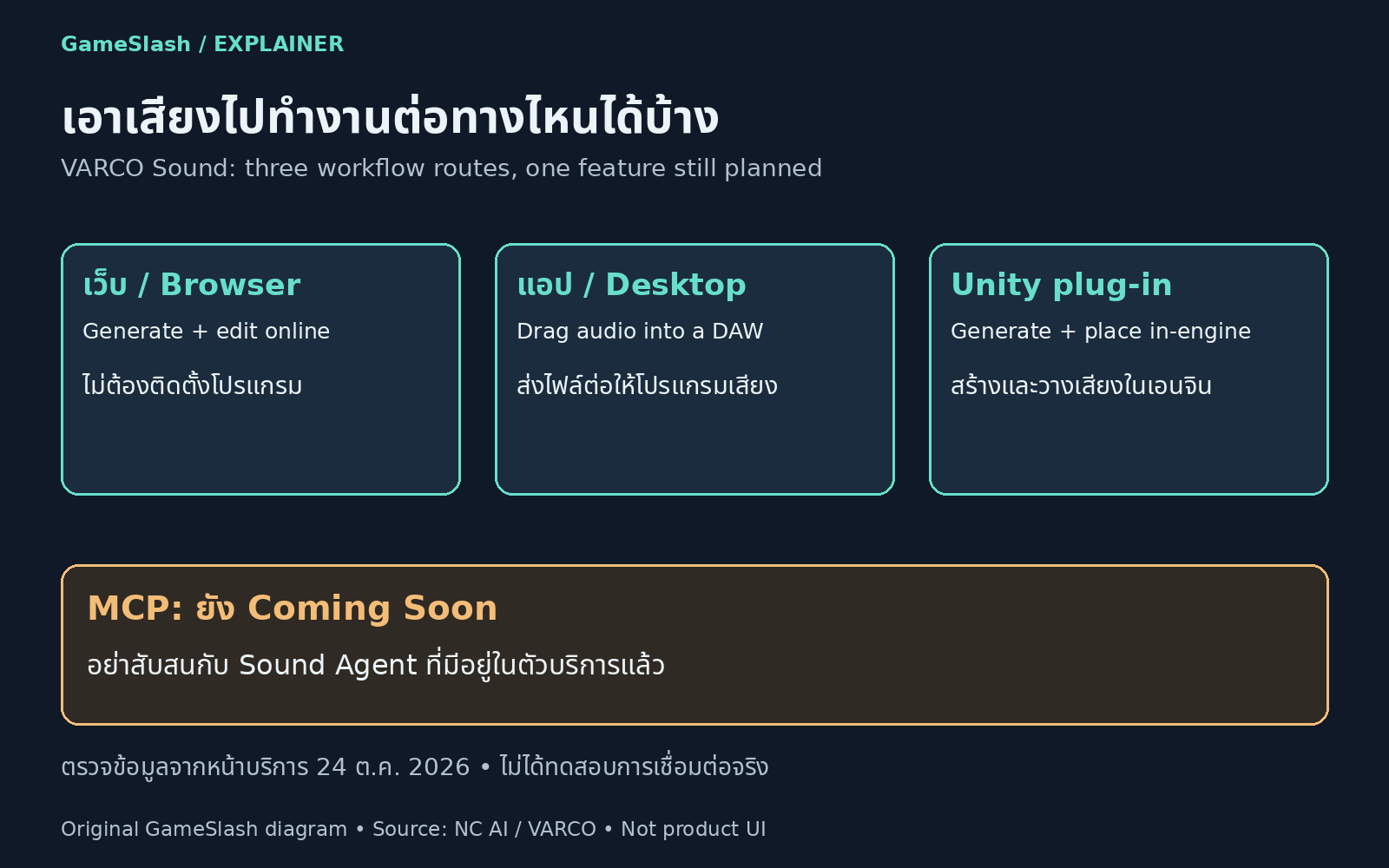
Start with the VARCO Sound service. A desktop app supports moving generated audio into other audio software, while a Unity plug-in supports creating and placing sounds in-engine. Check plans and installation instructions on the official service page.
Limitations
The checked documentation specifies up to 60 seconds of generated audio. Support for 120-second video inputs and MCP are planned rather than currently available capabilities. Evaluate quality, latency and licensing for the project. This is documentation-based coverage, not a GameSlash audio test.
Illustrations