 GAMESLASH
Earshot helps coding agents inspect and refine game sound effects
By GameSlash
Earshot lets coding agents analyze, compare and refine sound effects instead of only generating audio files. See the original demo and setup limitations.
Earshot gives coding agents measurements and descriptions they can use to review audio. For a game creator, that can help compare sound-effect candidates and catch timing or loudness problems before putting the files into a scene.
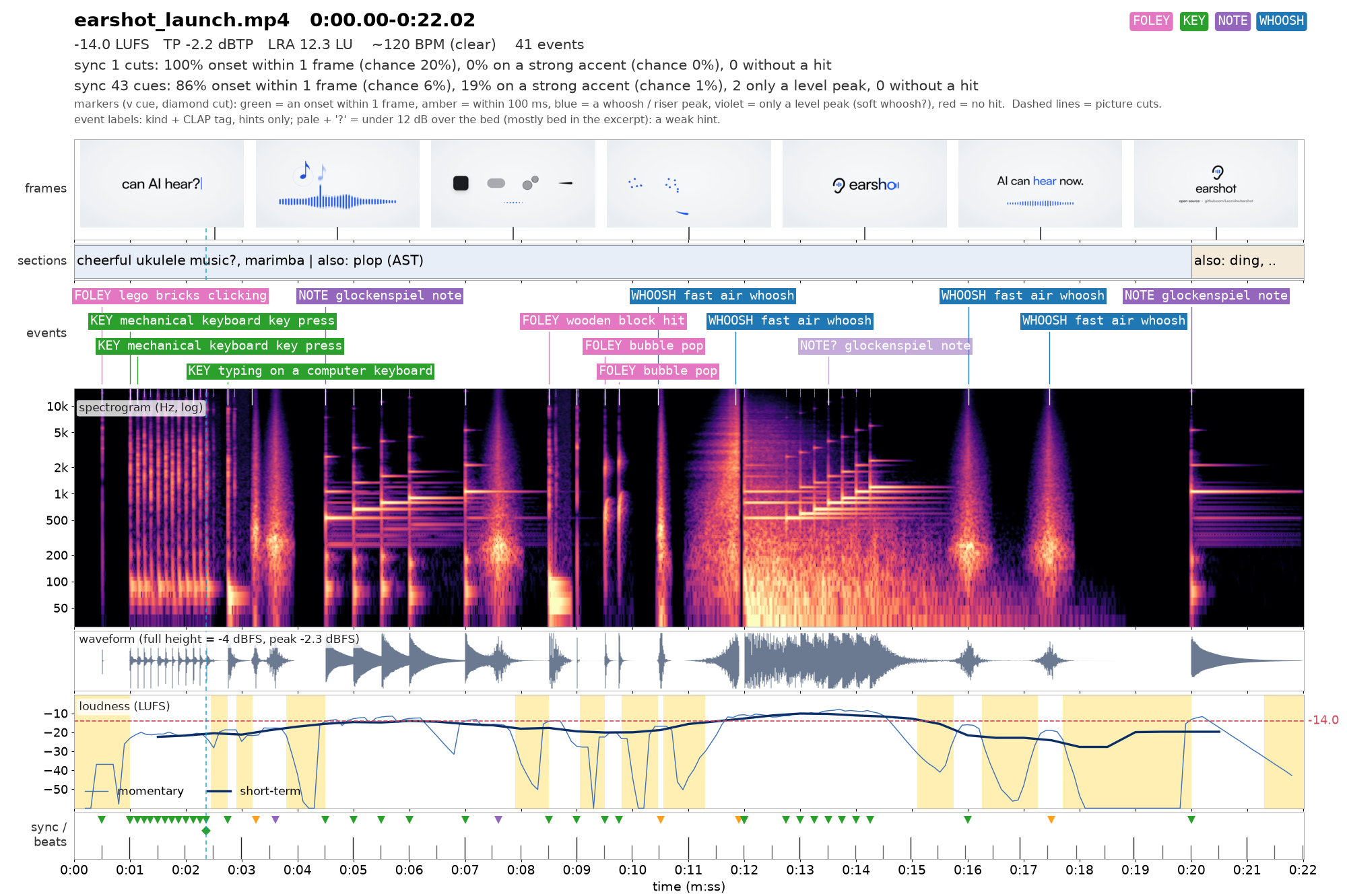
What is the useful difference? The AI can examine the sound it just made
Earshot works locally on a computer's CPU and lets an AI assistant ask what a WAV or other supported audio clip resembles, compare it to a description, find a specific sound inside a longer recording, or measure loudness and timing. Instead of merely returning 'finished.wav,' a workflow could ask whether a click resembles a mechanical key press or whether a whoosh matches the brief. These are automated assessments, not a substitute for listening yourself.
For game creation, imagine preparing button clicks, spell effects, menu confirmations or attacks. Use AI to generate candidates, ask earshot to describe and compare them, then audition the shortlist in the game. The project itself is not a plug-in that independently inserts sounds into Unity or Godot; the game integration is a separate step.
The launch film behind the analysis
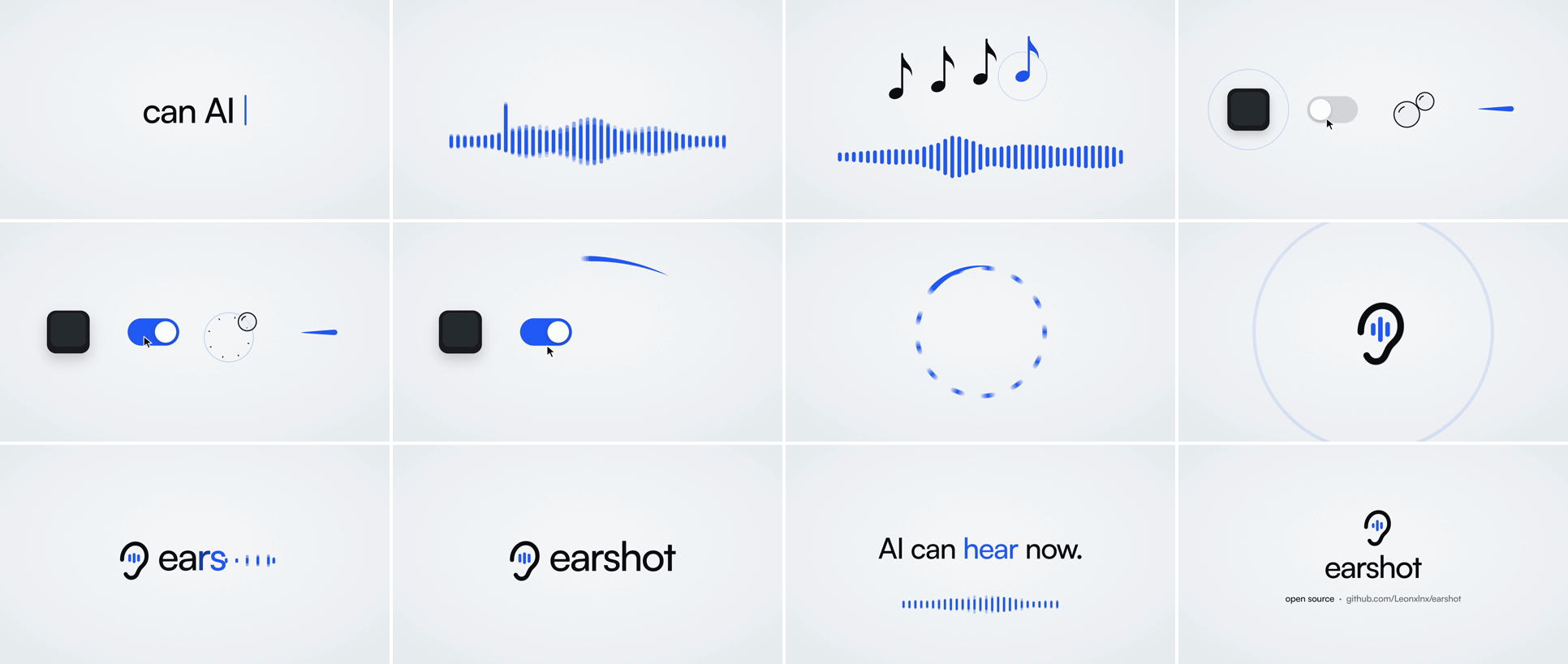
These frames come from the creator's 22-second launch film. Its sounds were synthesized in code. The analysis sheet above places sound events beside the video timeline; the storyboard shows the visual actions those effects accompany. Neither image is game footage.
It can also make effects in code, then critique them
The `earshot forge` workflow synthesizes sounds from a programmable recipe, renders several variations, then scores how well candidates match descriptive and reference examples. Its `sfx` bank includes ready-to-render clicks, hits and whooshes; version 0.4.0 added more sound options and a music-led film preset. A human still makes the final creative judgment.
Can someone who builds games with AI use it?
This is a technical open-source utility, not a type-your-idea-and-download-game website. You need a computer, Python or command-line setup, and an AI coding assistant if you want an automated workflow. CPU operation is supported, but some listening models take time to load. The project also has a tool connection for AI coding assistants.
The release used as reference here is earshot v0.4.0, published October 22, 2026. Read the developer README and setup and experiment first with a single menu click or sword-swing clip.
Images: Leonxlnx / earshot on GitHub. This article describes the documented features and developer examples; GameSlash has not independently run the program or tested its output in a game.