 GAMESLASH
AI Game Dev CLI shows live AI tool calls during Unity, Godot and Unreal builds
By GameSlash
The November 19 terminal redesign adds timed tool-call rows, a pinned composer and status for agent-driven game creation across three engines.
On November 19, 2026, AI Game Dev released a redesigned terminal for its gamedev coding agent. It operates from Unity, Godot and Unreal project folders, showing individual agent tool calls and build progress. This is an interface update, not a new game-generation model. Original announcement.
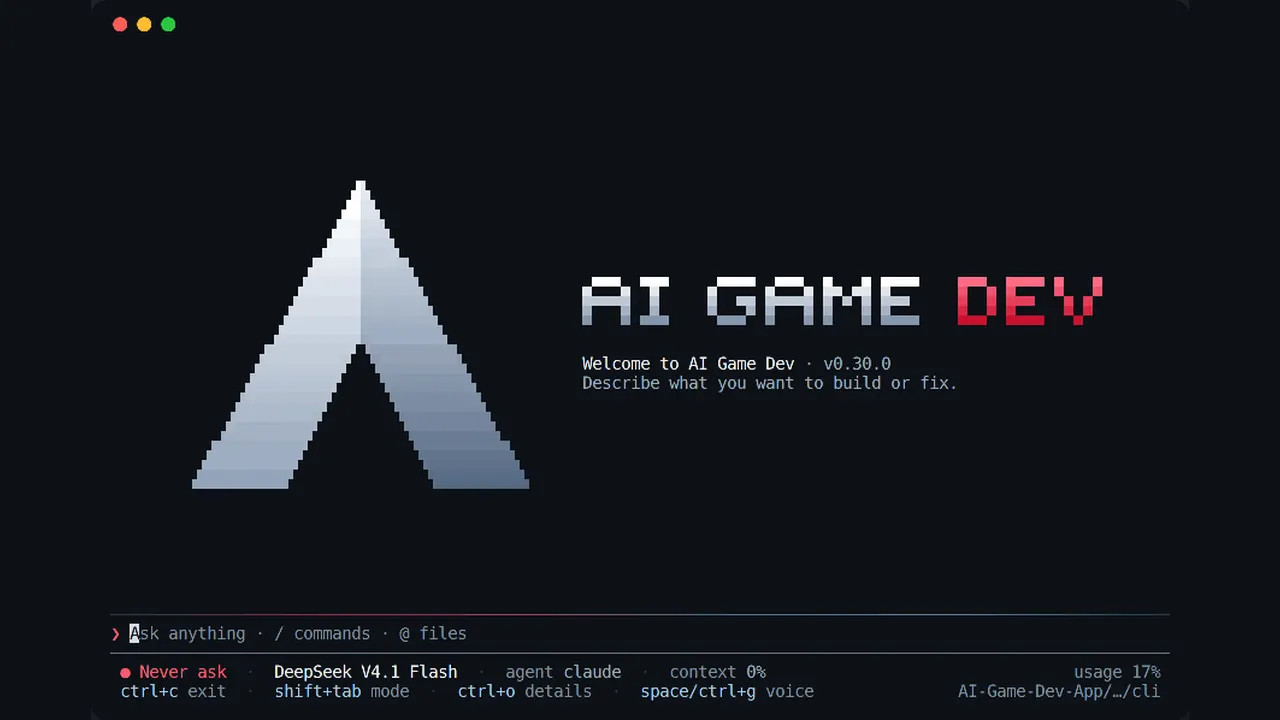
Seeing what the AI does during a build
The message box stays pinned at the bottom while conversation grows upward. Each file edit, build or editor tool gets a row showing its name, timer and short result; Ctrl+O reveals more details. Status fields expose the agent, chosen model, permission mode, project folder and remaining context so the developer can follow which operation is running.
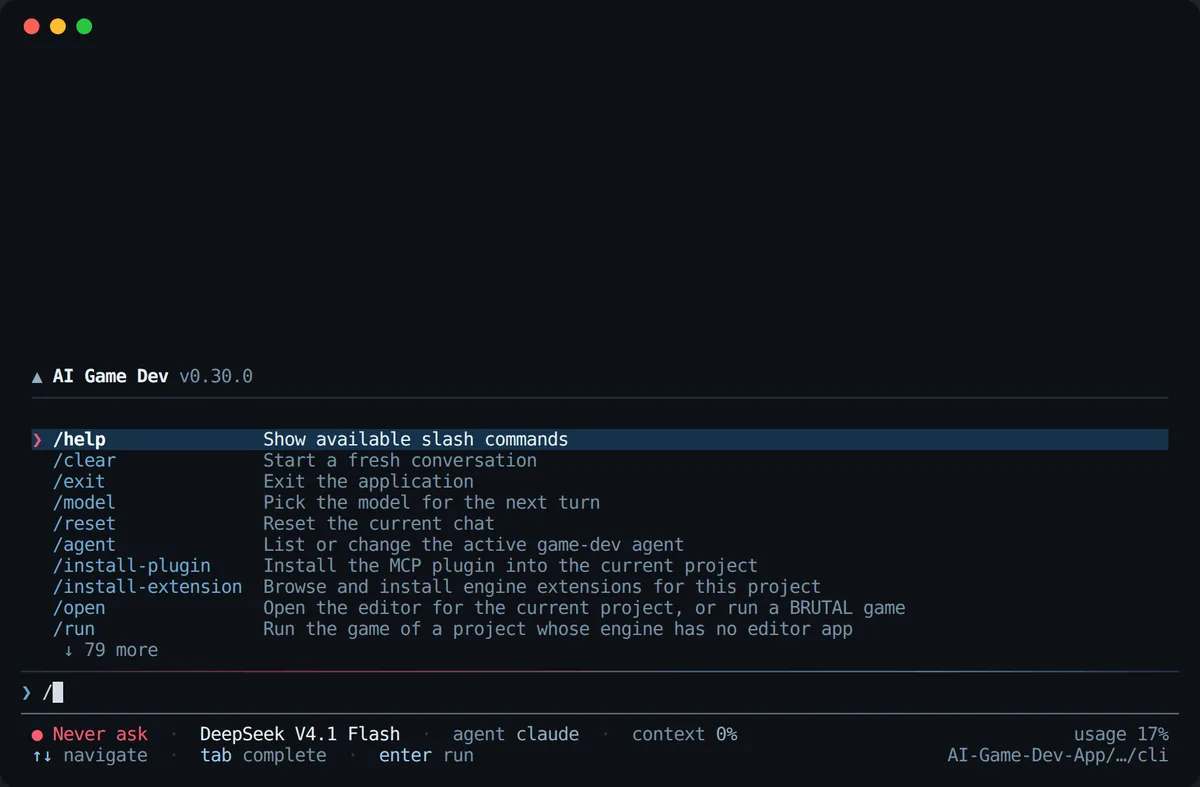
A game developer's practical test loop
Update with npm install -g @baizor/gamedev, open a Unity, Godot or Unreal project folder and run gamedev. Ask the agent to change one gameplay mechanic, watch the tool execution and its output, then play the resulting build yourself before accepting it. The new UI makes errors easier to spot; it does not validate the game's logic on its own.
Developed and reviewed with agents
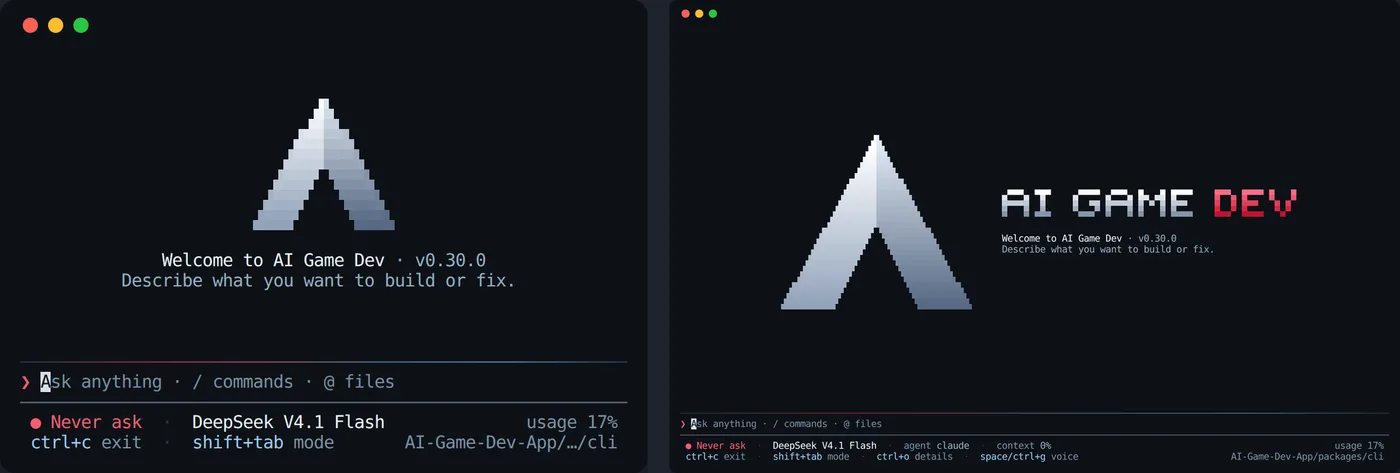
According to Ivan Murzak, AI implemented the changes while a two-model review group assessed captured terminal sessions against a nine-out-of-ten quality target. Automated tests run on Windows, macOS and Linux. This is developer-reported process, not GameSlash's independent test. The startup logo is rendered with terminal characters.
This November 19 change is separate from the earlier Asset Studio article. Check the official post for installation and exact visuals.