 GAMESLASH
AI Game Developer introduces Asset Studio for direct image, audio and 3D generation
By GameSlash
The new workspace lets creators select local or cloud models and compare generated game assets within a project.
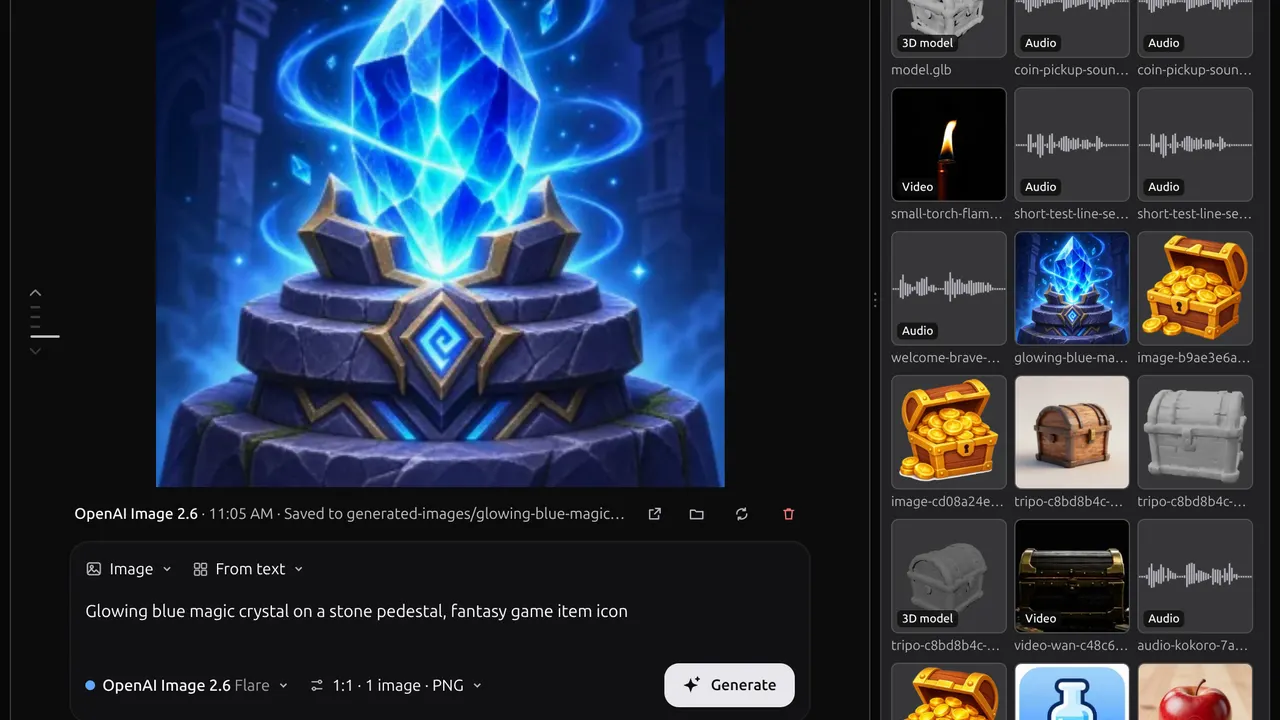
AI Game Developer introduced Asset Studio on 19 November, adding a workspace where game creators can generate and compare images, video, audio and 3D assets directly. Instead of asking an agent to run each generation, users select the model, prompt, inputs and settings themselves.
The studio groups models by image, video, audio and 3D, with local and cloud options. The developer says local models use the user's GPU and download on first use; cloud jobs run against the plan's allowance. Available controls depend on the chosen model, including resolution, aspect ratio, seed and reference inputs.
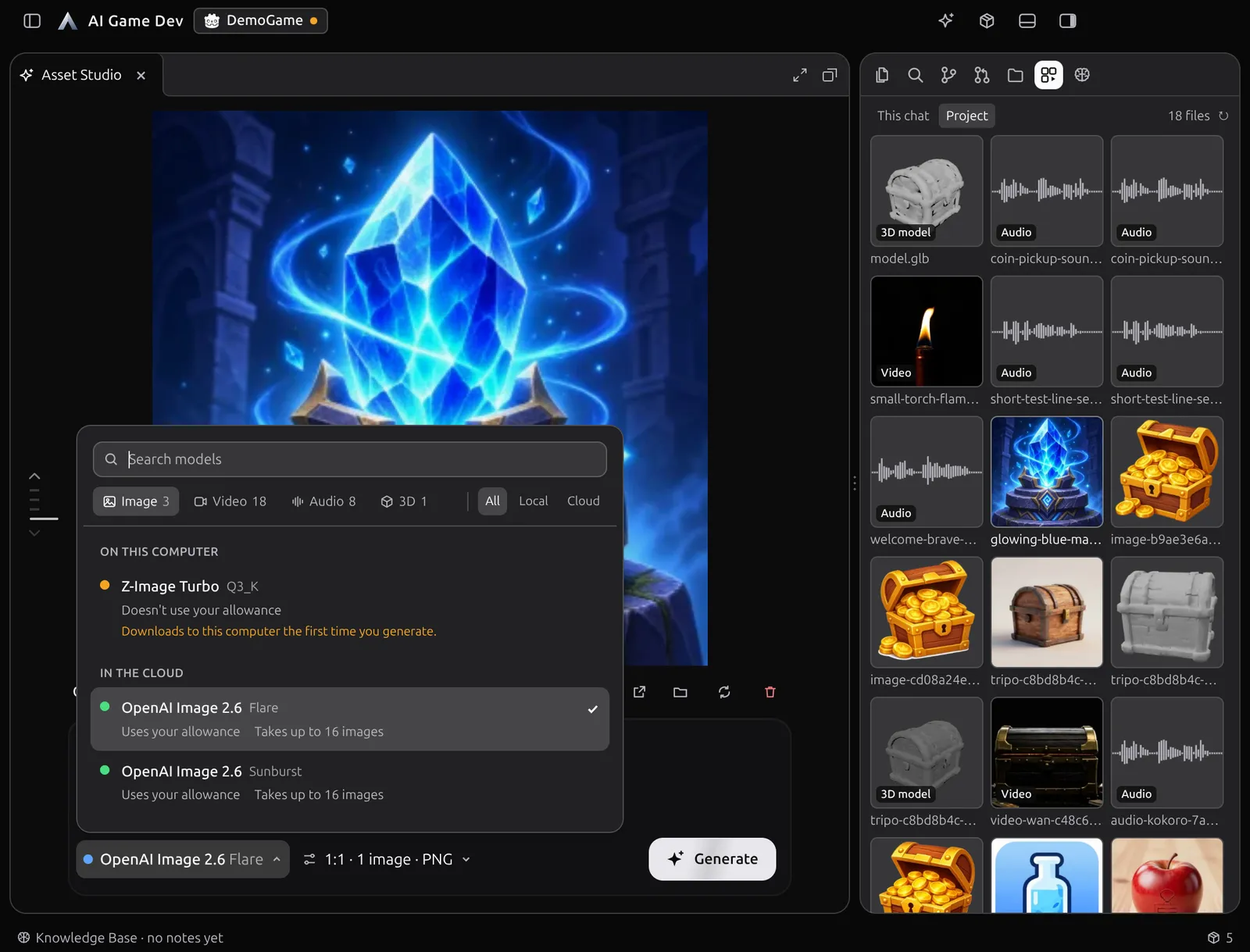
For game workflows, creators can try different models for an item icon or character asset, preview results and return to a previous job's prompt and settings. The application stores generated files in the project and displays project media together, so an AI agent can also work with selected outputs.
Cloud jobs can run in parallel, while local jobs queue on the GPU, according to the developer. Cloud use depends on the account plan and allowance; asset quality, usage rights and suitability for a particular game's pipeline still require checking.