 GAMESLASH
4 Claude Code Skills for 3D Games, from Godot Levels to Blender Animation
By GameSlash
Block out a 3D level in Godot, route Unity NPCs, retarget a Blender walk cycle and build low-poly props with colliders. Includes setup and source demos.
A 3D game needs a level with a working camera and collisions, props sized for the engine, and characters that move through the scene. These four Claude Code skill picks cover those jobs in Godot, Unity and Blender. The two engine skills below are from the same game development repository, with about 9,100 GitHub stars at the time of writing.
1. Godot 3D Essentials — set up a playable 3D level
godot-3d-essentials helps set up a 3D scene in Godot 4.7 with a game camera, lighting, environment and materials. Use GridMap to block out rooms and corridors from reusable mesh tiles. Pair it with godot-physics to set collision layers and make a first pass at character movement with CharacterBody3D. For a first test, build one corridor, walk it end to end and check which meshes actually block the player.
2. Unity NavMesh — give NPCs a route through a 3D level
unity-navmesh uses Unity’s AI Navigation package. Bake walkable areas with NavMeshSurface, move an NPC with NavMeshAgent and place a NavMeshLink where a character needs to cross between separate surfaces. A simple playtest is a guard patrolling two points around an obstacle. The skill targets Unity 6.3 LTS.
To install either engine skill in Claude Code, run npx skills add gamedev-skills/awesome-gamedev-agent-skills and select the skill names above. The repository’s setup guide specifies Node.js 22.20 or later.
3. Blender Agent Skills — retarget a walk or run cycle
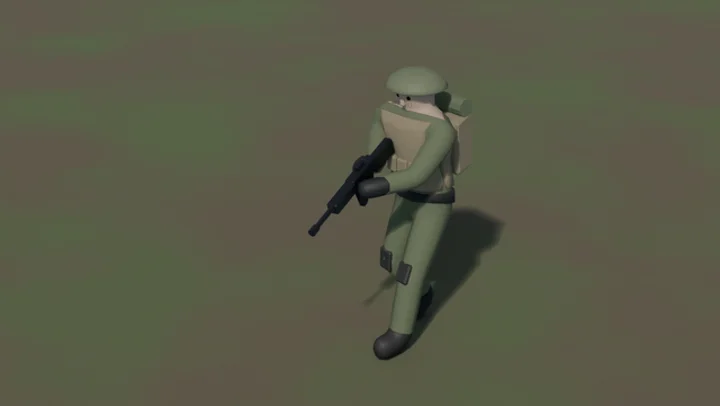
EL4CTEO’s game-character walkthrough comes from the Blender Agent Skills repository, which has about 1,300 stars. Its blender-animation skill covers motion capture retargeting, loop checks, root motion and baking control rigs before export. The developer’s RTS soldier demo shows a rigged walk cycle and lists FBX and GLB exports. The pack requires Blender 5.2 LTS or later, with background execution available and MCP optional for a live scene. For a game character, check foot sliding and the loop seam after importing the animation into the engine.
In Claude Code, run /plugin marketplace add EL4CTEO/blender-skills followed by /plugin install blender-agent-skills@blender-agent-skills.
4. Blender Low Poly Modelling Skill — build props on a triangle budget
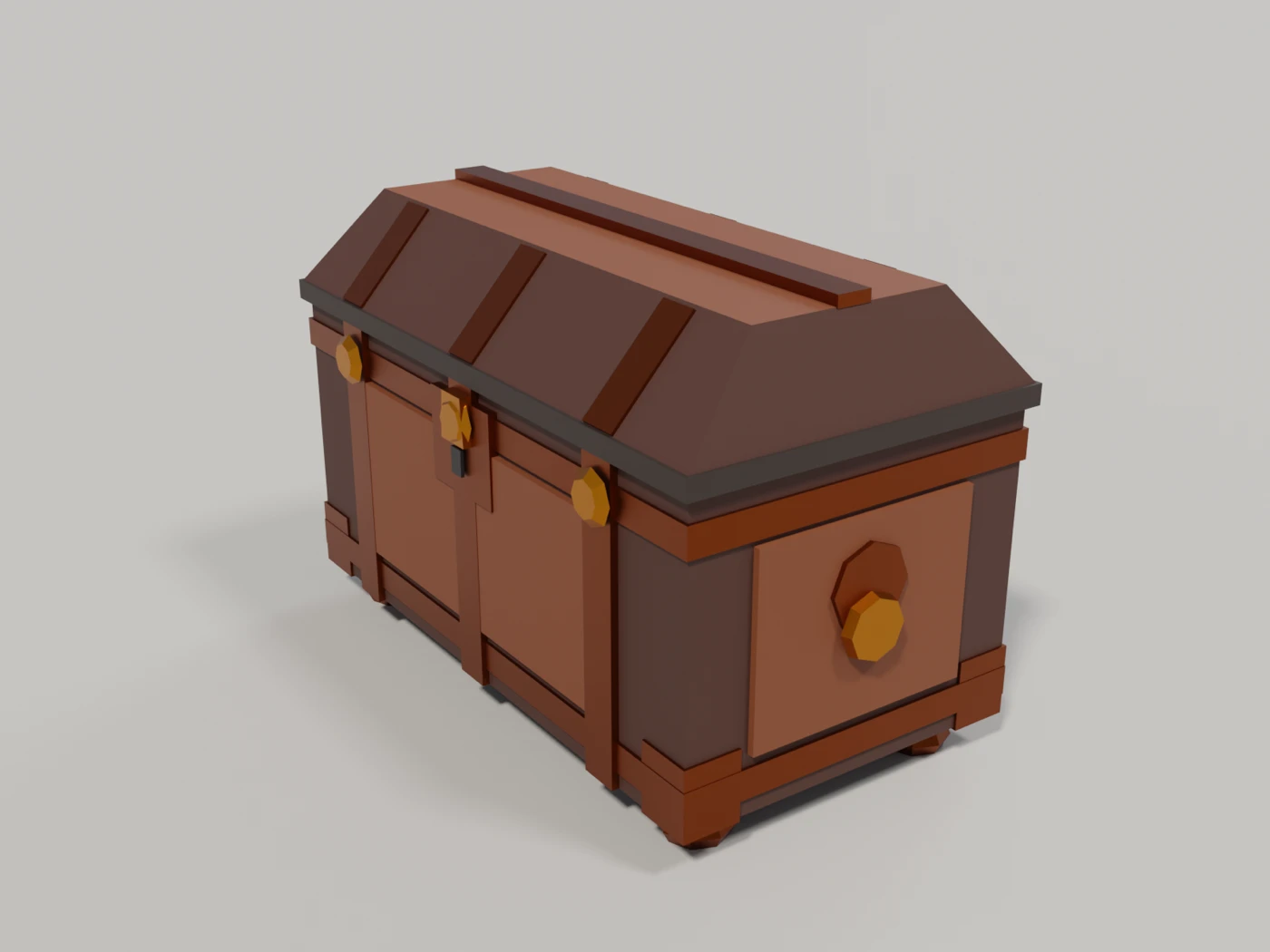
Ozan Zengin’s Blender LPM Skill is a specialist pick with 27 stars. The developer’s Roman chest used 868 triangles plus a separate 12-triangle collider, with editable .blend and FBX outputs. Blender 4.2 or newer is required. Copy the skills/blender-lpm-skill folder into the project’s .claude/skills/ directory. It runs Blender in the background and supports an optional live MCP connection.