 GAMESLASH
Game VFX Database Lets Game Developers Study Real Effects Frame by Frame
By GameSlash
Break down an RPG explosion from The Finals with frame stepping and an A–B loop in Game VFX Database, a free reference library for game VFX artists.
Game VFX Database collects short clips of real in-game effects, including explosions, smoke and magic. Filter by game, effect type, technique or color when you need a specific reference, such as how many frames separate the initial flash from flying debris.
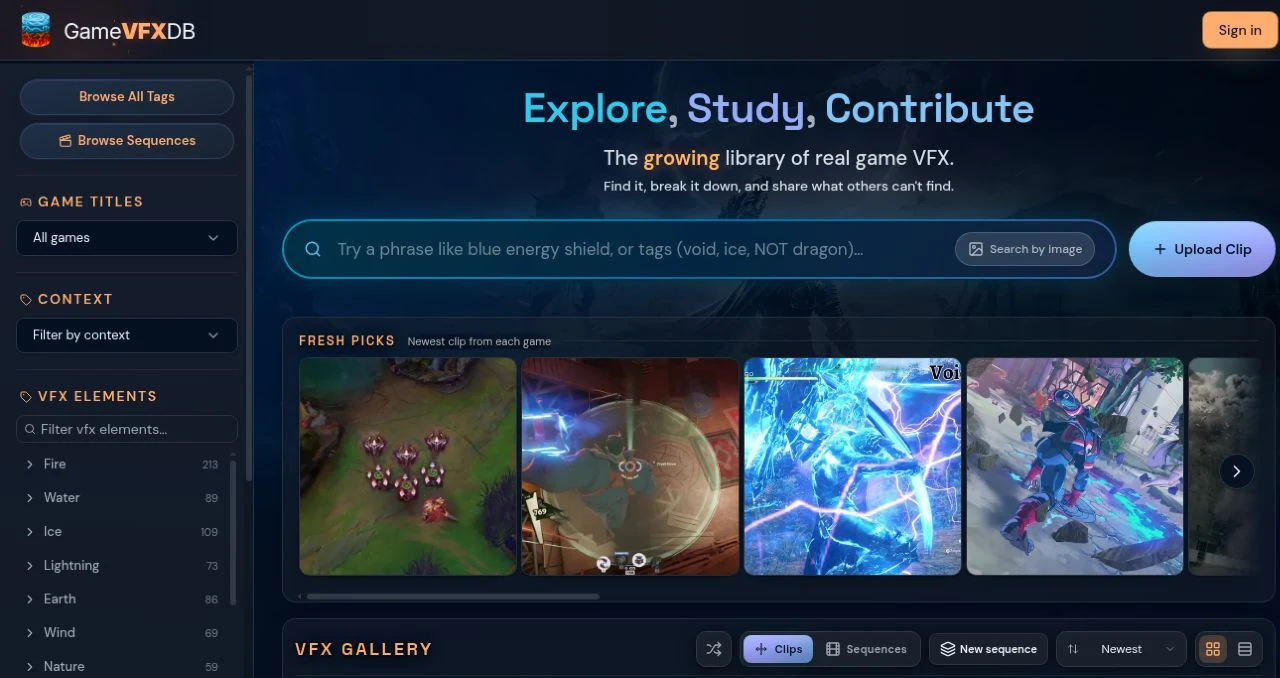
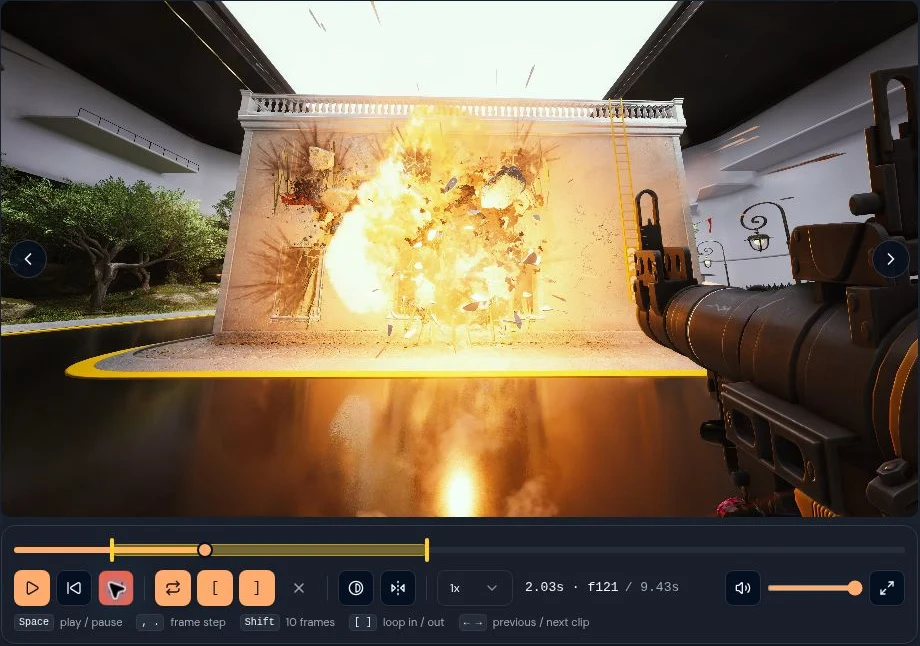
Break down an explosion from The Finals
Open RPG Explosion (+Destruction) and pause at impact. Step backward or forward one frame at a time to see when the flash appears, then follow the direction of the debris. To replay that transition, set point A before the explosion and point B after the debris starts to spread. The yellow timeline segment marks the range that repeats.
To compare effects from different games, open Game VFX Tools. Reference Comparison syncs two to four clips on one timeline, while Deep Study helps inspect the timing, shapes and colors of a single clip.
The library is available for non-commercial study and critique. See the source’s usage terms or the GameSlash tool listing for more clip examples.