 GAMESLASH
Google opens Genie 4 to developers through the Gemini API for interactive world prototypes
By GameSlash
The November 19 announcement brings Genie 4's 720p, 24 fps promptable worlds and native audio to Gemini API and AI Studio developers.
On November 19, 2026, Google announced that Genie 4 is accessible to developers through the Gemini API (Interactions API) and Google AI Studio. This is a separate access expansion following the November 18 launch of Genie 4 in Project Genie for eligible Ultra subscribers. Developers can now build experiments around interactive AI-generated environments, instead of only trying them in the consumer-facing Project Genie interface.
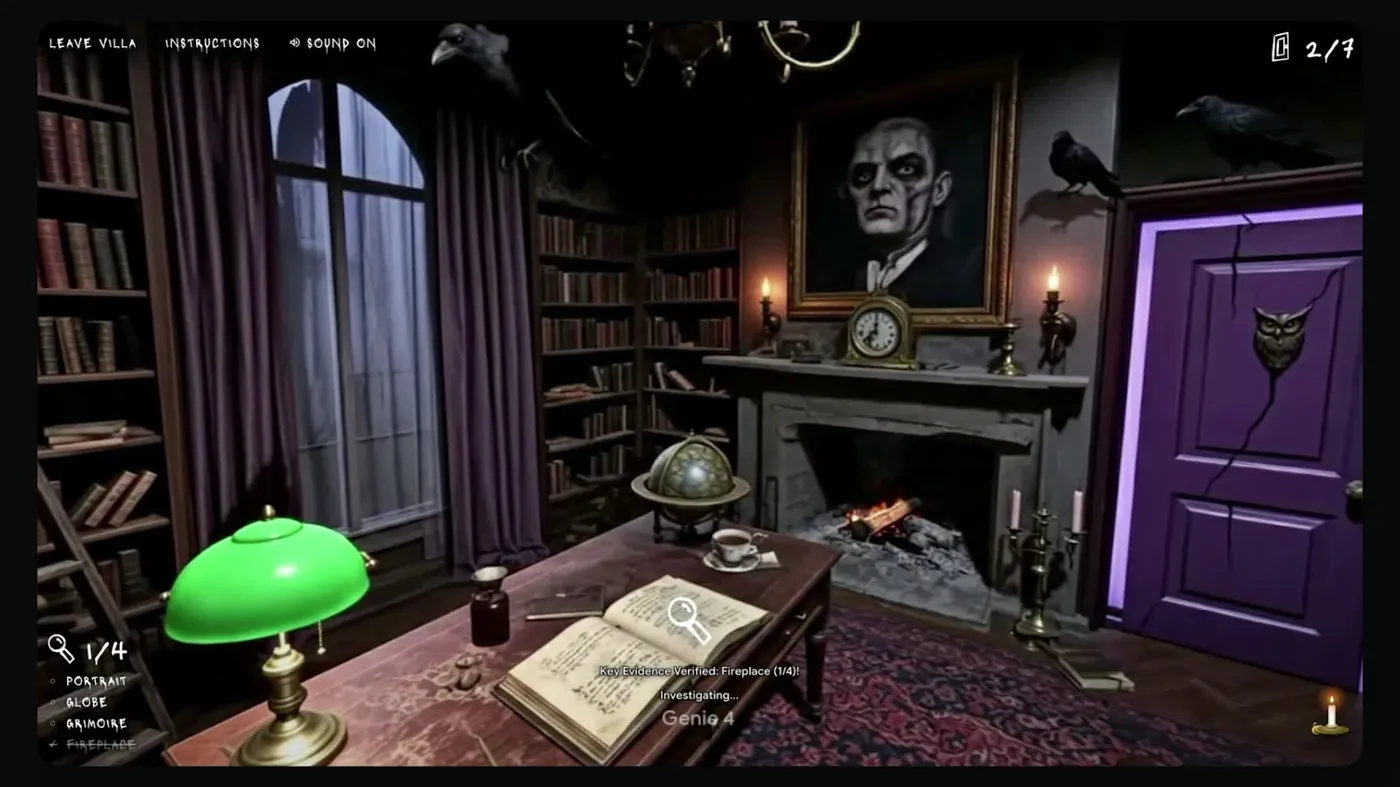
What developers can actually control
According to Google, a world can start from a written prompt, a reference image, or both. Genie 4 produces continuous 720p visuals at 24 fps with native synchronized audio, including environmental sounds, effects and character dialogue. Keyboard controls let users move through the environment, while prompts can change weather, lighting, objects and events during a session.
This matters for game prototyping: creators could try the mood of a scene, a change in weather or an interactive spatial idea before committing to assets and level implementation. It does not mean Genie 4 outputs a ready-to-ship Unity or Godot project, complete game logic, or editable meshes; these are world simulations, not conventional engine builds.
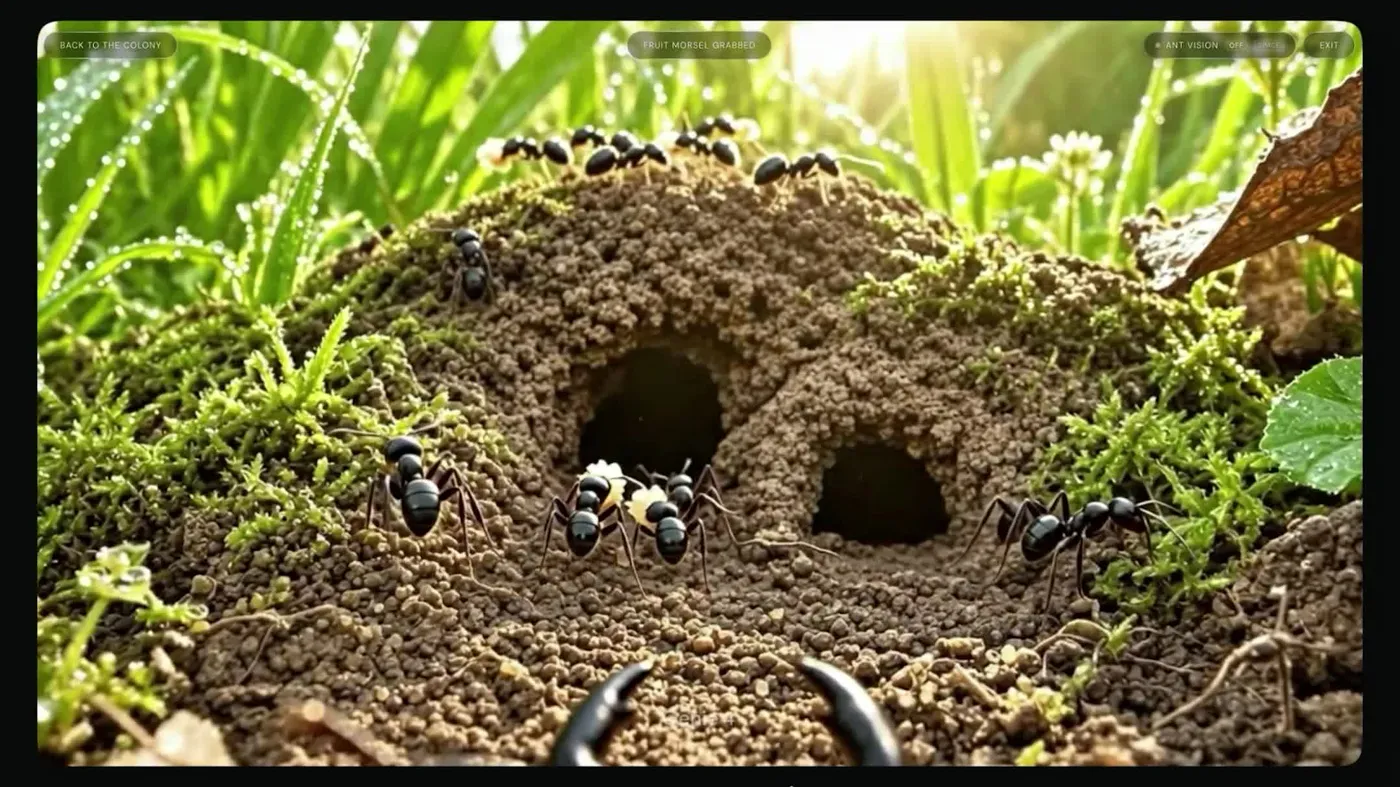
How to explore the developer release
Google points developers to AI Studio and its Genie documentation to inspect starter apps and access details. Start with a reference scene or text prompt, test interactive movement, change one feature with a live prompt, and examine visual continuity and audio behavior. Test restrictions, pricing and API availability against the live documentation before planning production use.
Google says every generated output receives an imperceptible SynthID watermark. Its announcement makes no claim that the output can be exported as traditional game assets; treat this as an interactive previs and experimental environment-generation capability. Original announcement.