 GAMESLASH
Ludo launches 32 free offline tools to prepare game assets for AI coding agents
By GameSlash
November 10 launch adds a free toolbox for sprite pivots, colliders, Godot/Unity export, audio loop checks and asset-folder audits.
Ludo.ai announced Asset Toolbox on November 10, 2026: 32 free offline tools in Ludo CLI 0.2.0+ to let AI coding agents measure and prepare game sprites, sounds and 3D assets. The toolbox requires no account, API key or credits, unlike cloud generation of new assets.
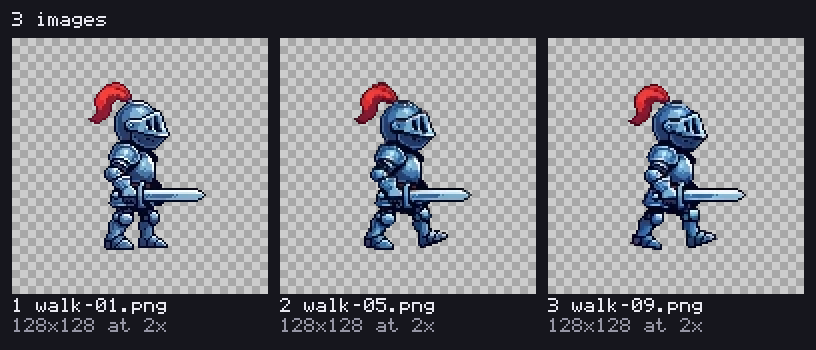
What changes for coding agents
Sprite tools measure grids, pivots at the feet, colliders, common pixels per unit and animation-loop seams. Exports write Godot SpriteFrames or Unity .meta/.anim files. Other tools recolor pixel art, inspect audio loudness and loops, check GLB models and rigs, and audit missing assets across a project.
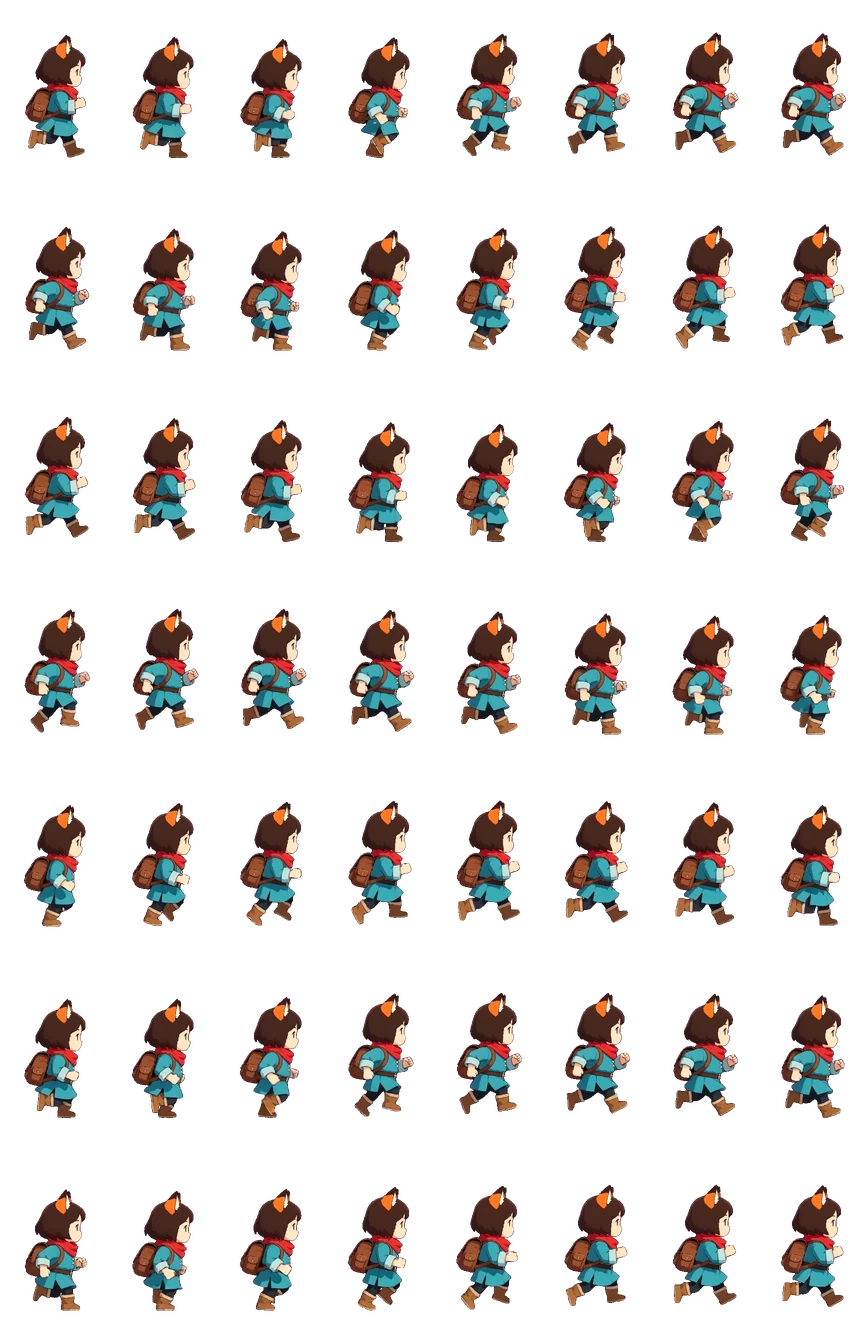
How developers use it
Install Node.js 20+, run npm install -g @ludoai/cli and ludo skill install. Ask Claude Code, Codex or another coding agent to compare walk and attack sheets, set a character's pivot and collider, then export to Unity or Godot. The official docs show actual commands and JSON outputs.
The November 10 press announcement introduces these free asset-preparation tools, building on the earlier Ludo CLI that GameSlash already covered. Creating new art through Ludo still requires a paid plan and credits. Its MIT-licensed CLI code does not grant rights to all third-party artwork.