 GAMESLASH
Mixar Brings AI Agents and Layered 3D Painting Into a Blender-Based Editor
By GameSlash
Mixar pairs an AI agent with an editable Blender-based scene and layer painting. Its official guide explains using your own model provider and reviewing each change.
Mixar combines AI-assisted scene editing with a Blender-based workspace. Its official guide describes asking an agent to change a particular object while preserving the rest of a scene, useful when iterating on game props instead of generating a replacement image each time.
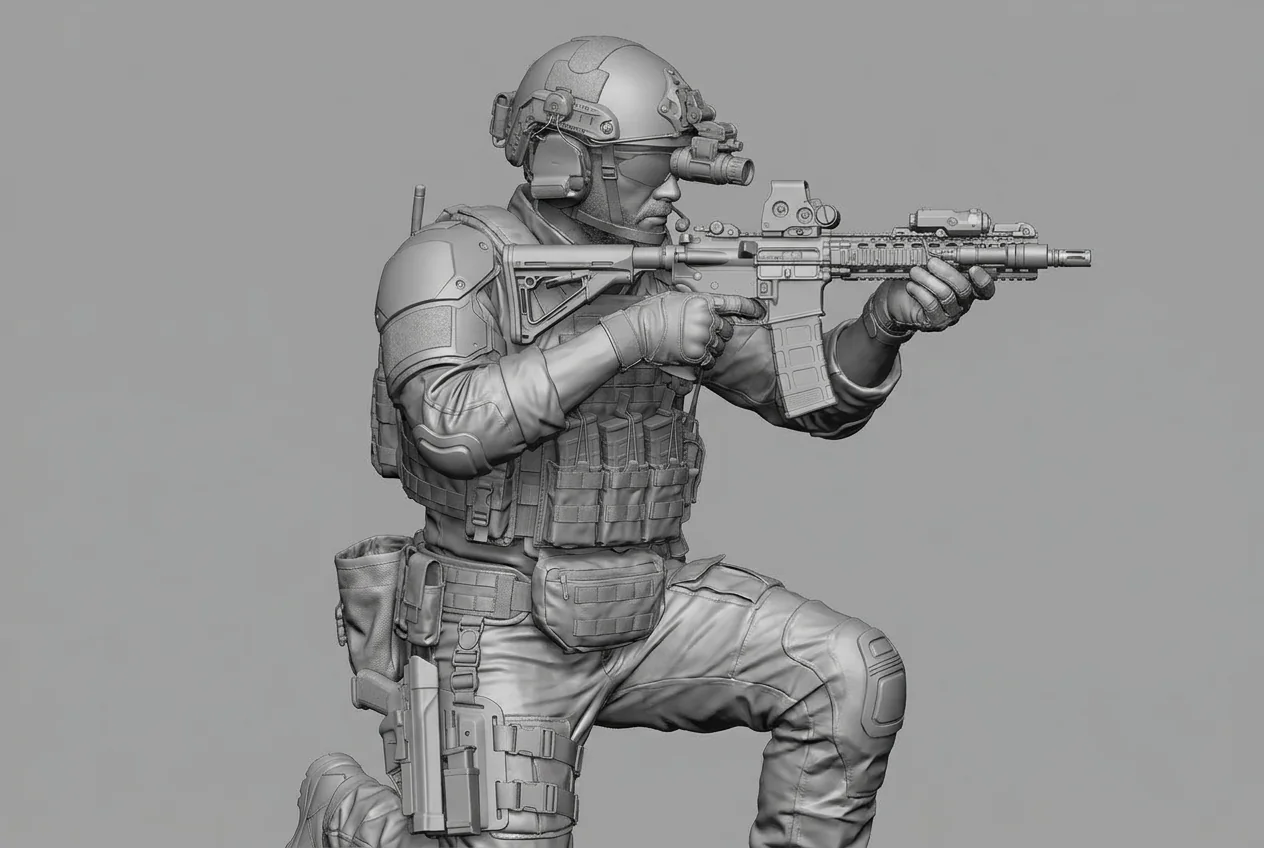
An agent can work on the editable 3D scene
The guide covers modeling, UVs, materials, lighting and animation. Specify the object, requested change and what must stay unchanged, then inspect the result. Layer painting and baking support texture work, but generated geometry still needs an artist's checks before use in a game.
Connect your model, and check the installed build
As checked on October 25, the homepage advertises v3.2 while the official guide labels its workflow 4.3.1. These labels do not establish the version of a downloaded installer. The guide supports guest mode with your own AI provider; hosted models and paid generation require sign-in and may incur separate charges.
For game creators, the key benefit is an agent helping with iteration inside a familiar 3D editor. It still requires artists to judge mesh quality, topology, textures and licensing. These showcase images are not presented as assets built or tested by GameSlash.
Sources: official Mixar site · workflow guide · downloads