 GAMESLASH
Pixel Search finds 1.4 million pixel sprites by description
By GameSlash
Search 16×16 pixel art by meaning, then learn how to export transparent sprites for a game and what CC0 covers.
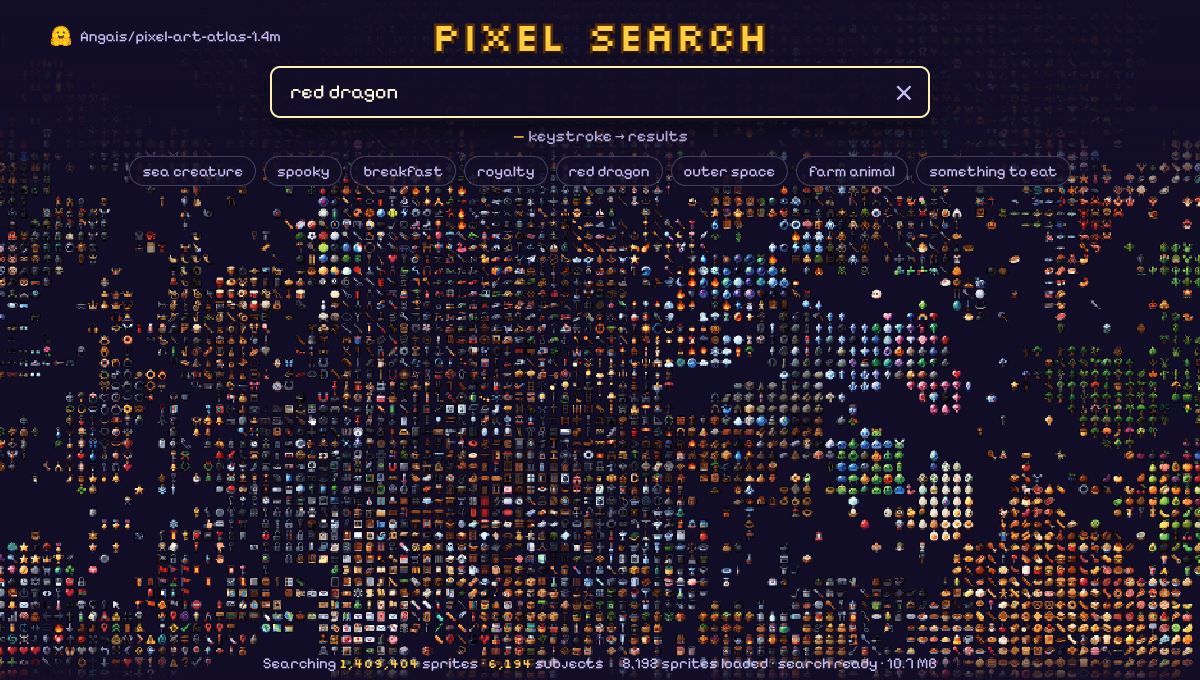
Caleb Fahlgren’s Pixel Search lets game makers type a description and browse matching pixel art as they type. The Hugging Face Space searches 1,409,404 transparent 16×16 sprites from Angais’s Pixel Art Atlas across 6,194 subjects. The search index ranks related subjects and then uses English captions to favor details such as color. Query processing runs in the browser and the canvas uses WebGL2.
Try red dragon or healing potion. Hover over a sprite to see its subject and caption. Clicking it runs a new search for that subject. You can copy the search URL to share it with an artist or teammate. Check the actual pixels before picking an asset because some captions describe what the image generator was asked to draw and may differ from the result.
From search result to game asset
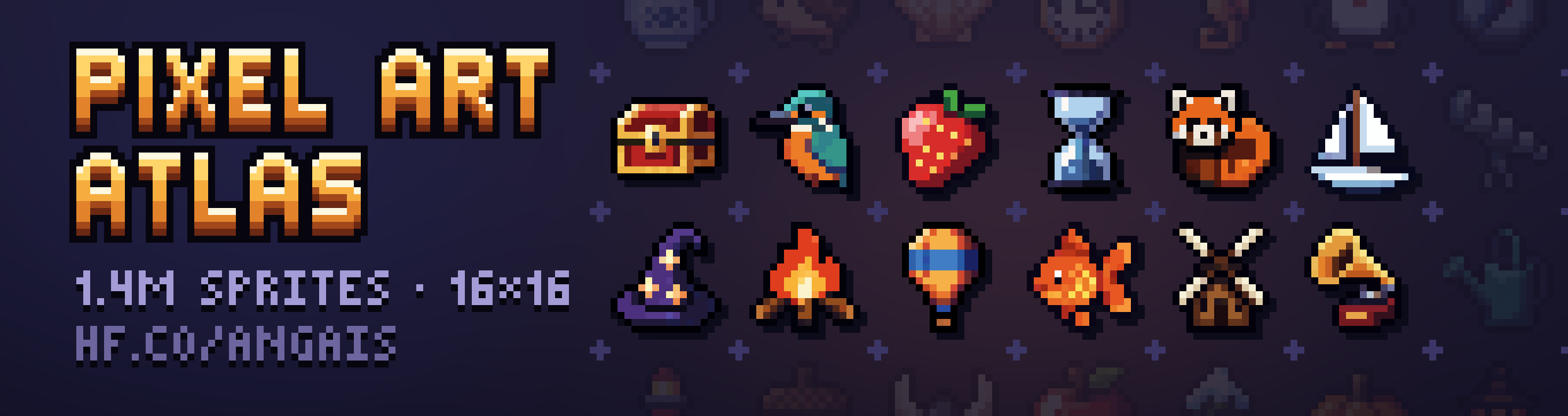
Pixel Search helps you shortlist ideas. To get a clean file, open the Pixel Art Atlas dataset viewer and search for the subject or caption shown on hover. For repeatable exports, load the matching Parquet row, record its row_id and save its image field as an RGBA PNG. The dataset also documents a ZIP of palette indices for bulk extraction.
A potion sprite can fill an inventory slot, a coin can mark a pickup and a monster silhouette can stand in for an enemy during prototyping. Keep the original at 16×16 and use nearest-neighbor filtering at integer scale to preserve hard edges. The dataset provides individual images. A walk cycle, attack or spell still needs consistent frames and a shared pivot before packing a sprite sheet.
Can you use the sprites in a paid game?
Angais dedicates the sprites to CC0 1.0 to the extent of the rights it can waive. CC0 allows copying, editing and commercial use of those rights without requiring attribution. Check the dataset’s rights and provenance notes for third-party material and trademarks. The dataset card also points to the separate Krea 2 Community License and its commercial-use terms. Avoid recognizable third-party characters or logos unless you have the relevant rights.
Open Pixel Search · Read more on GameSlash about how Pixel Art Atlas was made.