 GAMESLASH
Scenario Skills 0.61.0 adds playable game ads and fixes pixel-art frame colors
By GameSlash
Scenario's November 8 update adds an HTML5 playable-ad workflow for mobile games and palette consistency checks for pixel-art animation, with network QA caveats.
Scenario released Agent Skills 0.61.0 on November 8, 2026. The update adds a workflow for turning existing mobile-game footage or screenshots into an interactive HTML5 playable ad, alongside a fix for pixel-art animation frames whose colors drift across a clip.
From a game recording to a playable ad
The new scenario-playable-ads skill starts with gameplay footage or screenshots, the game's logo, store links and its core action. It extracts reference frames, prepares assets, builds a short interactive version of the mechanic, and packages self-contained HTML for nine advertising-network formats. The workflow includes a mute control, a clear first action, an end card and network-specific validation. It is a production recipe, not an announcement that every ad network has independently approved the output.
The skill documentation describes a 35–45-second playable and says it ran checks using simulated ad-network containers. It explicitly notes that network-specific live preview testing is still required. Developers must supply footage and verify that the resulting playable reflects the actual game rather than inventing a feature.
Read the playable-ad workflow from Scenario's own repository.
Pixel-art animation: stop color drift between frames
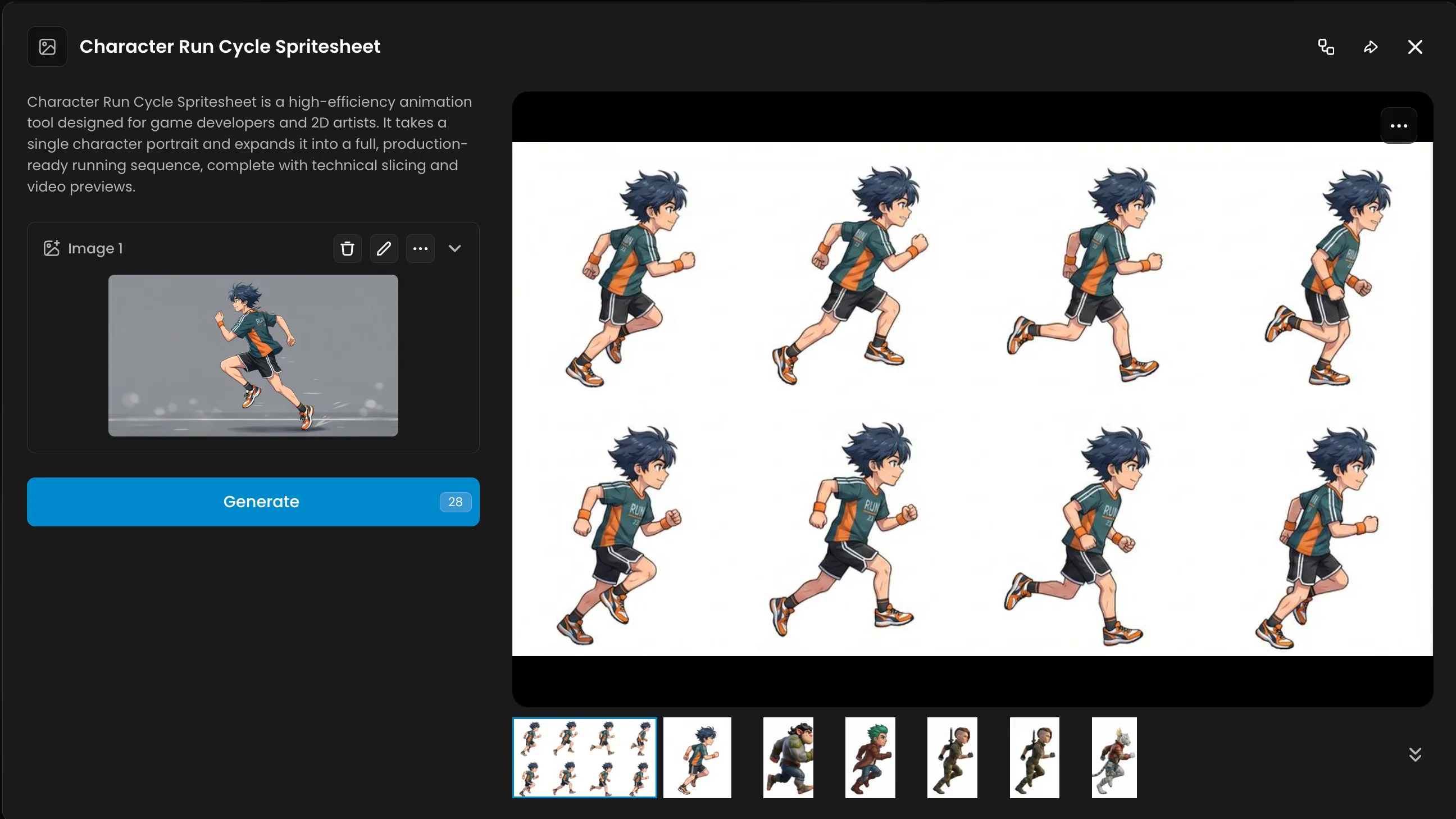
The same release updates scenario-sprite-animation to hold one palette consistently across pixel-art frames and flag clips that appear frozen. For creators making run, attack or idle animations, this targets two common review problems: shifting colors and frames that fail to move.
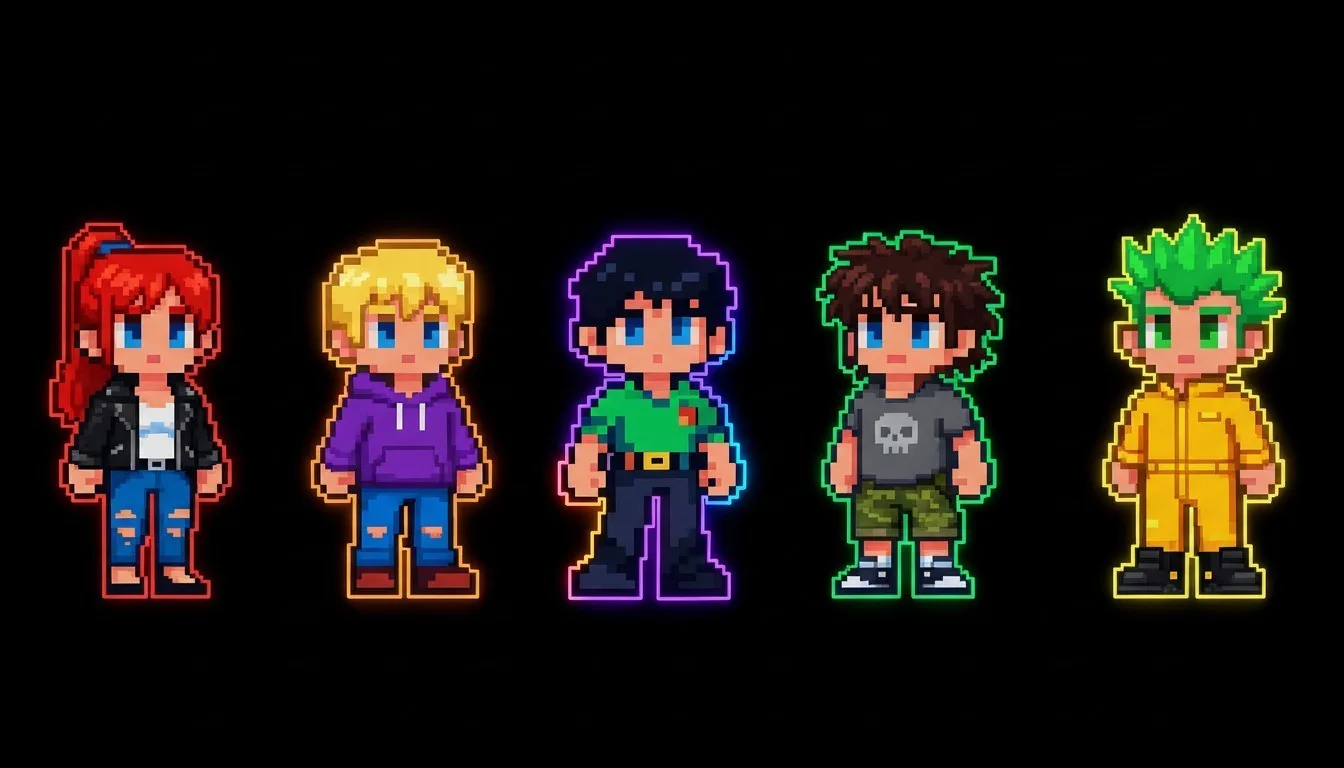
For a small game team, the practical next step is to compare animation frames against a reference palette, then test the sprite loop in the engine. For advertising, use recorded gameplay to define a playable's interaction, and run each destination network's own preview before submitting. These are two separate workflows in one skills release.