 GAMESLASH
Sprite Studio turns AI-assisted 2D game sprites into aligned, exportable sheets
By GameSlash
The open-source desktop tool starts with one character master, previews motion loops, and exports PNG sprite sheets with JSON metadata.
Sprite Studio by John Kinyanjui brings 2D asset creation, animation, and sprite sheet export into one desktop app. Start with one character master, align the animation frames to a consistent canvas and anchor, then preview the walk or flight loop before exporting.
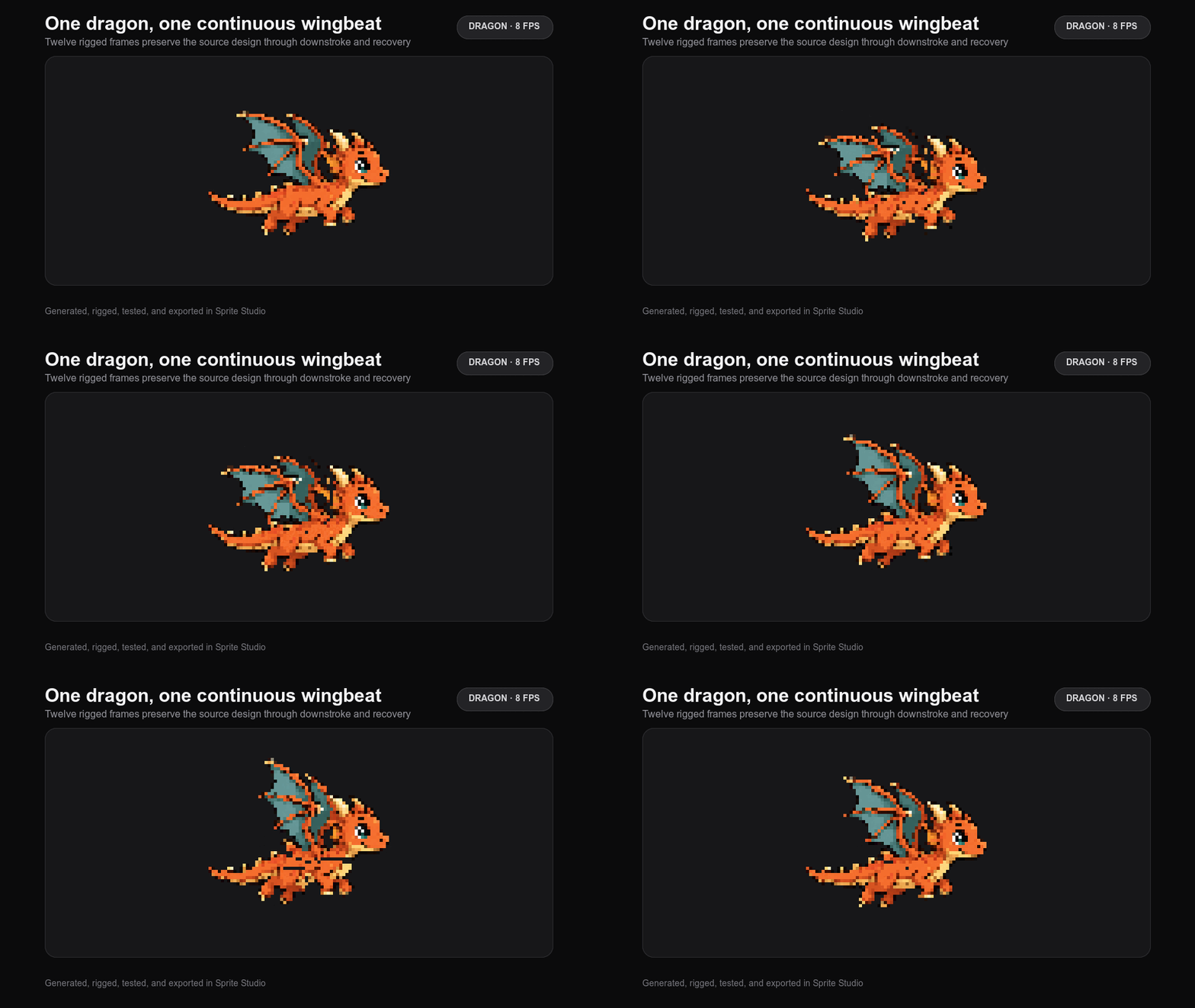
From a character master to a game asset
1. Generate or import the master. The project guide recommends specifying the subject, canvas size, art style, and transparent background. Approve the design and promote the image to an anchor for later frames.
2. Animate from the master. Use /animate to help set up a 2D rig, then render poses with the native Rust renderer. You can also import a continuous walk or run strip and split it in the Animate tab.
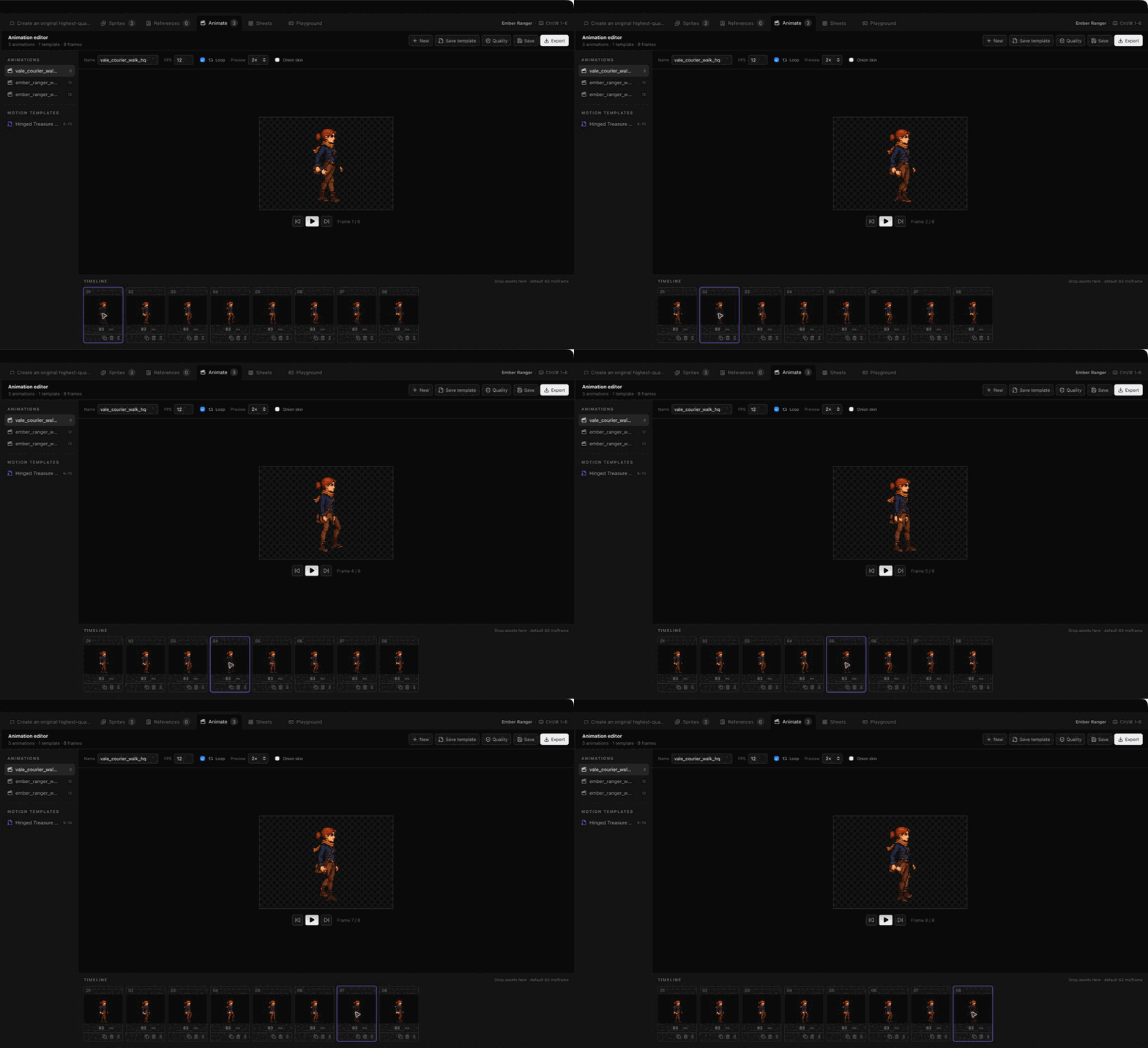
3. Align frames before export. Match frames to the anchor, preview the loop in the Playground, and export a PNG sprite sheet with JSON frame and pivot data.
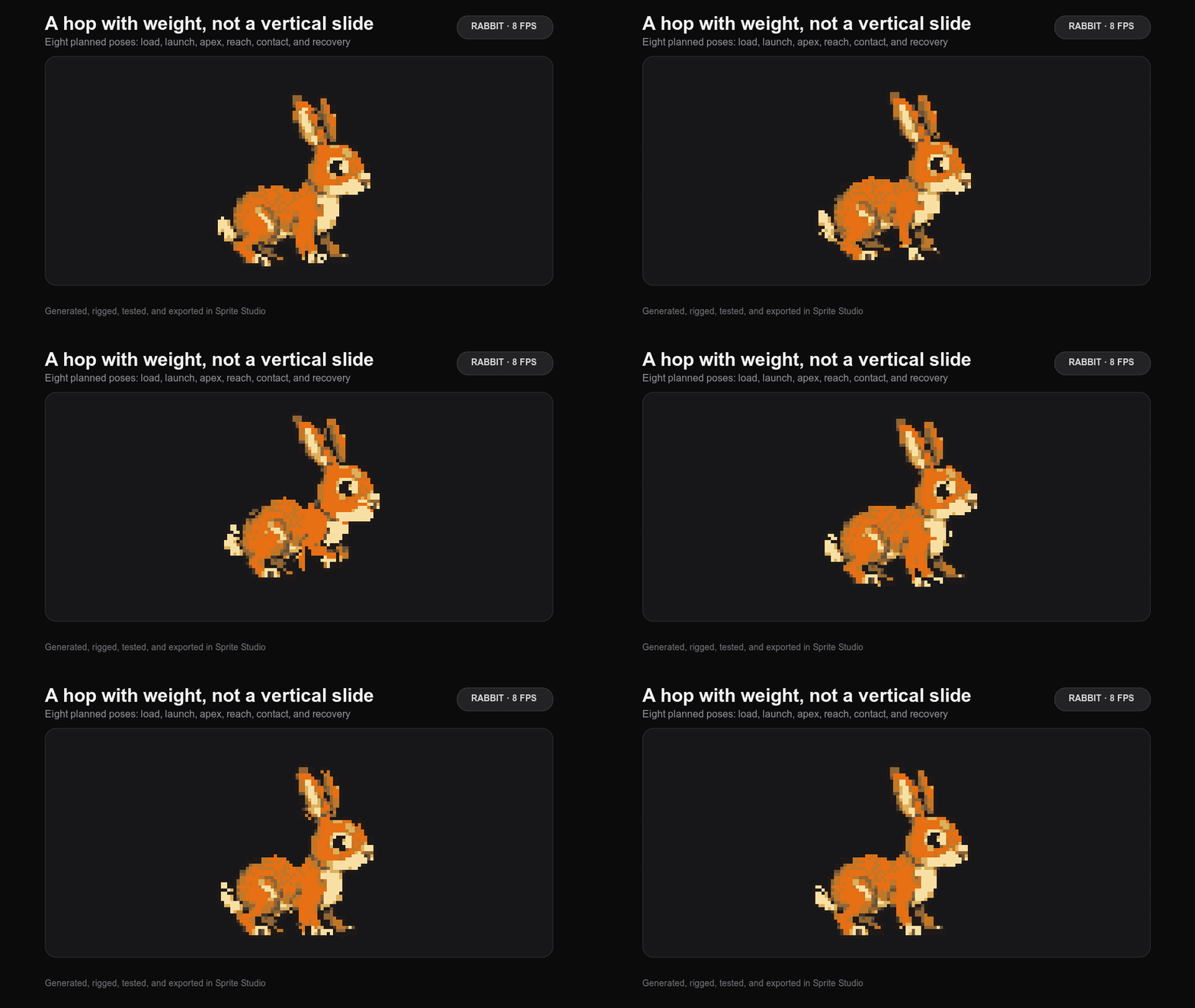
The latest release listed is v0.3.3, dated September 25, 2026 in Thailand. It adds a humanoid workflow that assembles separate head, torso, arm, and leg sprites into a skeleton. The release lists Windows and Linux installers. The README provides source build instructions for macOS.
The app is released under the MIT license. AI features rely on an installed, signed-in provider CLI such as Codex. Generation terms and costs depend on the provider.