 GAMESLASH
UE-MCP 1.4.15 protects Unreal Blueprints and targets multiplayer PIE clients for AI tests
By GameSlash
Nov 21 update lets AI agents remove DataTable rows, safely edit Blueprint graphs and send multiplayer PIE input to a specific client.
UE-MCP version 1.4.15 was released on November 21, 2026. The open-source bridge between AI coding assistants and Unreal Engine now adds safer Blueprint graph changes, bulk DataTable row removal, level Save As and targeted play-in-editor (PIE) input for multiplayer tests. These are specific workflow changes that teams can apply when asking agents to edit a live Unreal project. Official release notes.
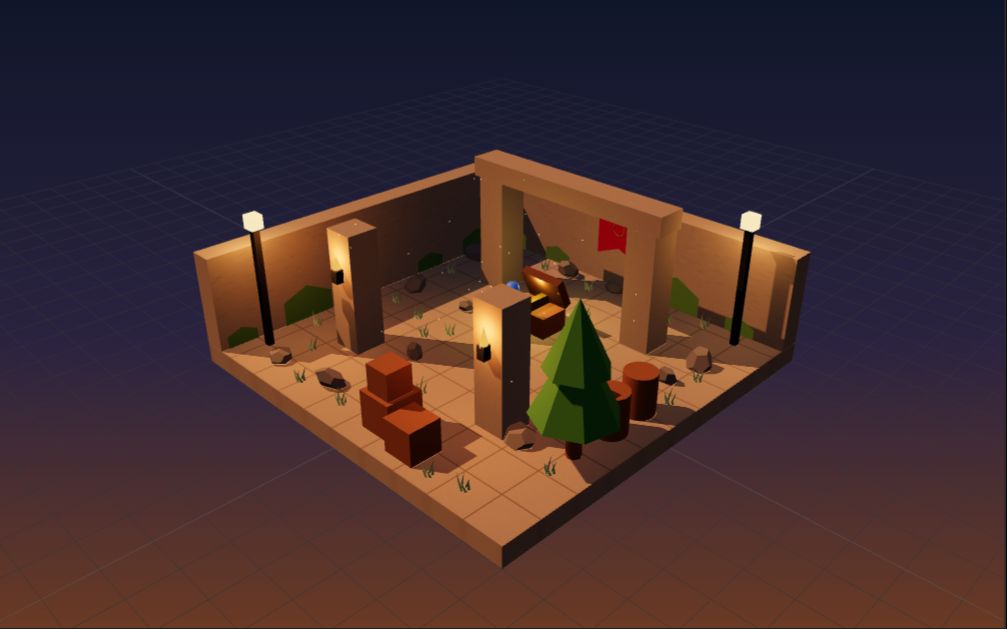
Protect Blueprint nodes while an agent edits
A key guard in the release changes how Blueprint Graph DSL writes: it refuses a rewrite when that rewrite would lose nodes. Blueprint saving also follows its save switch. That matters because an assistant that edits one event graph should not silently erase existing logic. This is a reported safety check, not a replacement for a version-control diff or a human review of compiled Blueprints.
Test the correct multiplayer client
Slate focus and keyboard events can now target the UI belonging to one specific PIE client, rather than broadly affecting a shared test session. Related fixes make multiplayer scripts execute on their intended client and align replays and diffs against an authoritative world. Game teams building inventories or HUD interactions can use these changes to compare the state of different clients more reliably.
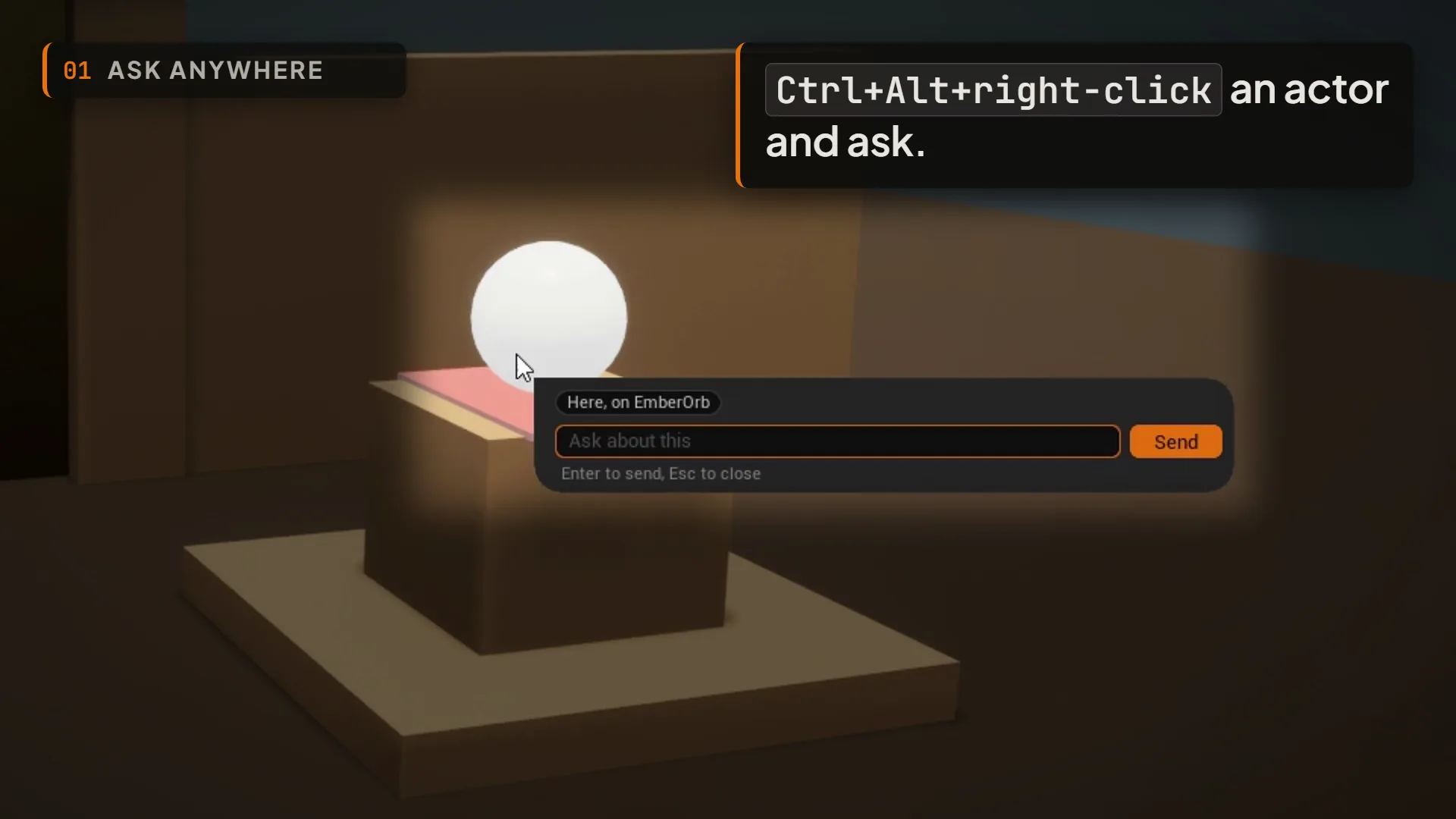
Practical updates beyond playtesting
The new remove_datatable_rows action removes multiple DataTable rows in one call; level(save_as) lets an agent save a level under a new name. Switching maps now prompts before ending play or discarding unsaved changes. Material tools accept collection parameter IDs and Custom node definitions and preserve them during round-trip export. Server-side logs now redact credentials, and cancellation stops a call in progress.
Set it up and verify the changes
The free, MIT-licensed server supports Unreal Engine 5.4–5.9, Node.js 20+ and major MCP-compatible coding assistants; the Studio interface is optional and Windows-only. From a project folder, run npx ue-mcp init to install the editor bridge and configure your client, then run project(action="get_status") inside your AI client to confirm connection. Start with a disposable test map: ask the agent to create a DataTable, remove multiple entries, save the level under a different name, and inspect whether original content survives. For multiplayer input, verify two PIE clients independently. Save the project in source control first.
Availability and limitations: UE-MCP itself is free, while using a paid AI model may incur model fees. A native C++ toolchain or compatible prebuilt bridge is needed depending on platform and engine version. Install guide and demonstration · Release v1.4.15.