Back to Tools
Coding

Unity Addressables: Content Organization

By Unity Technologies

Organize Unity content with Addressables groups, addresses and explicit asset lifetimes.
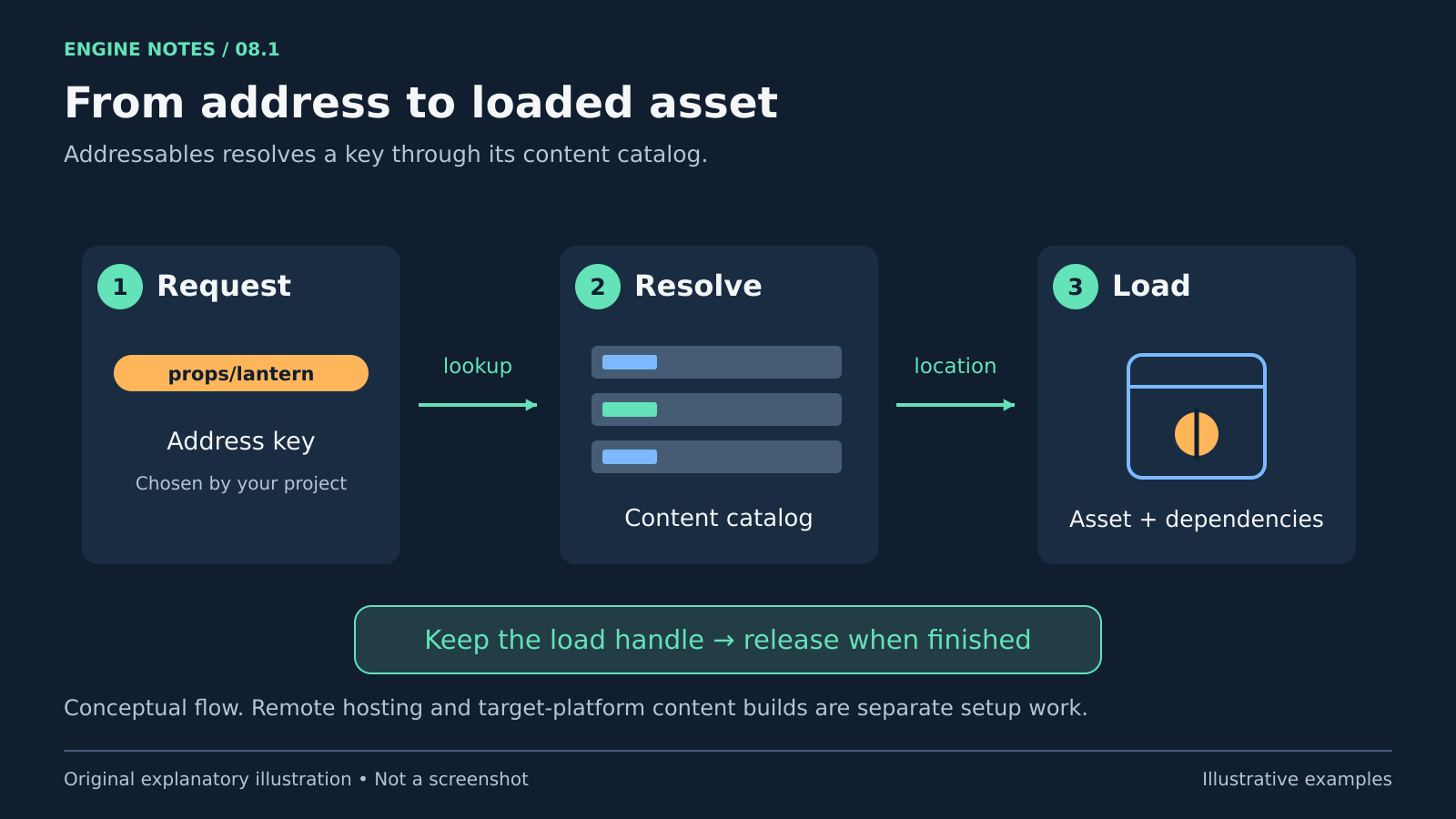
guide
Three steps show an address key resolving through a content catalog to an asset and its dependencies, with a reminder to release the load handle.
An illustrative Addressables lookup and resource lifecycle, not an editor screenshot. Original explanatory artwork prepared for GameSlash with AI assistance. Documentation is credited as the factual source only; no source imagery reused. Concept source

Use it for: Optional scenes or content packs loaded when needed.

Start: 1) Match the package version. 2) Assign one prefab an address and group. 3) Load and release it, then make a target-platform content build.
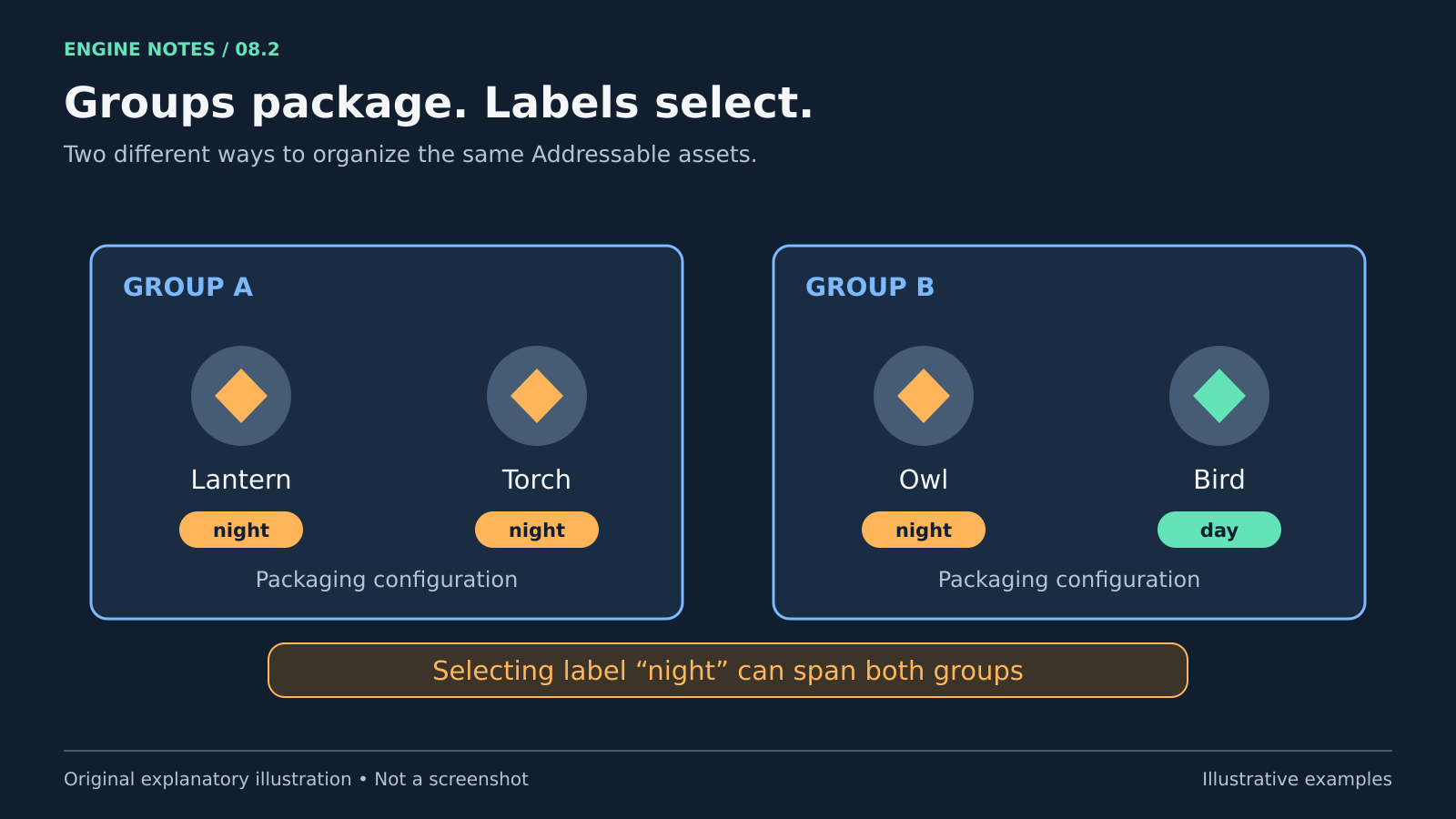
Two packaging groups contain four synthetic assets. The night label selects Lantern and Torch in Group A and Owl in Group B, while Bird has the day label.
Groups affect bundle packaging; labels select assets and can span groups. Exact bundle layout depends on configuration. Original explanatory artwork prepared for GameSlash with AI assistance. Documentation is credited as the factual source only; no source imagery reused. Concept source

Try checking: Re-enter the scene in a player build and inspect dependency and memory behavior.

Limits: Groups affect bundle packaging; labels help select assets. Remote content needs hosting and correct paths. Automatic dependency loading does not remove your responsibility to release assets.

Source: Official guide

View source