 GAMESLASH
AI keeps changing your 3D game props? imaginu generates models from repeatable recipes
By GameSlash
See how imaginu lets an AI agent write structured recipes for characters, dungeons and worlds, then export reproducible GLB models instead of starting over.
A game may need dozens of related 3D props. When an AI-assisted workflow changes a design, creators still need a repeatable way to rebuild it. imaginu lets an AI assistant write a structured recipe, then uses a deterministic generator to turn that recipe into a GLB model.
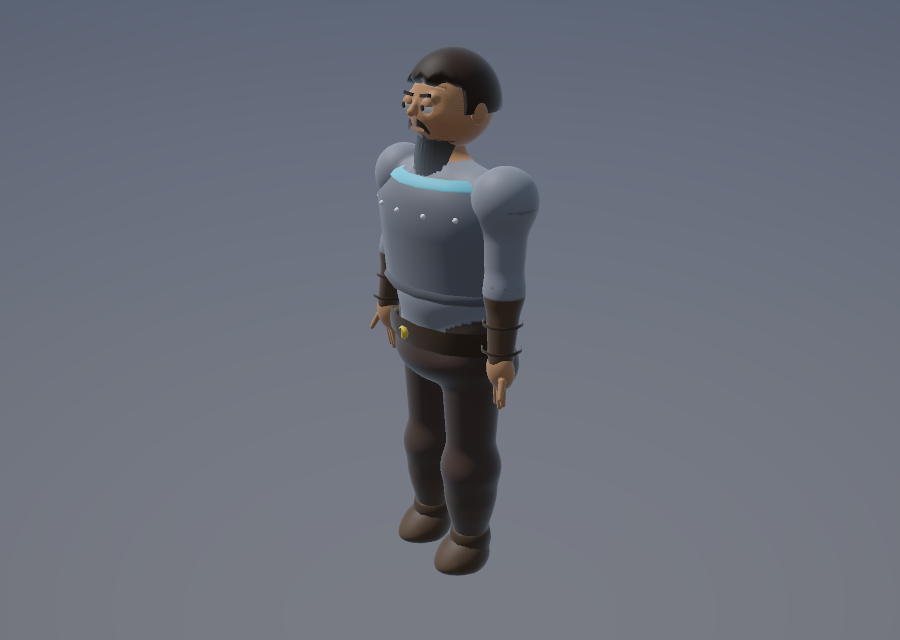
Instead of asking a model to directly output thousands of 3D vertices, imaginu lets agents such as Codex and Claude Code describe a character, tree, monster or dungeon through a recipe. A Rust program builds a `.glb` model, and its own preview renderer produces a PNG for review. The original developer repository includes source code, reproducible examples and a live Babylon.js viewer.
Why is 'the same model again' useful?
Consider a forest level made from hundreds of tree variants. If you change a palette, change a seed or regenerate one sector, you want to know exactly which assets will change. imaginu documents reproducible generation: the same recipe and random seed give an identical exported GLB. That is fundamentally different from hoping a fresh AI image request will match yesterday's.
The assistant can read the recipe schema, write or adjust a small JSON description, generate the GLB, look at a PNG preview and iterate. It is still a controlled production workflow with a review step; a short text prompt does not guarantee a polished model.
It's more than separate props: take a look at a dungeon
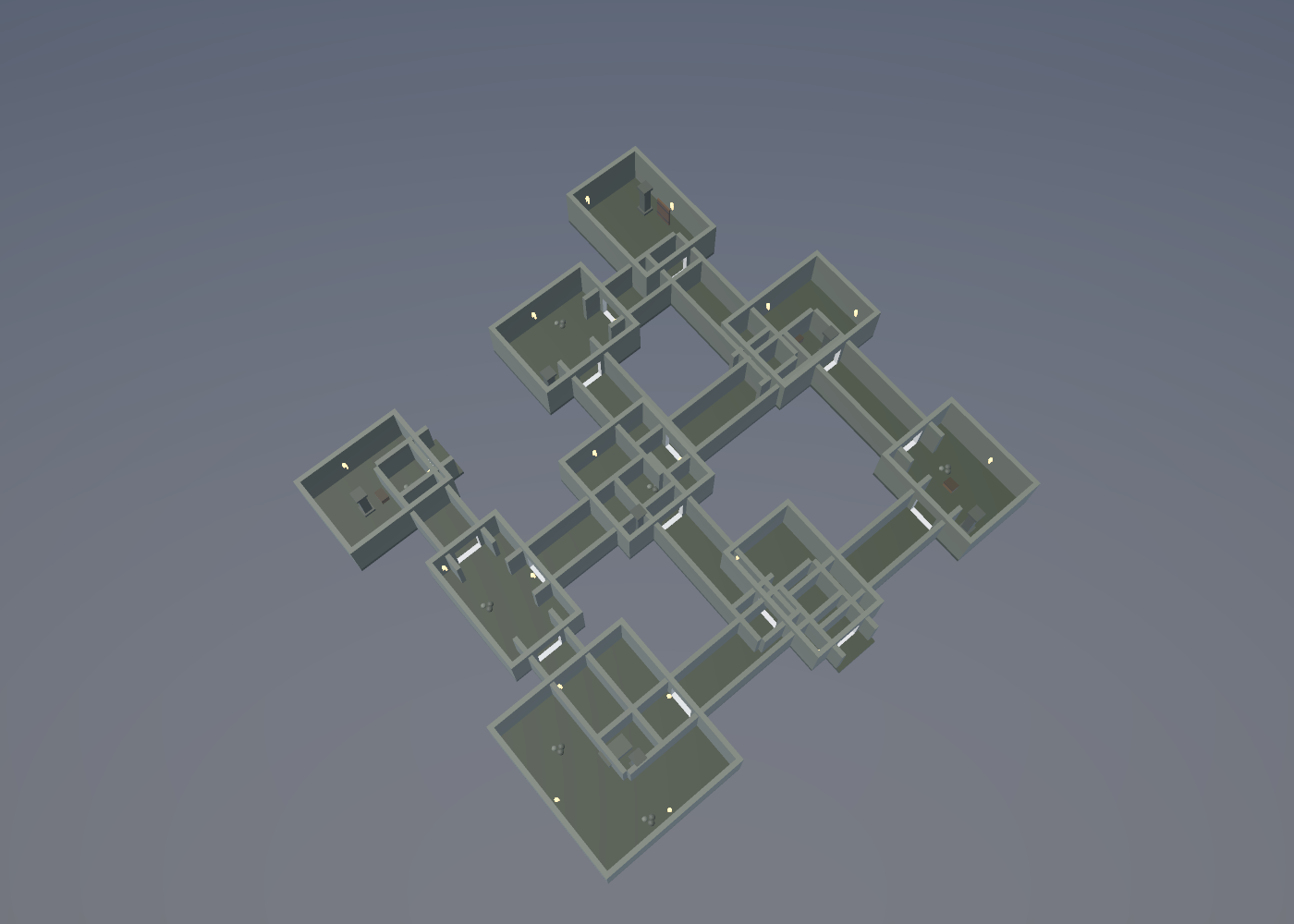
The official gallery includes a crypt dungeon that the tool generates as multiple room assets and an overview. It can also generate rigged characters, monsters, bosses, scenery, and physics metadata. That does not mean gameplay mechanics, enemies or quests are automatically implemented in a game engine.
How does a large world stay in one piece?
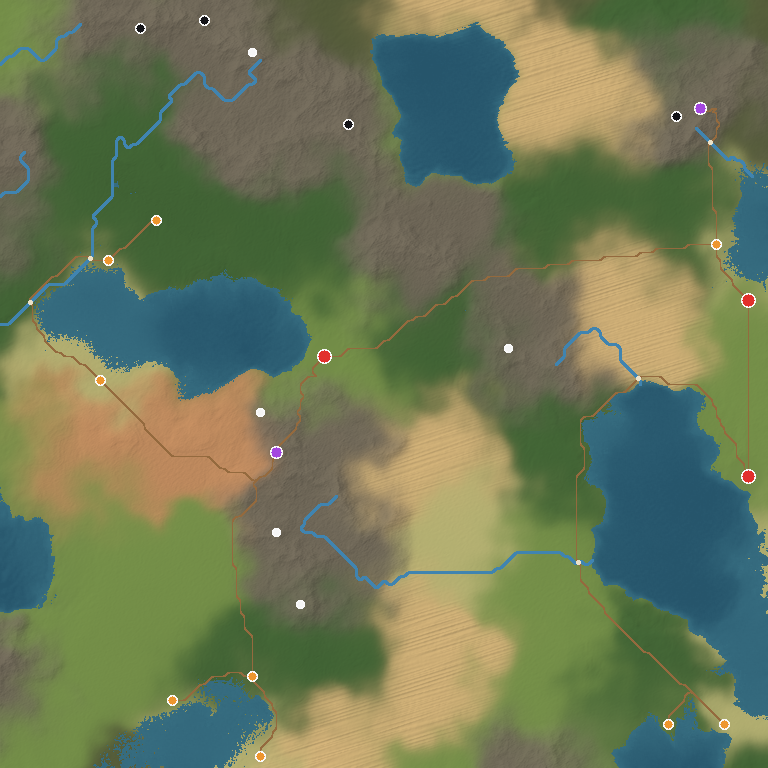
The developer describes a chunked-world mode with terrain, roads and points of interest. Adjacent chunks calculate their shared edges from the same world coordinates, which is intended to prevent cracks even if chunks are built separately. The image below is the project's map output, not a recorded gameplay session.
How would a beginner try it?
The simplest documented example is `imaginu generate '{"kind":"tree","style":"oak"}' -o tree.glb --preview`. It produces a tree as GLB plus a preview. You can ask Codex or Claude Code to help write the recipe and call the program; the project's agent skill describes that workflow. Start with one tree or character, inspect the model in the author's web viewer and check the scale, silhouette and imports before generating a dungeon or world.
GLB is a reusable 3D file format, but using it in your actual game still requires importing the asset and checking the collider, appearance, lighting, frame rate and behavior. The README focuses on Babylon.js; treating the output as an automatically finished Unreal or Unity project would overstate what the source proves.
Is the output free to use?
The developer publishes this repository under an MIT license and the example gallery files are part of that repository. Keep its copyright/license notice when reusing substantial portions. The documentation contains example recipes at gallery/recipes. This is a technical explainer based on October 2026 source documentation, not a breaking release announcement or a GameSlash hands-on test.