GAMESLASH
AssetFurnace
By GameSlash
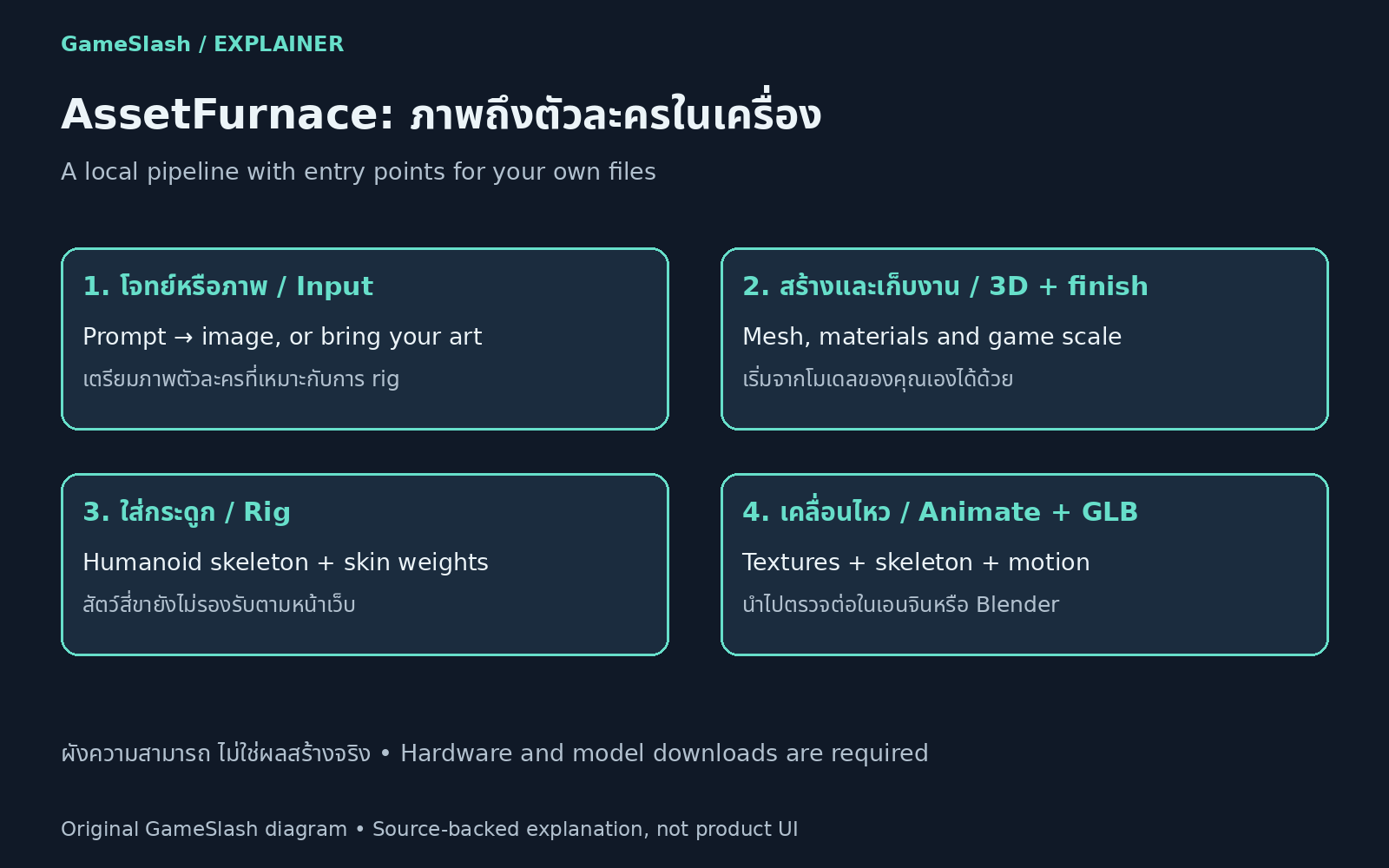
Combine local image and 3D generation, humanoid rigging and animation, then export GLB for Blender or game engines.
What it helps with
Combine local image and 3D generation, model finishing, humanoid rigging and animation. Start from text, images or existing models, then export GLB for further work in Blender or a game engine.
Ways to use it
Follow installation guidance on the official website and enter the workflow at the stage matching your files. The site recommends 32 GB on Apple Silicon and reports testing Linux with 24 GB NVIDIA GPU memory. A 3D engine downloads roughly 8–20 GB of model data.
Limitations
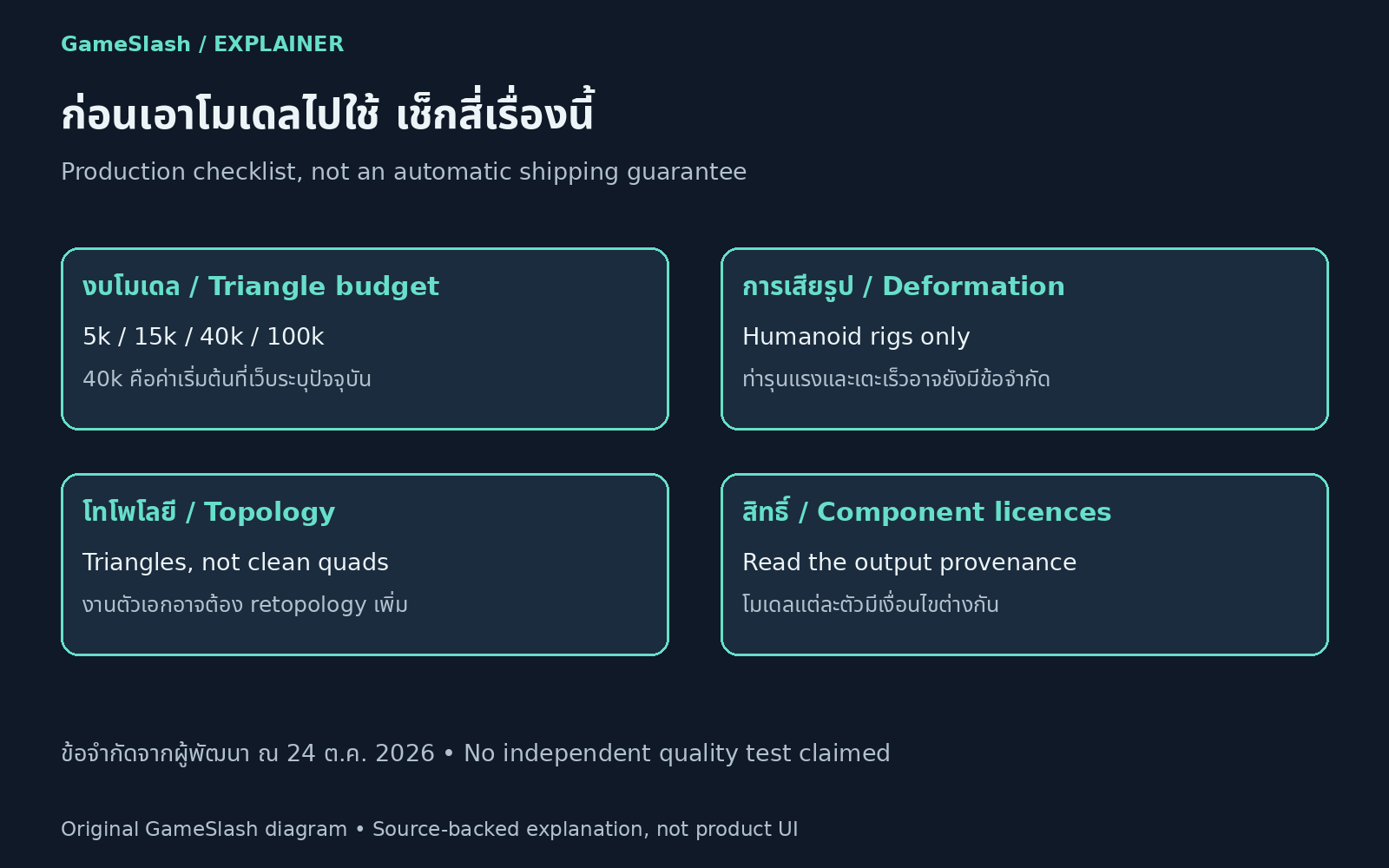
Rigging is humanoid-only, with limitations for extreme poses and fast kicks. Triangle options are 5k, 15k, 40k and 100k, with 40k as the default. Hero assets may need retopology. Inspect deformation and component-specific licenses in the provenance before production use.
Illustrations