GAMESLASH
Mocai
By GameSlash
Turn movement videos into 3D animation, export FBX, GLB, BVH or USD, and retarget to supported rigs.
What it helps with
Turn filmed movement into animation without a capture suit. Export FBX, GLB, BVH and USD, with retarget options for Mixamo, UE5 Manny and MetaHuman.
Ways to use it
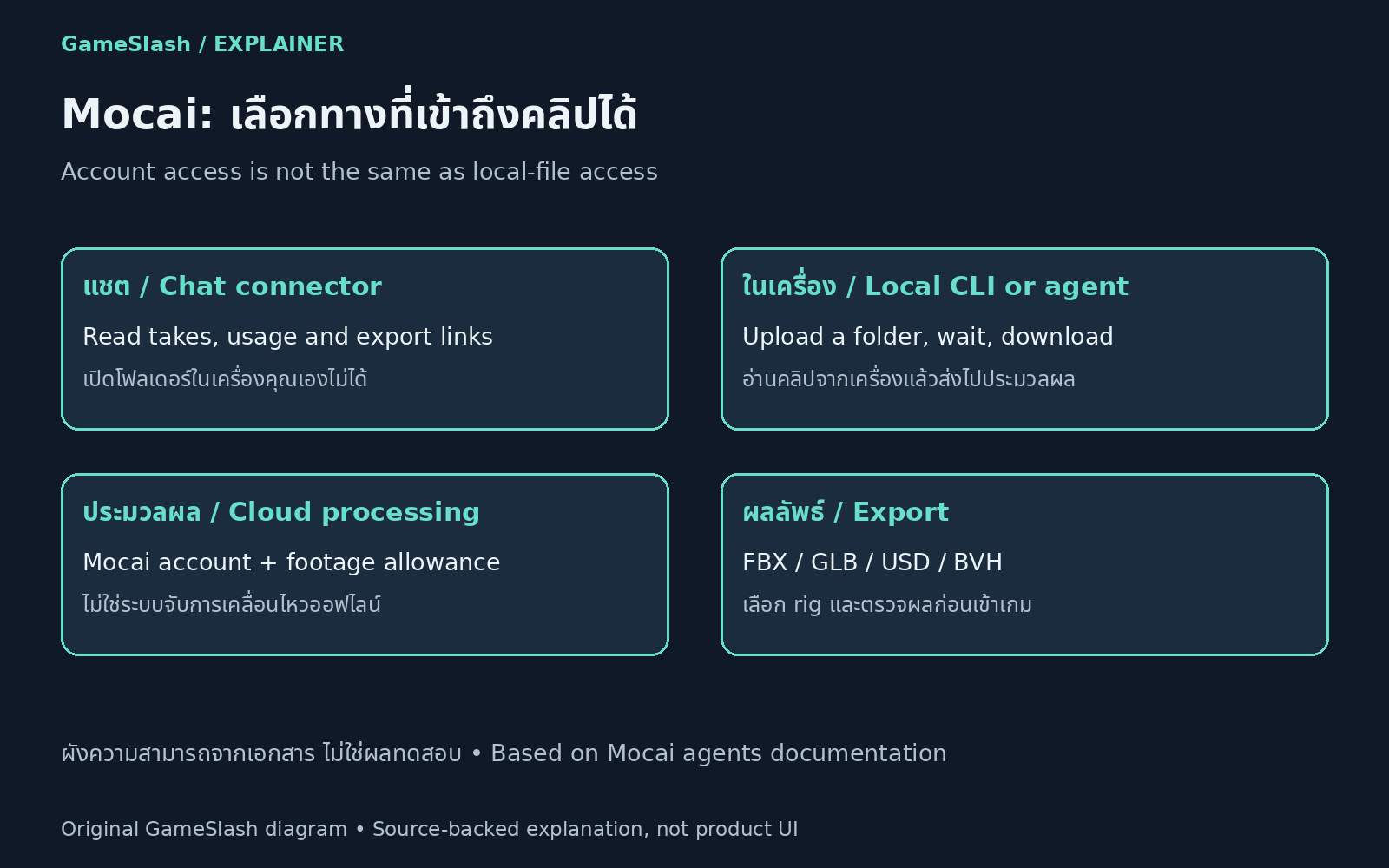
Use Mocai with footage you have permission to upload. A CLI or supported desktop agent can upload batches and save results. A chat connector can inspect existing takes and export links but cannot open local folders. Processing still runs on Mocai and consumes account allowance.
Limitations
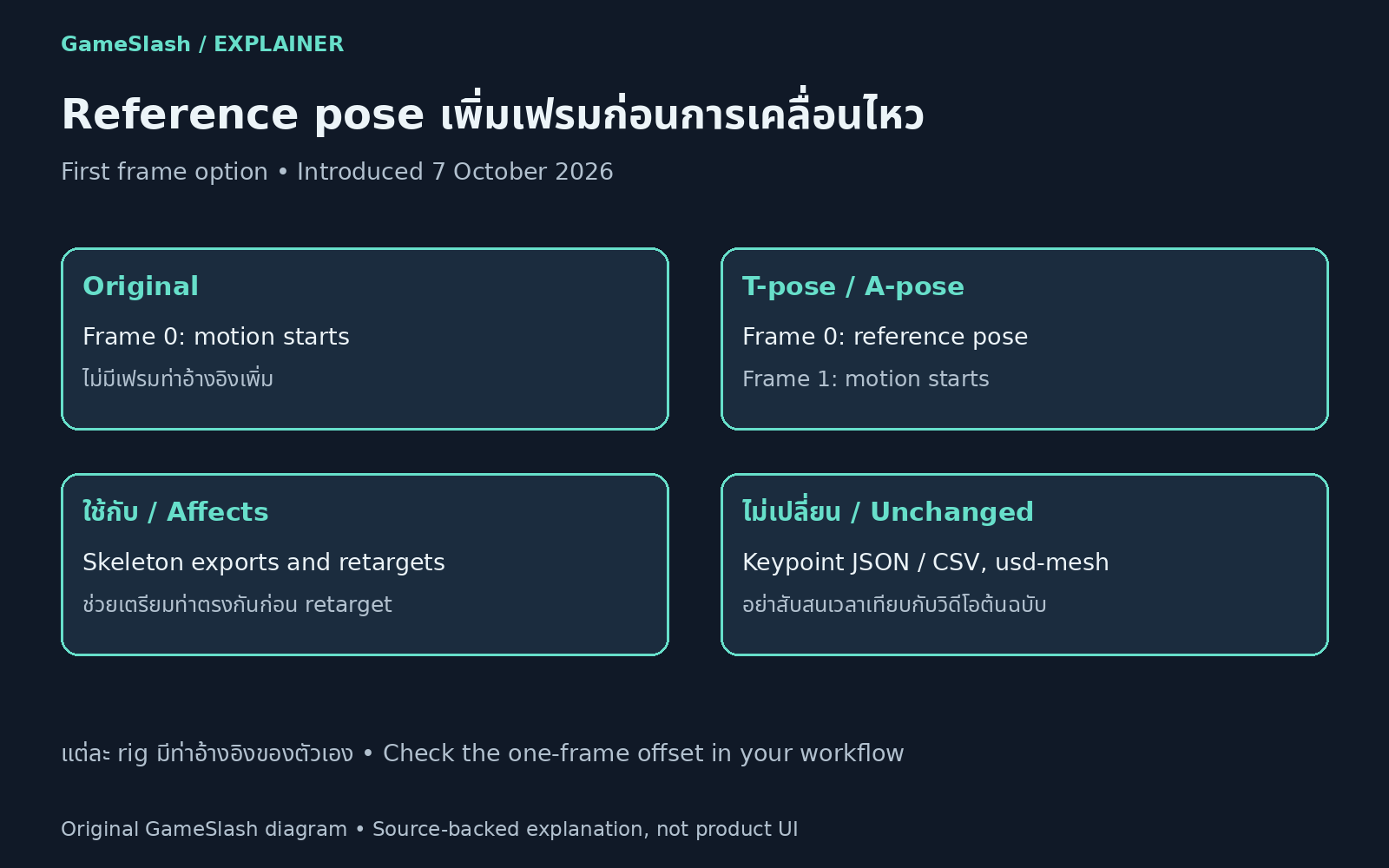
The optional T-pose or A-pose places a reference at frame 0 and starts motion at frame 1 for skeleton exports and retargets, not keypoint JSON/CSV or usd-mesh. The native rig has 127 joints; 70 refers to tracked keypoints. Check timing, proportions and movement after engine import.
Illustrations