 GAMESLASH
Translation and localization
Unity Localization: Quick Start
By Unity Technologies
Start Unity localization with locales, string tables and localized assets.
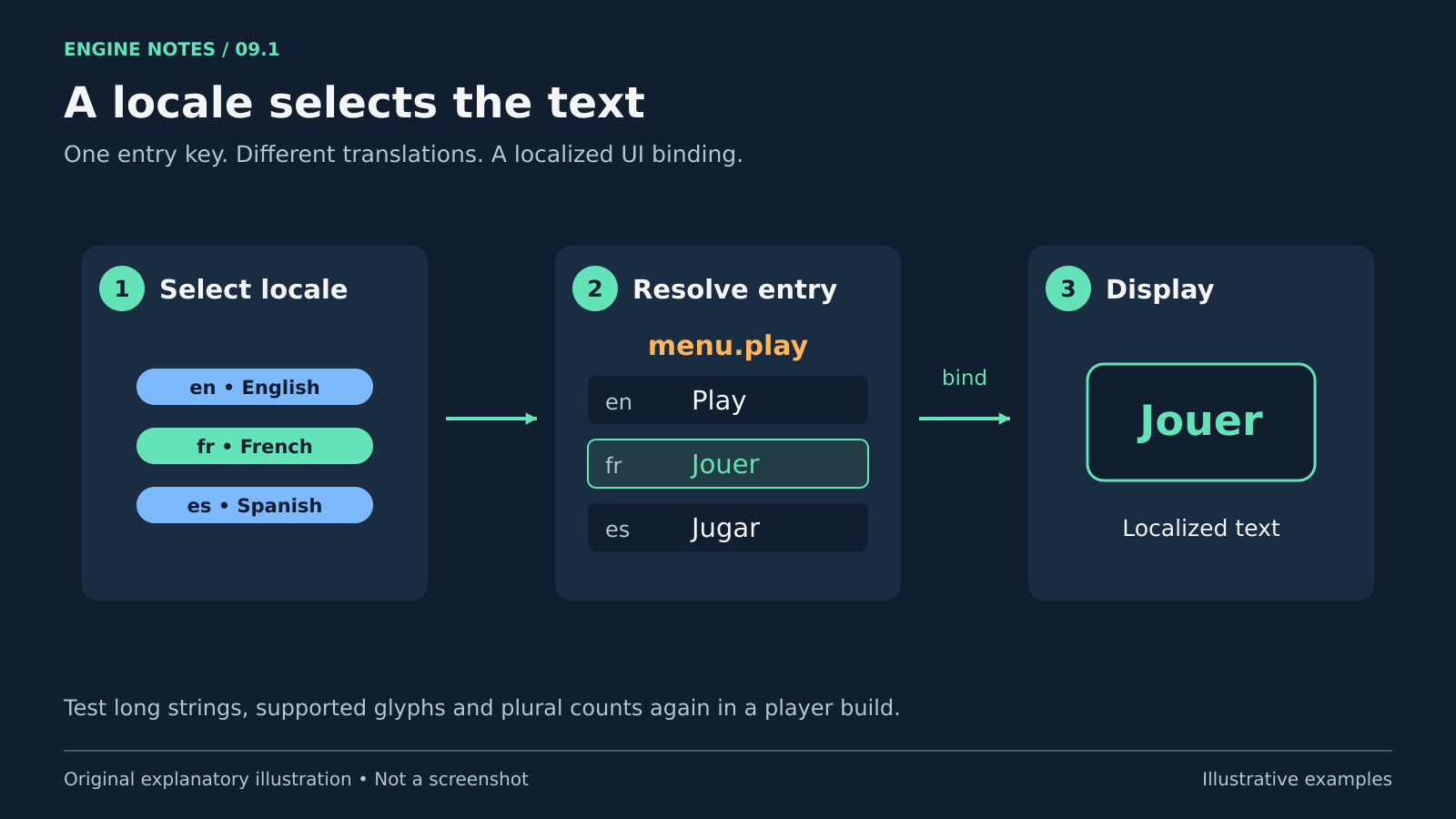
Use it for: Bilingual menus, item-count text and language-specific media.
Start: 1) Create Localization Settings and locales. 2) Add one String Table entry. 3) Bind it with Localize String for your UI setup and switch locales.
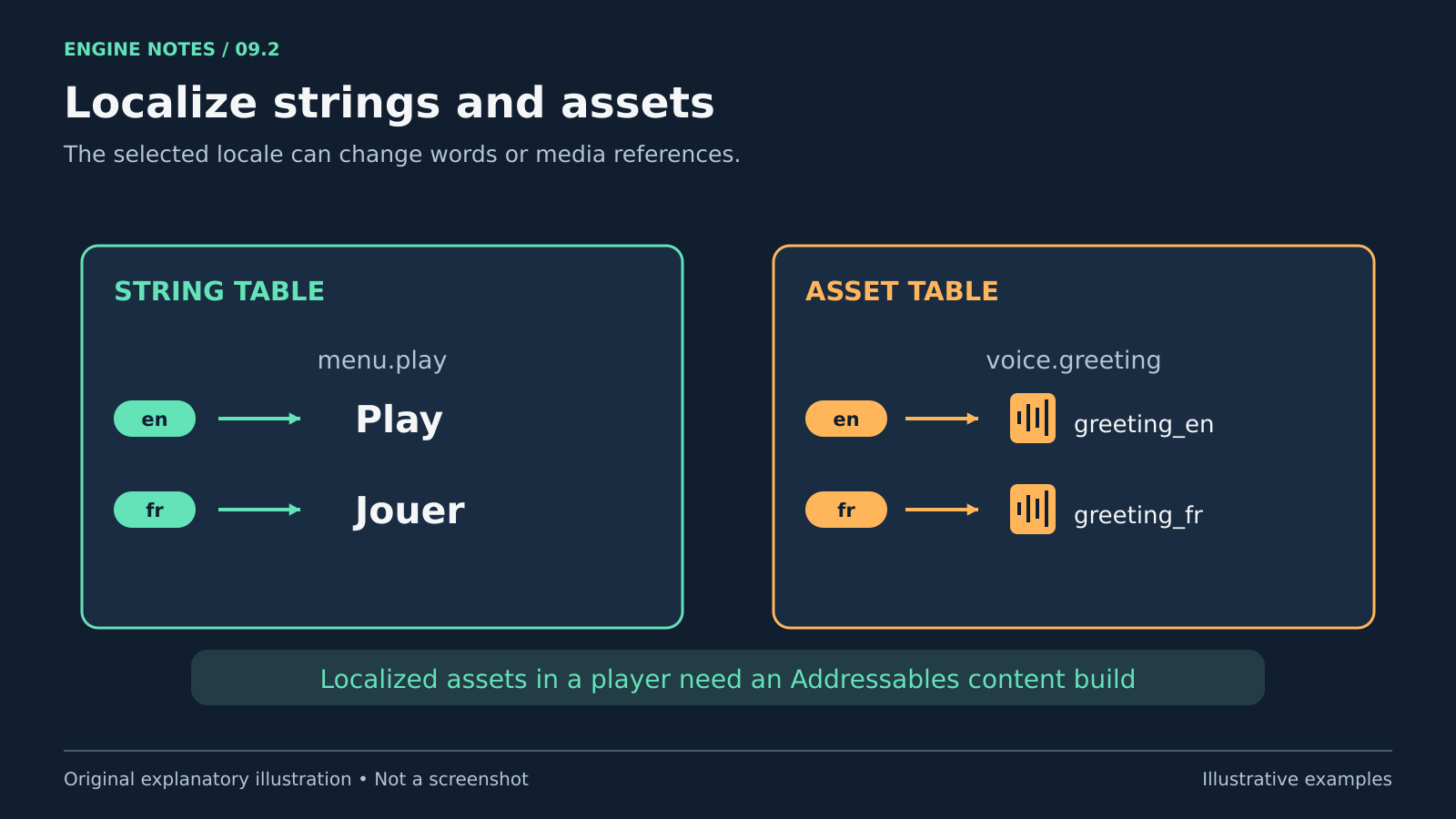
Try checking: Long text, Thai glyphs and zero/one/many counts, then repeat in a player build.
Limits: The example uses UGUI Text; adapt bindings for TMP or other UI systems. Localized assets in a player require an Addressables content build.
Source: Official guide