 GAMESLASH
Gorest helps creators assemble 2D game scenes, characters and motion previews
By GameSlash
See the creator's layered horror-game examples and how Gorest combines editable scenes, sprite previews and assistant-guided changes.
Want to prototype a 2D side-scrolling game but struggle to combine scenes, characters and motion? The open-source Gorest 2D Animation Spritesheet Generator provides a layer-based scene editor, animation previews and workflows where a coding assistant such as Codex can help edit scene data. These are original creator-provided images, not GameSlash play-testing. This is an existing-tool explainer, not a new October 26 launch.
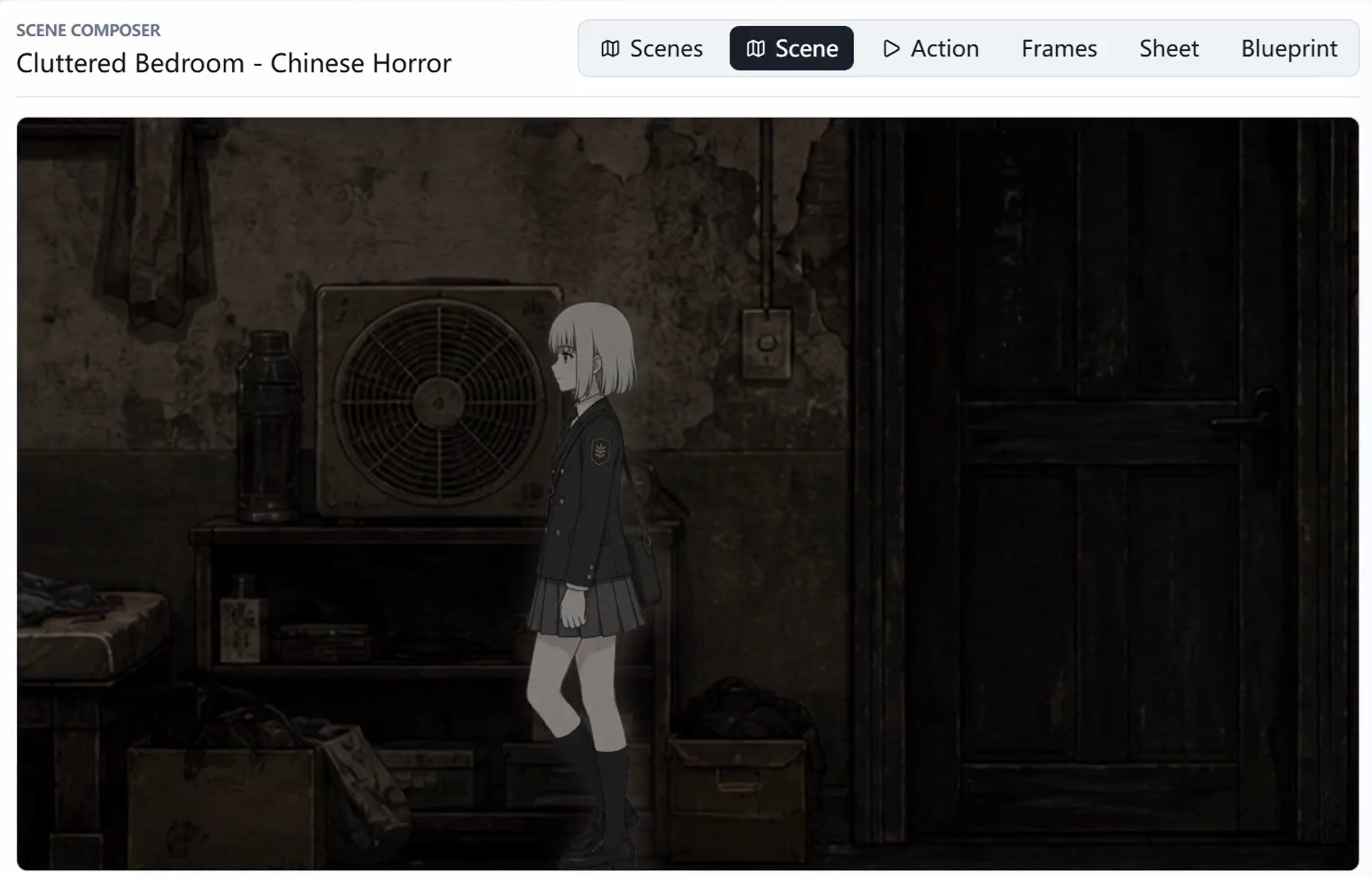
Build an editable scene instead of flattening everything into one image
Gorest separates backgrounds, characters, objects and effects into layers. Creators can move, resize, reorder and show or hide them without redrawing the whole scene. The author's examples include a horror shrine entrance and a dark bedroom, demonstrating how separate visual parts form a complete scene.
What the AI assistant can and cannot do
According to the maintainer documentation, Codex can help set up scenes, layers and animation metadata and can modify the local application through natural-language instructions. The project can import or generate multi-frame sprite sheets and preview them in the browser. Which AI generation features work still depends on installed components and connected services; this does not mean one prompt automatically produces a finished game.
Creators still have to review motion, positioning, visual consistency and interaction rules. The value here is faster visual prototyping and editable scenes, not evidence that every type of game becomes commercially shippable automatically.
The software license does not license all the artwork
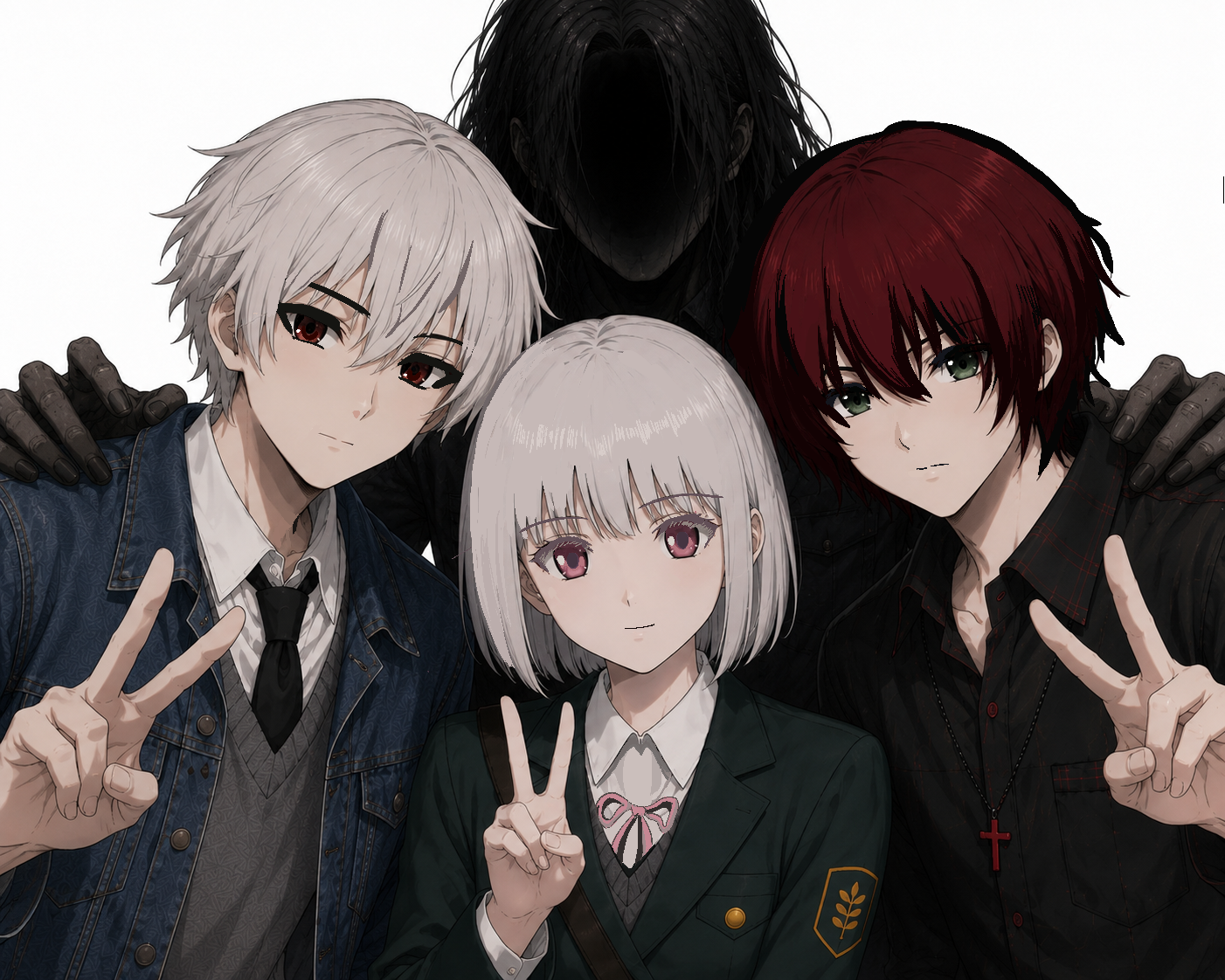
The source code is MIT-licensed, but the sample characters, environments and The Horror Notes images are copyrighted by Heroza. The repository's asset-specific policy allows sharing official game imagery with attribution, not extracting it as free assets for other games. The images here illustrate the tool's original examples and are not presented as downloadable game assets.
For a closer look at the workflow, visit the official repository and instructions for scene layering, animation inspection and reusable asset organization.