 GAMESLASH
Rigby2D 0.4.3 adds Cocos Creator animations, extending AI-assisted 2D game workflows
By GameSlash
A new Cocos Creator runtime and more complete DragonBones imports help 2D creators carry animated characters into games. Here is what changed, what AI can assist with, and the limits.
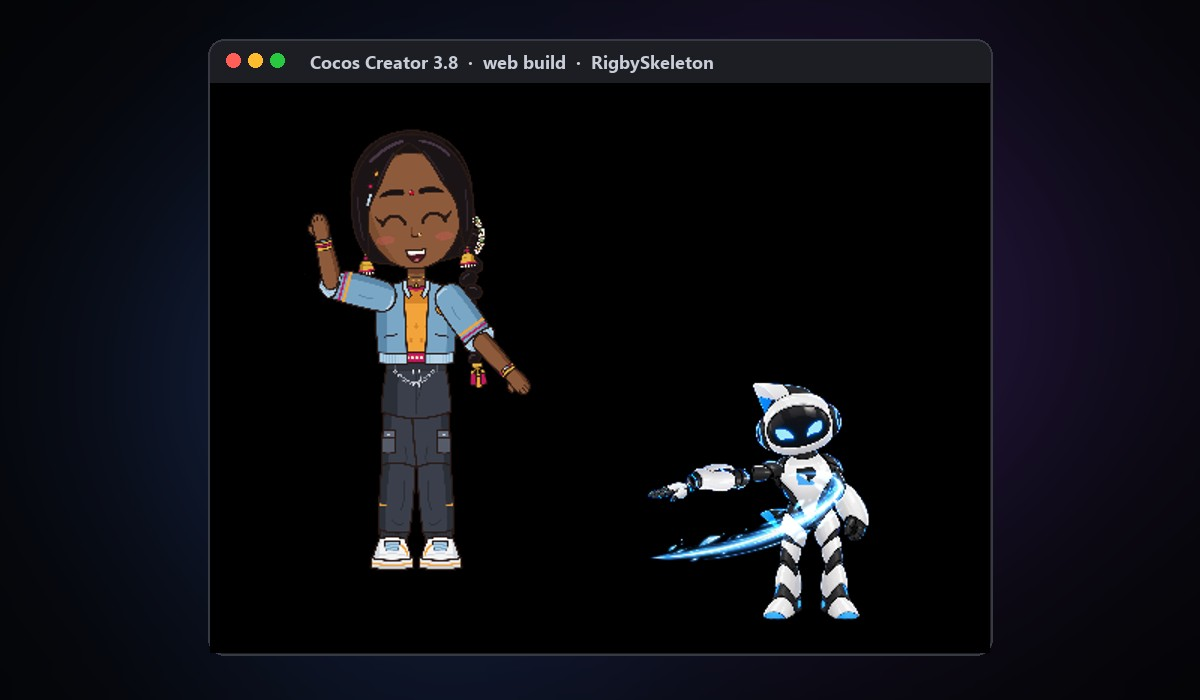
Rigby2D released version 0.4.3 on October 31, 2026. The concrete change for 2D game creators is a new Cocos Creator runtime: animations prepared in Rigby2D can now play inside a Cocos Creator 3.8 project. The same release improves importing DragonBones character projects with nested weapons and effects. These changes are detailed in the official 0.4.3 release notes.
What changed for game developers
The new RigbySkeleton component plays layered, bone-driven 2D character animations inside Cocos Creator. It supports weighted meshes, inverse kinematics (rules that keep limbs connected as they bend), physics, skins, animation events and transitions. The developer tested the integration with Cocos Creator 3.8.8 and provides a runtime package that can be installed in a project. This is especially useful for teams already building their game in Cocos; it is not a new game engine or a promise that every Cocos version is supported.
DragonBones imports now include nested character parts such as weapons, muzzle flashes and slash effects instead of losing them. The developer reports comparing 55 demo animations against the official DragonBones runtime with differences under 0.1 pixel, alongside fixes for some incorrectly bending legs and long-way rotations. That figure is a publisher-reported test, not an independently verified performance benchmark.
Where AI assistants actually fit
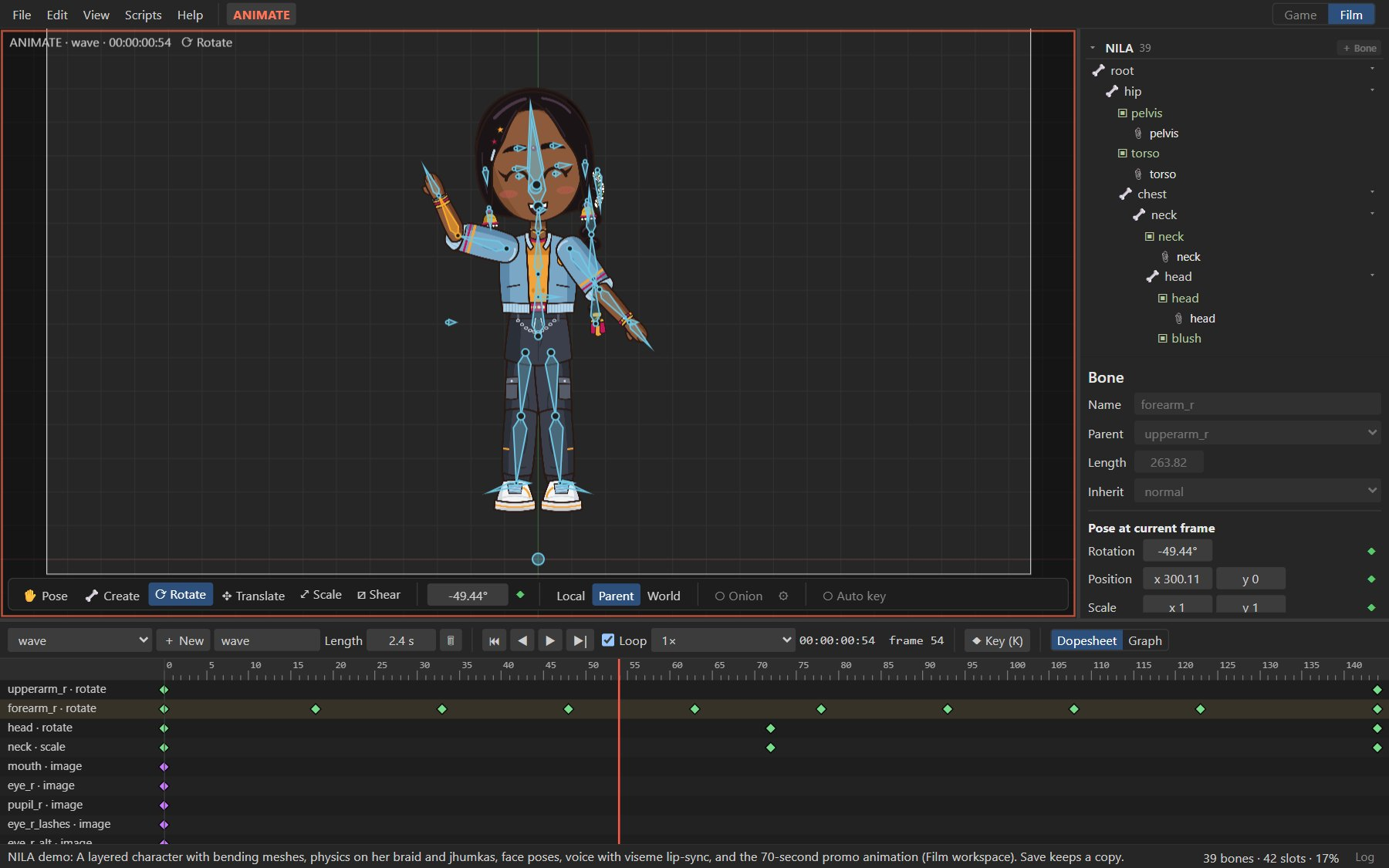
Rigby2D already has an AI-assistant connection called MCP (a way for an assistant to operate tools). With the existing feature, a supported AI assistant can inspect a character project and help set up bones and animations. For a beginner using AI-generated character artwork, the practical workflow is to bring in appropriately licensed layered images, check the bones and motions in Rigby2D, export, then test the animation in Cocos Creator. The AI connection is not itself a new 0.4.3 feature. See the official AI assistant setup guide.
What to check before using it
Rigby2D is available through its browser editor and desktop downloads. The release says its code is available under MIT or Apache-2.0, but the NILA and Rigbytron demo artwork has a separate license and is not freely reusable as artwork in your own game. Its demo-content permission allows credited articles and demonstrations, not unlicensed reuse in a shipped game. Artwork still needs your own usage rights, and each imported animation should be checked inside the actual game.
Release and downloads: Rigby2D 0.4.3 official devlog.