 GAMESLASH
Need winding pipes or cables in your 3D game? Line3D turns a path into a shape
By GameSlash
Line3D helps Godot creators turn a simple curved path into 3D tubes with controllable width and endpoints. The creator used AI for some code; here's what works.
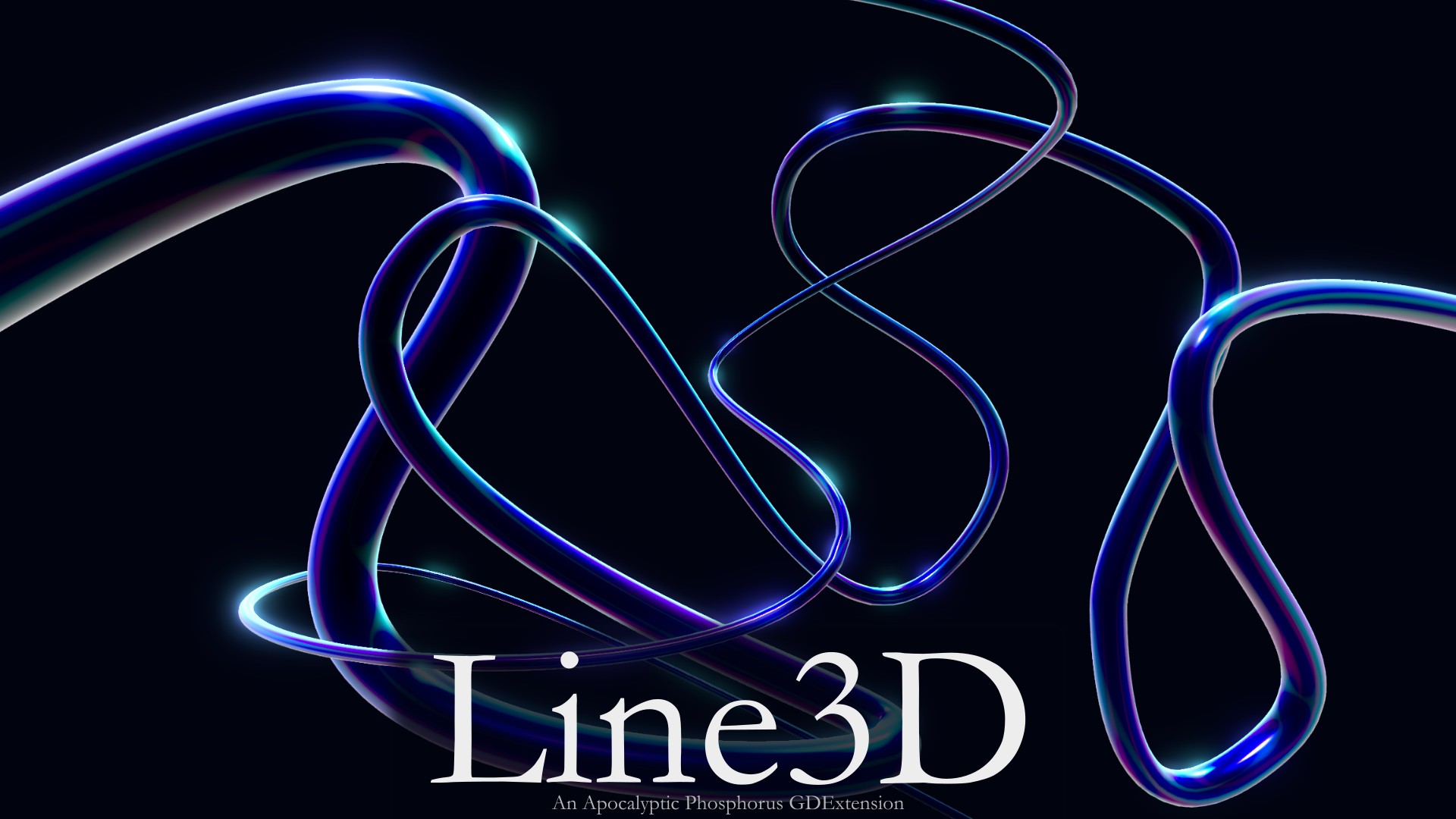
Your 3D game needs winding power cables, neon tubes or stylized pipes. Building and reshaping a mesh for every curve can take time. Line3D is a Godot add-on that turns a drawn 3D path into a tube-like object, with controls for thickness and how its ends look.
The Godot Asset Store lists an update on October 23, 2026, while the changelog's v0.1.3 entry is dated October 14. It is therefore a recently updated listing, not necessarily a new release on October 23. The author says some mesh-generation code and README work involved AI assistance, while the project is largely human-made. See the listing.
Draw a path, then change the shape
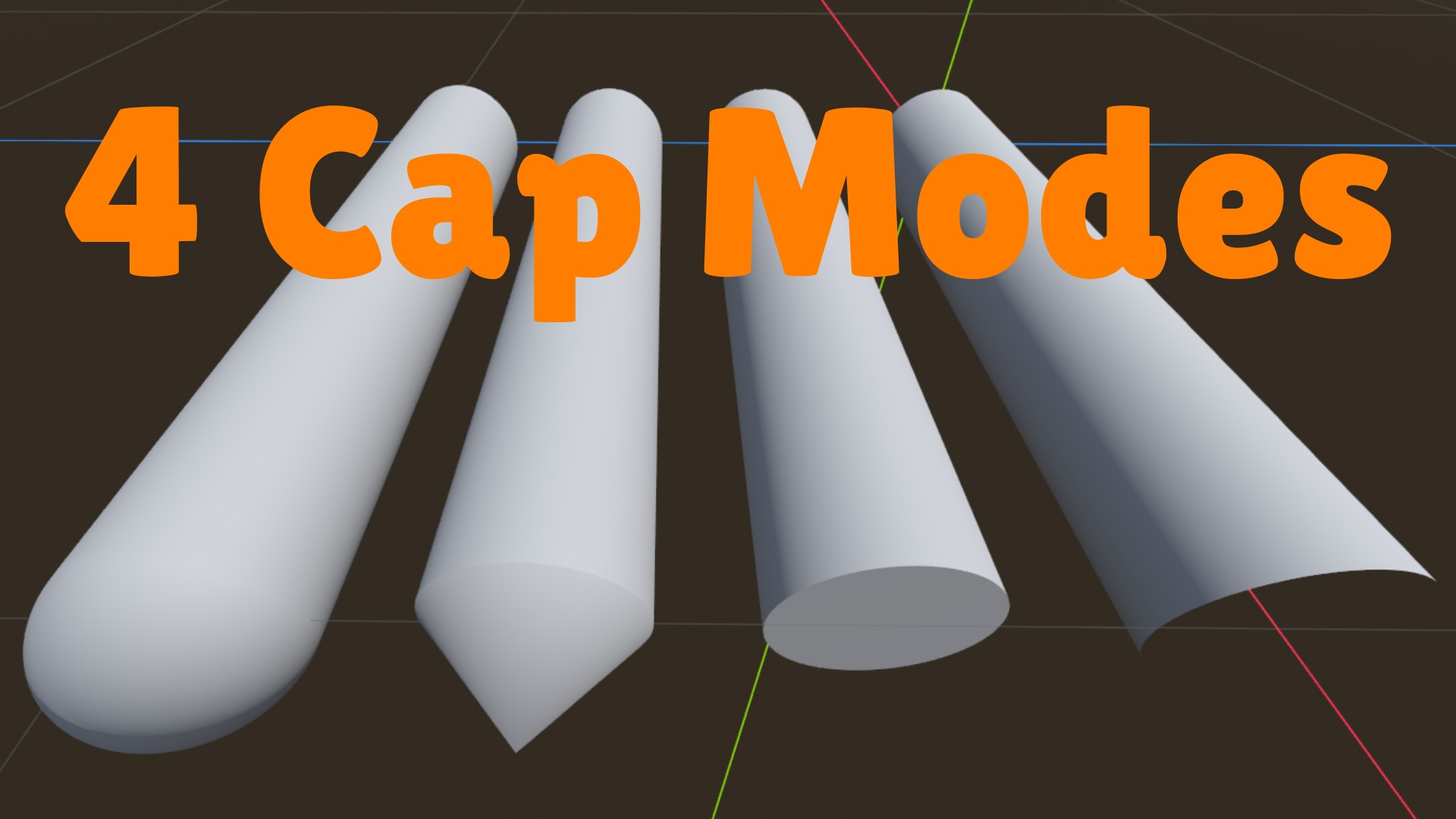
You can add Line3D under Godot's Path3D and use the path curve to define where the tube bends. You can choose a flat end, cone tip, rounded hemisphere or an open end. A width curve lets the object taper or swell along its length. Think of a magic cable, tree vine, water pipe or simple stylized rail.
It is a mesh tool, not a one-click animated rope simulation. Extra logic is needed to make a cable move, carry electricity or behave physically.
What matters before you install it
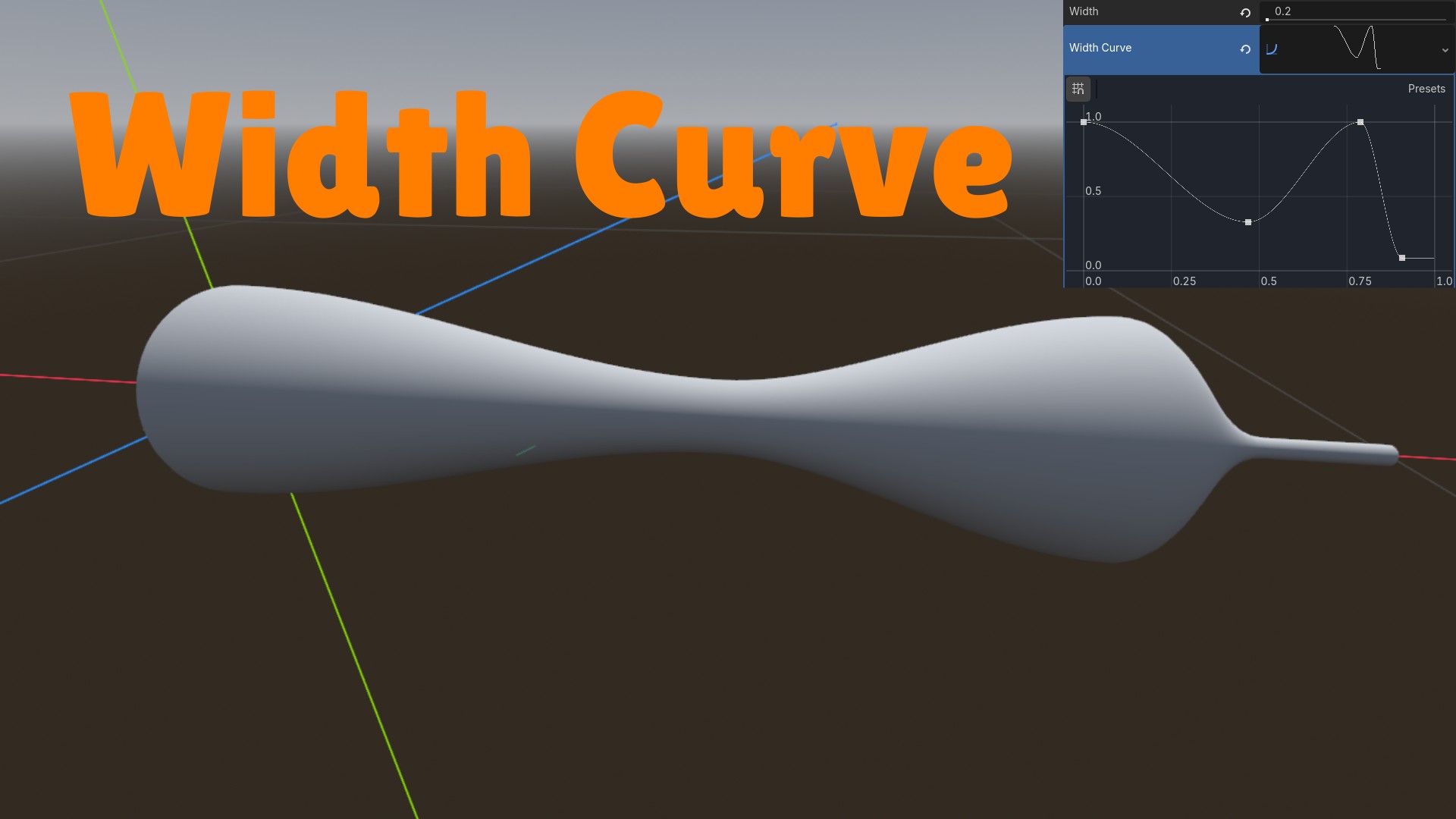
The developer says this 0.1 series is early. Unusual curves and extreme settings can generate unwanted geometry. A reviewer on October 22 also complained about the lack of curve gizmos on the node itself. The official documentation says the curve is edited using a parent Path3D, so choose the correct node when adjusting it.
The project is MIT-licensed, lists Godot 4.7+ and requires a supported platform with the compiled native extension. If you're making a game by vibe coding, you can ask an AI coding assistant to add a Path3D and the Line3D child, then use the viewport to adjust the shape and inspect it yourself.
This story is about a practical creator tool built partly with AI assistance; Line3D does not call a language model while the game runs. The images and details come from the official Godot Asset Store.