Interactive hex-grid coordinates, neighbors, distances and screen picking.
guide
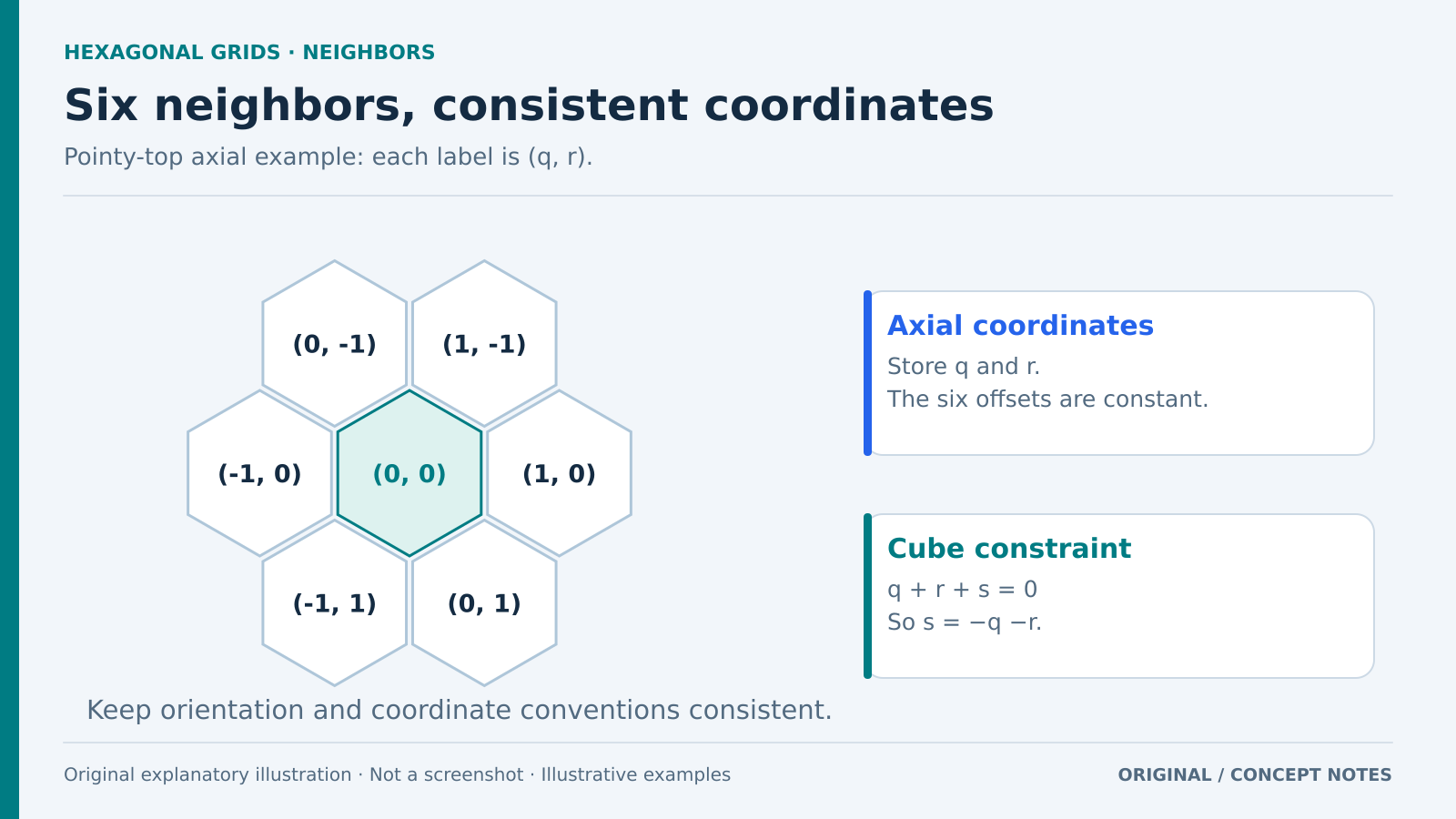
Original hex-grid illustration. This is one consistent axial orientation; do not mix formulas from different layouts. Original explanatory artwork prepared for GameSlash with AI assistance. Documentation is the factual source only; no source imagery reused. Not an official screenshot or gameplay capture. Concept source
Use it for: Hex-based tactics and strategy boards.
Start: 1) Choose orientation and coordinates. 2) Implement neighbors and distance with axial/cube coordinates. 3) Add hex-to-pixel, pixel-to-hex and rounding.
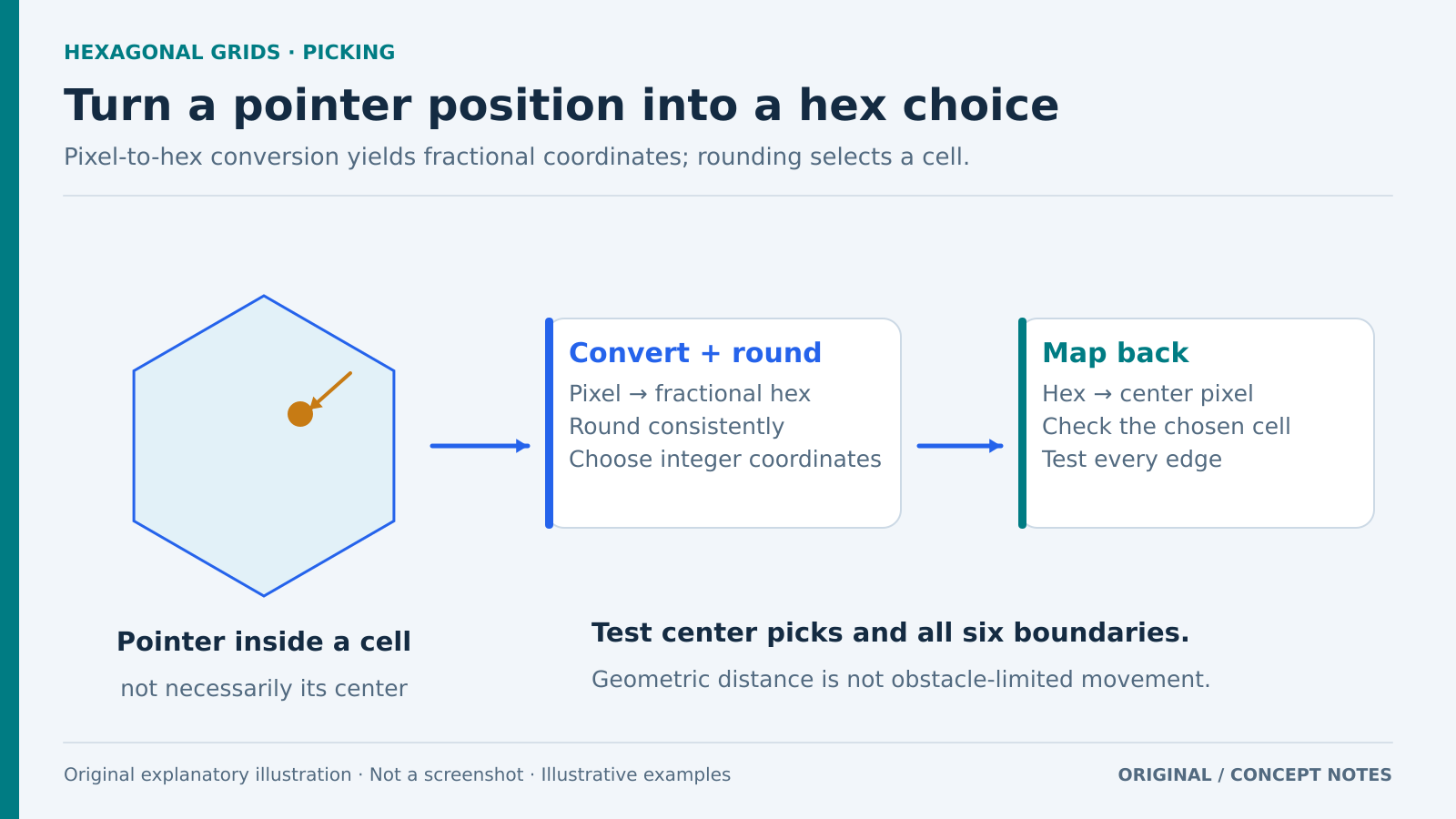
Original picking workflow, not an engine screenshot. Boundary ties need a consistent policy and obstacle-aware movement needs separate rules. Original explanatory artwork prepared for GameSlash with AI assistance. Documentation is the factual source only; no source imagery reused. Not an official screenshot or gameplay capture. Concept source
Try checking: Pick centers and all six edges; verify coordinate round trips and distinguish geometric range from obstacle-limited movement.
Limits: The main page uses pseudocode. Rendering, input and movement rules need integration. Keep flat-top and pointy-top formulas consistent.
 GAMESLASH