 GAMESLASH
3D game model ready but its textures look wrong? 3D AI Studio adds Qwen Image 2.1
By GameSlash
3D AI Studio added Qwen Image 2.1 on October 22 for reference images and 3D surface painting. See what actually changes for game creators, credit costs and limitations.
You have a 3D character for your game, but the armor color or surface detail still looks wrong. Rebuilding the entire model is a costly way to fix a small visual issue. An update to 3D AI Studio is aimed at that middle step: making and revising reference images, then repainting the look of a 3D model.
In its October 22, 2026 release notes, 3D AI Studio introduced Qwen Image 2.1 to image creation, image editing, Texture Painter, Flow, and its AI-assistant connection. The company advertises around two seconds for a 1K image, but that is a vendor estimate, not a GameSlash benchmark.
What changed for someone making a game?
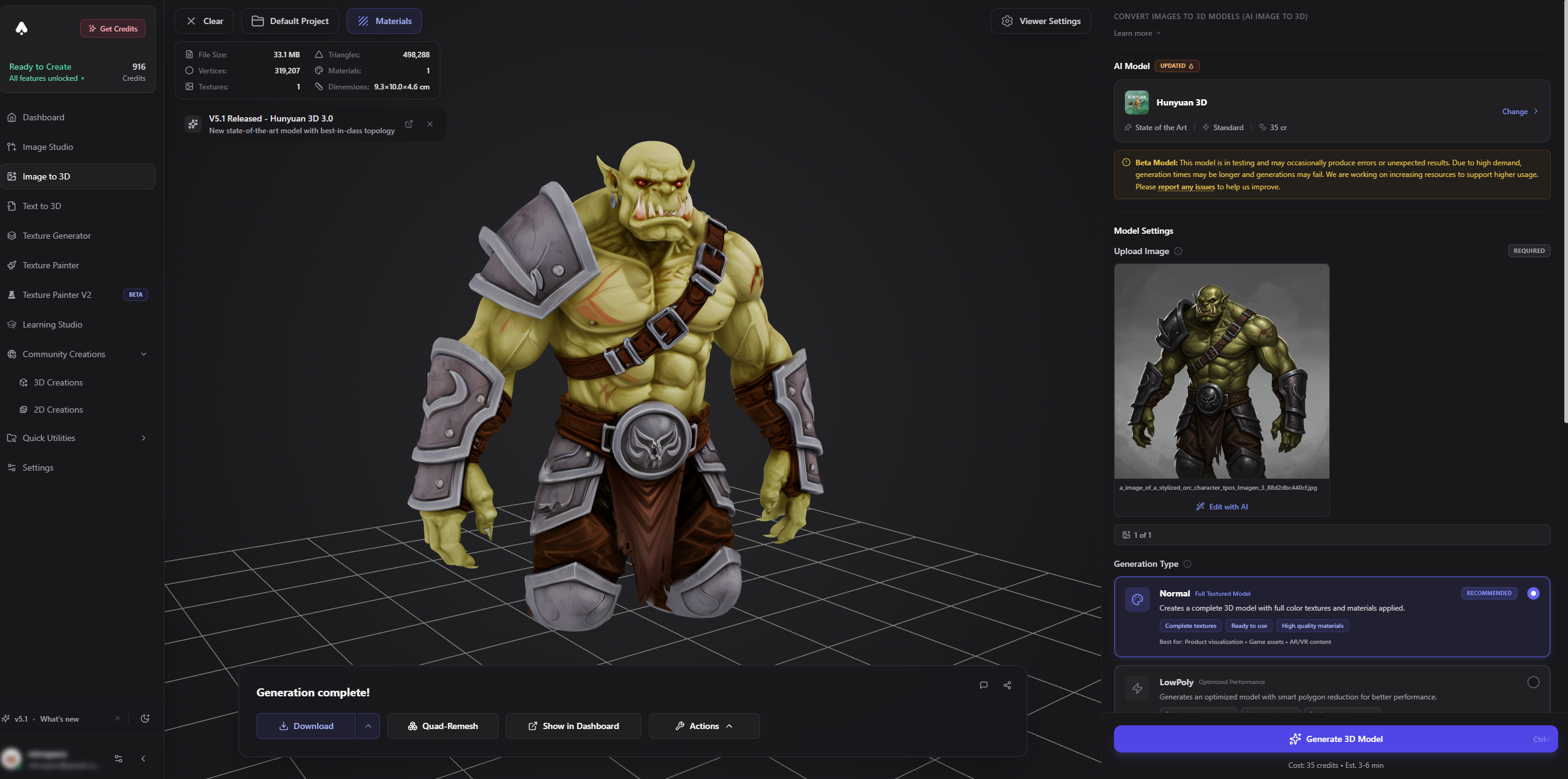
First, an image for a character or prop can be created or edited using Qwen Image 2.1 before being used as a 3D reference. The official price starts at one credit for a 0.5K image, two credits at 1K, and six at 2K; 2K edits cost seven credits. A batch of four images costs more than one, so check the estimate before running it.
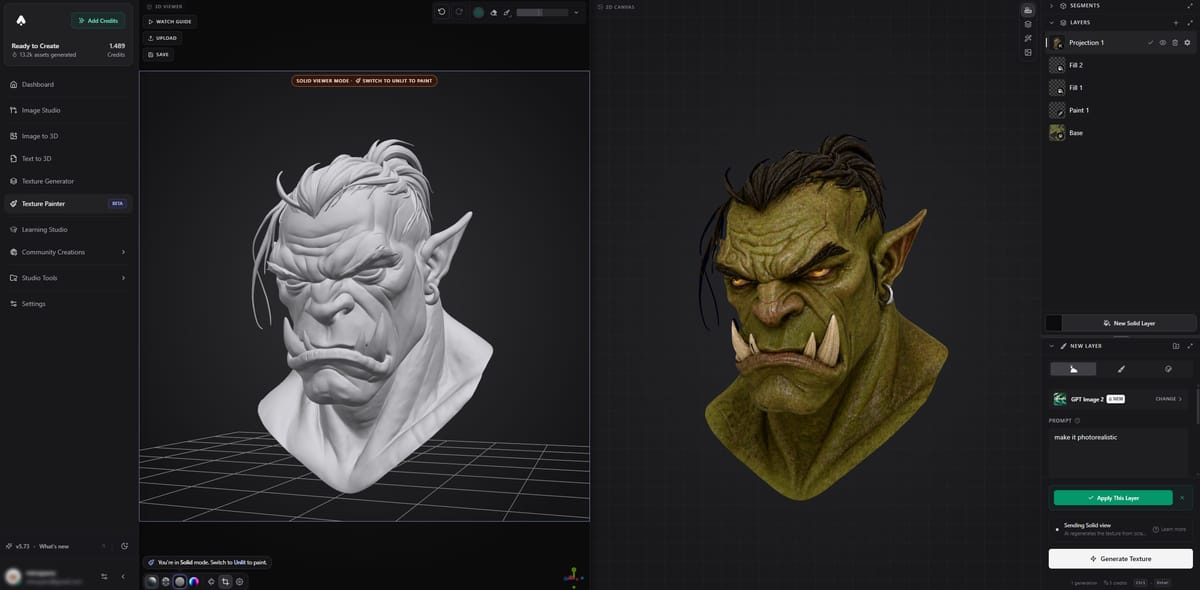
Second, Texture Painter now offers the same model to try another color or material on an existing 3D surface. The painter works with layers: keep the original 3D shape and reveal the newly generated surface only where it helps. The tool still requires a human to inspect seams and whether the new appearance works from every angle.
Third, the new model is available in Flow. This is the site's visual workspace: connect a reference image, a generation step, an edit, and 3D conversion into a process you can reuse. You do not have to build a new sequence for every sword, helmet, or piece of scenery.
There is a catch if you need transparent game art
The release note says Qwen Image 2.1 does not generate a transparent background. If you need a cut-out sprite, remove the background separately. Its prompt enhancer is free within a daily allowance; image generation, editing and other workflow steps still spend credits. Texture Painter's AI painting and AI stickers require a paid plan; manual painting is available on free accounts.
Where to start
For a first test, take one existing game prop and try two surface looks, rather than regenerating a whole character pack. Compare the old and new views, check how materials behave under your game's lighting, and only then export or continue to the next step. The update expands the options for doing this; it does not automatically make a 3D asset ready for every game engine.
Read the official version 6.8.26 changelog, review the Texture Painter documentation or explore Flow.