Back to Tools
Game publishing and platforms

Unreal Engine: Packaging Projects

By Epic Games

Understand Unreal build, cook and package stages before distributing a test build.
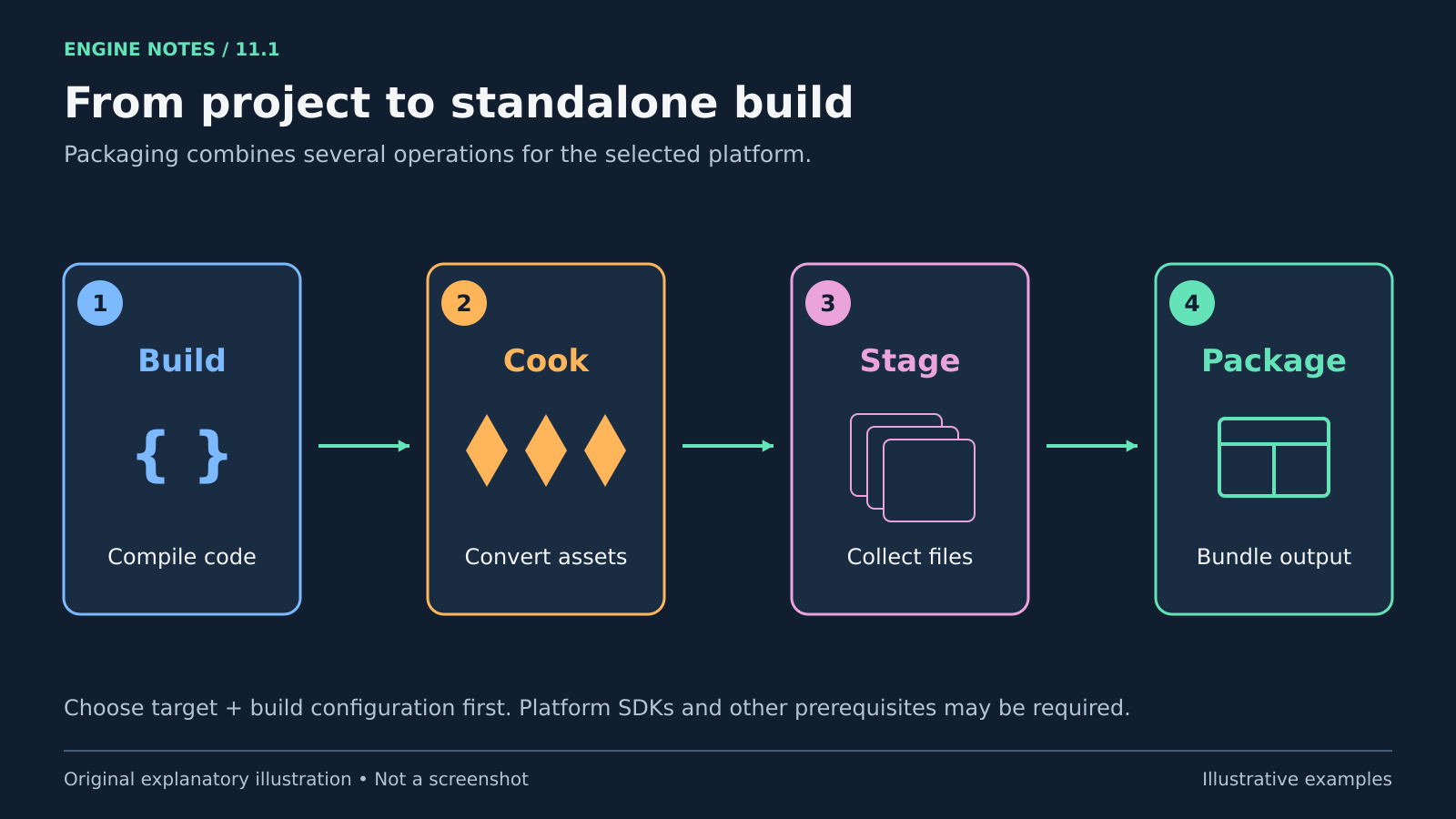
guide
Four sequential stages show Build compiling code, Cook converting assets, Stage collecting files and Package creating a distributable output.
A simplified build–cook–stage–package pipeline. Platform prerequisites and configuration still matter. Original explanatory artwork prepared for GameSlash with AI assistance. Documentation is credited as the factual source only; no source imagery reused. Concept source

Use it for: Playtests and problems that appear only outside the editor.

Start: 1) Choose a target and build configuration. 2) Follow Let’s Package a Project and platform prerequisites. 3) Package and launch outside the editor.
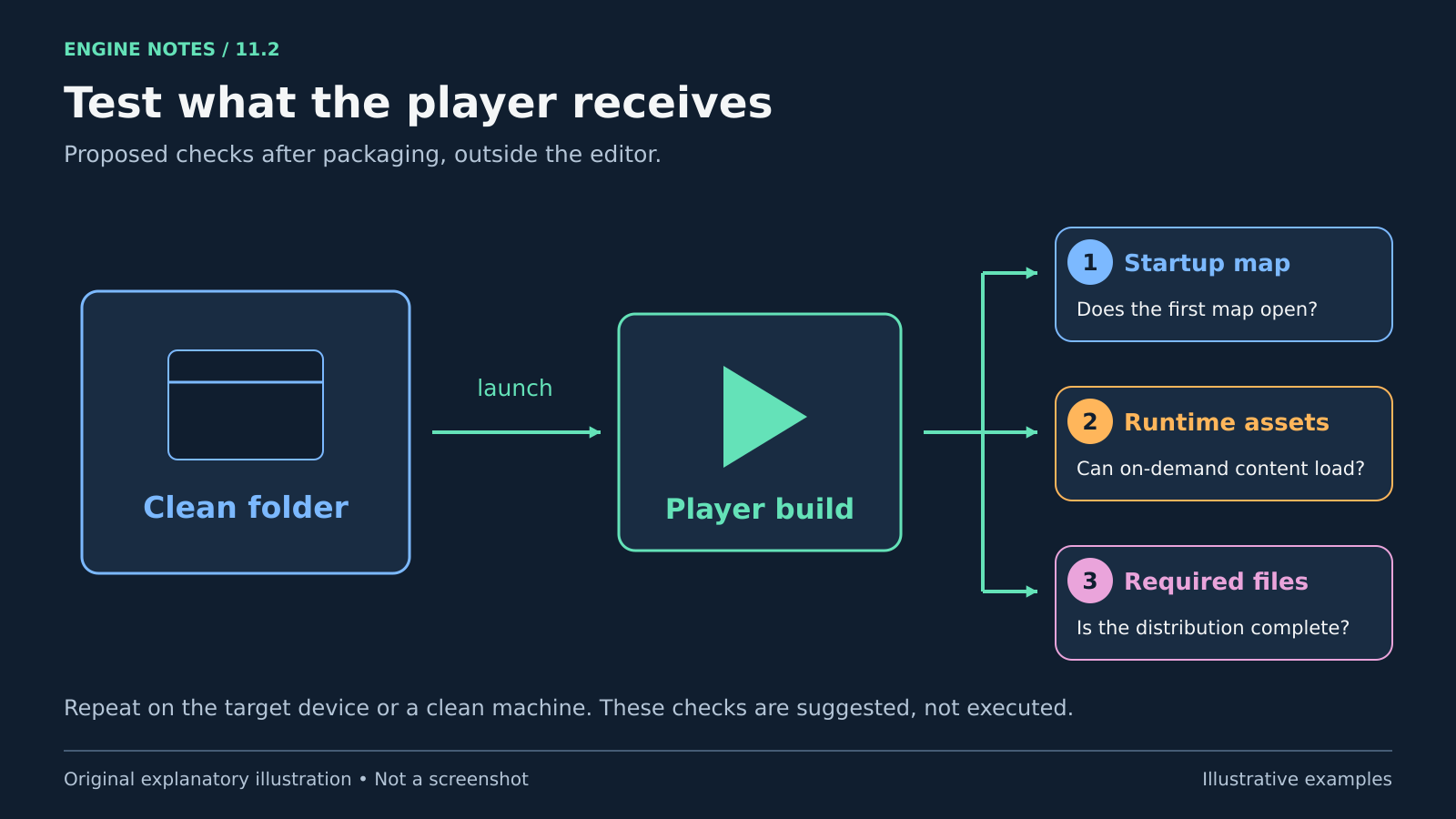
A packaged build is launched from a clean folder, then checked for its startup map, runtime-loaded content and required distribution files.
Suggested clean-build smoke tests. No project was packaged or tested to create this illustration. Original explanatory artwork prepared for GameSlash with AI assistance. Documentation is credited as the factual source only; no source imagery reused. Concept source

Try checking: Test from a clean folder or machine; check the first map, runtime-loaded assets and required distribution files.

Limits: Some platforms require extra SDKs or components. Epic says console packaging needs an engine source build, unlike the precompiled Launcher workflow.

Source: Official guide

View source