 GAMESLASH
BlendRelay MCP 0.7.7 keeps Blender AI-agent tasks responsive while scenes render
By GameSlash
The November 9 release improves Blender agent task-status handling, generated-image previews and queued-job cancellation, with documented limitations.
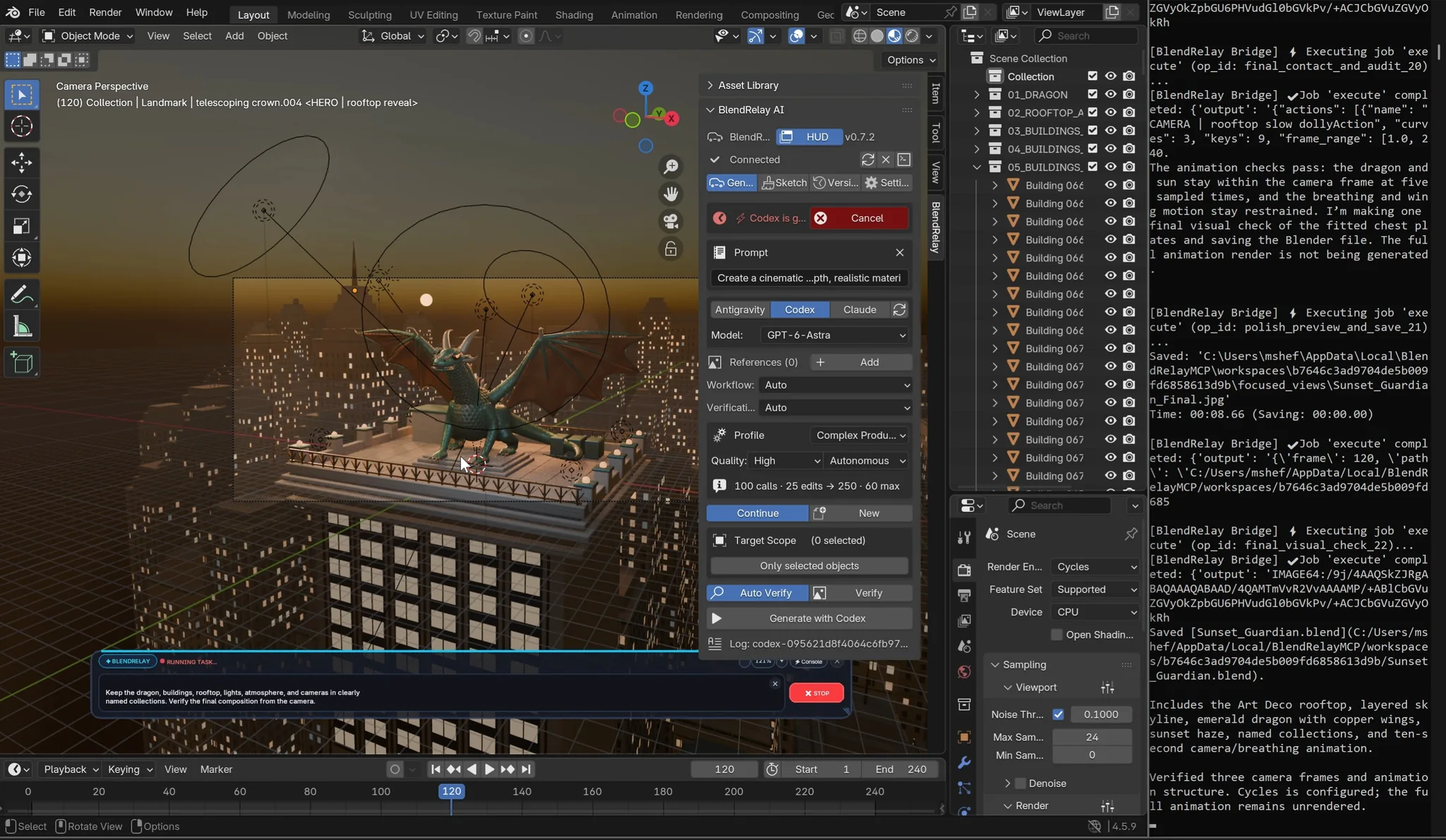
BlendRelay MCP released version 0.7.7 on November 9, 2026. Its Blender AI agent bridge can now answer ping and task-status requests while jobs are running, reduce repetitive status polling, and read generated visual artifacts as bounded previews. The release targets a practical AI-assisted 3D production failure mode: an agent that becomes difficult to monitor while a detailed scene or game prop is being built. Official v0.7.7 release
What the November 9 update actually fixes
The gateway handles ping and task-status requests while other Blender tasks remain active. It also uses longer direct-call waits and adaptive status polling to avoid repeated checks from the agent, and can deliver file-path-based capture images plus bounded previews of large image artifacts. Queued jobs can be cancelled before they begin. These changes improve the handoff between the Blender runtime and an AI coding agent; they do not demonstrate faster mesh generation or better 3D quality.
The developer reports 160 automated tests, successful wheel/source/extension builds and a clean install with Pillow. This is vendor-reported validation of packaging and transport, not an independent GameSlash benchmark. Release notes and documented limitations
How a game creator can use it
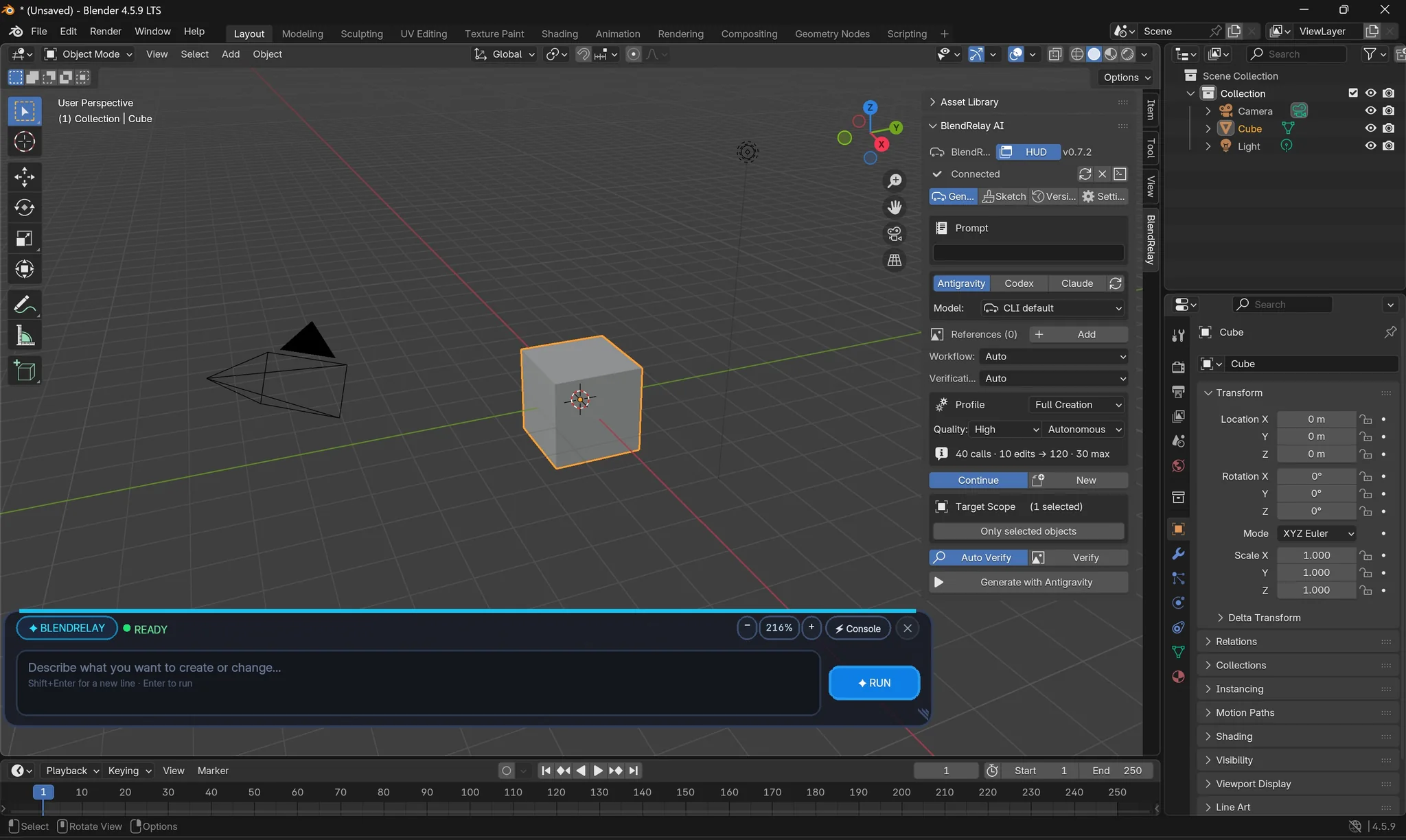
In Blender 4.5+, install BlendRelay with 'uvx blendrelay-mcp setup', enable the Blender extension and connect a signed-in AI CLI such as Codex or Claude Code. When making a game-ready prop, start with a full-scene prompt, then select the model and scope changes to individual objects or mesh elements. The agent can use reference images and viewport sketches while the scene stays editable as ordinary Blender data. Its public dragon-city example shows separate steps for scene layout, rigging, target-box placement, camera correction and flight animation. Step-by-step developer demo
Limits before relying on it
The 0.7.7 notes warn that multi-image replies still lack a combined size cap and can be truncated by some clients. Cancellation only stops jobs that have not started; it cannot interrupt Python that is already running in Blender. The notes also caution against reusing completed operation IDs across Blender sessions, which can overwrite earlier receipts. GameSlash has not reproduced these tests.
Sources: BlendRelay MCP 0.7.7 on GitHub · Official project website and screenshots · Dragon-city demonstration