 GAMESLASH
PixelArtistry shares a Kimi-to-Godot 3D game pipeline with real asset and boss-fight screenshots
By PixelArtistry
A creator published a reproducible AI-assisted 3D game workflow on November 8: Kimi Code links ComfyUI, Blender and Godot, with screenshots and a clear manual animation step.
On November 8, 2026, PixelArtistry published an open GitHub workflow with project screenshots showing how Kimi K3.1 Pro in Kimi Code coordinated ComfyUI, Blender and Godot to build a small stylized 3D action game. The shared material includes MCP configuration, ComfyUI workflows, prompts and progress images. It is a documented creator case study, not a one-click game generator; the complete game project is not included in the repository.
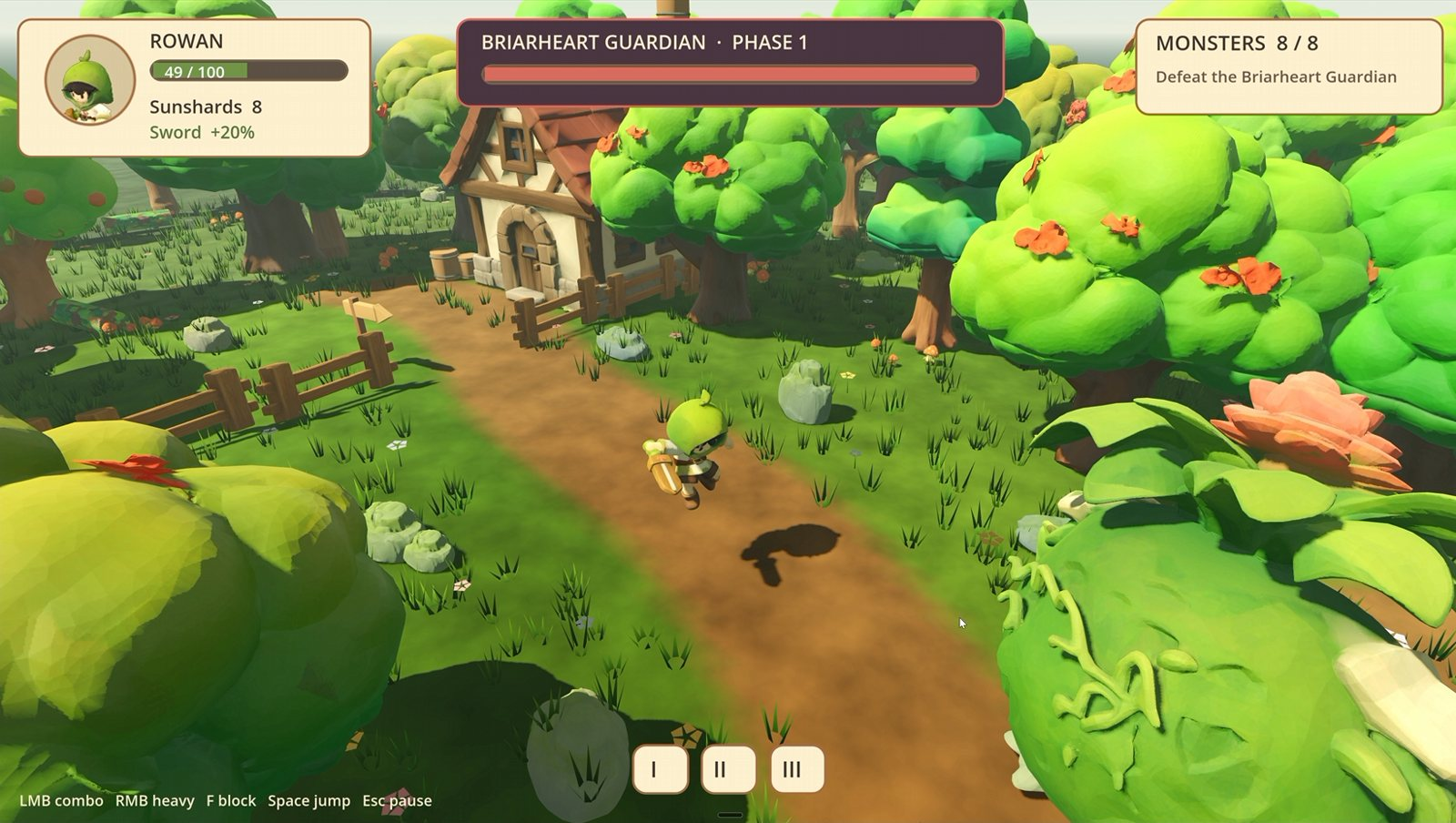
What the creator actually connected
The reported sequence starts with concept images using Qwen Image 2.1, then converts images into 3D props with TRELLIS.2 or Pixal3D and UltraTex in ComfyUI. Blender is used to adjust scale, pivots, collisions and export GLB files. Godot receives the level, implements gameplay and is used for AI-assisted playtesting. Kimi Code directs these applications through MCP connections; this is a local pipeline that still requires configuring models and software.
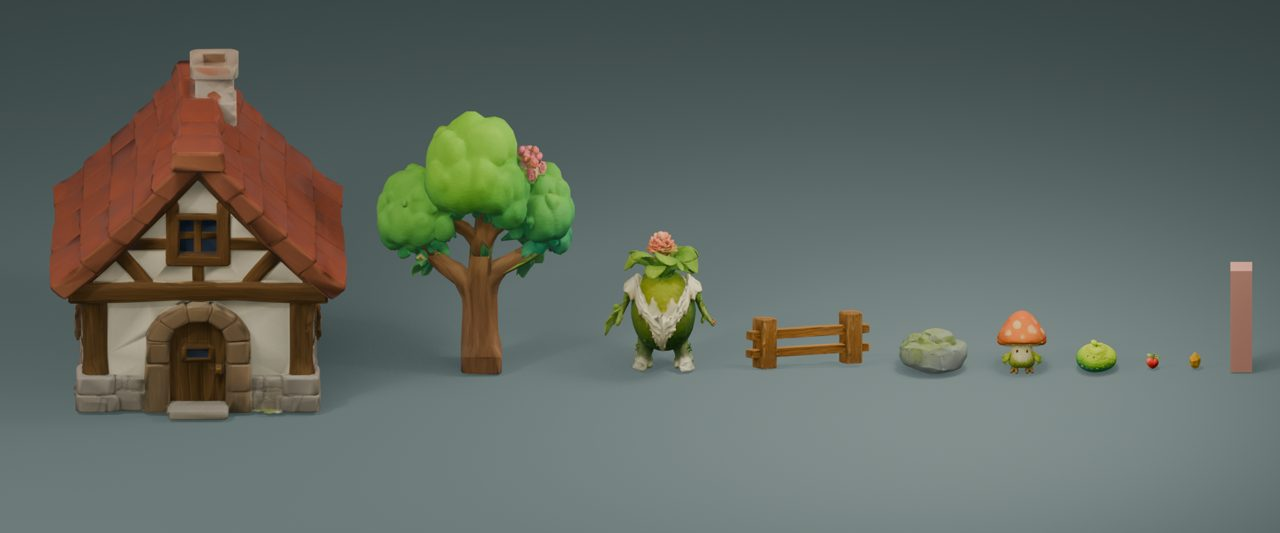
Specific changes a developer can reuse
The author provides concrete settings rather than only showing a finished image. In one low-poly asset pipeline, Kimi changed the LODTailor high-poly triangle cap from 6,000,000 to 50,000, reduced WTiVo final resolution from 1536 to 1024, and changed the low-poly target from 2,000 to 4,000 triangles. These are project-specific choices to test, not universal optimal settings.
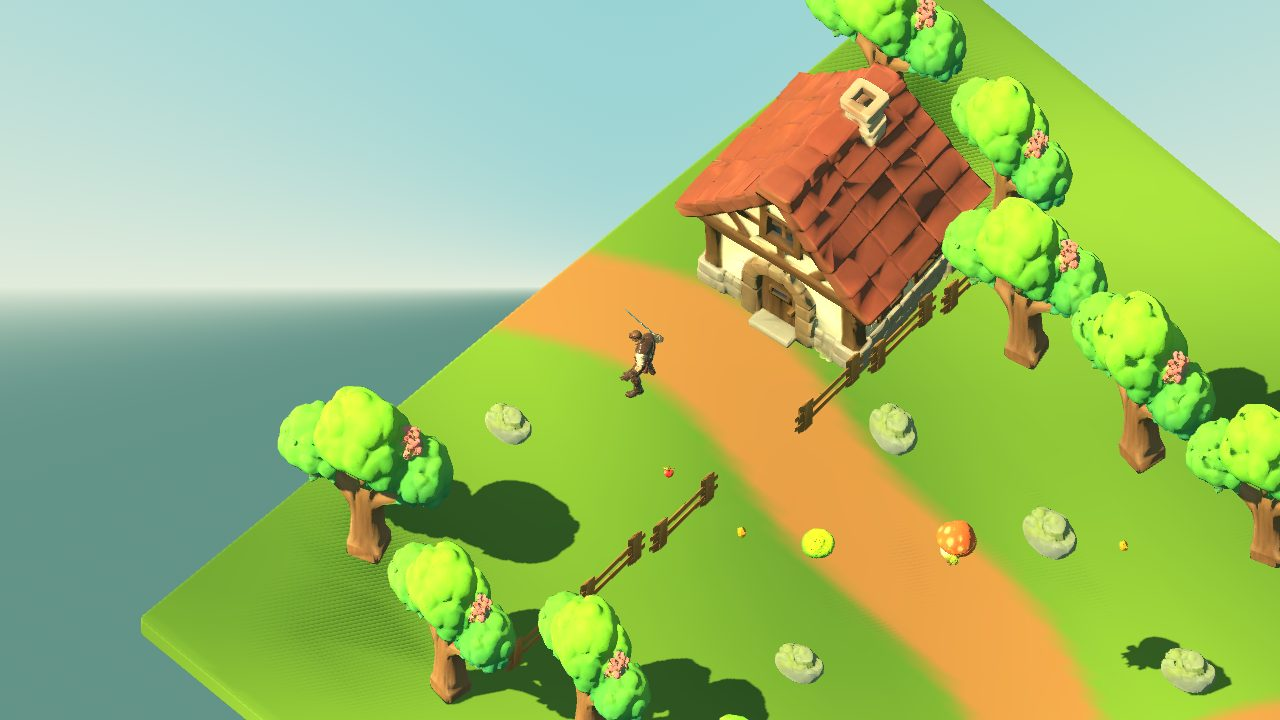
What was manual, and what is required
PixelArtistry says rigging and animation of the main character were done manually with ActionForge. The documentation recommends Windows with an NVIDIA RTX GPU, at least 8 GB VRAM (12 GB or more is more comfortable), and roughly 32 GB RAM. The developer reports using an RTX 5080 with 16 GB VRAM. Access to compatible Kimi Code features and local model installations is required.
Separate licenses apply to model weights, workflows and generated output; the creator flags non-commercial restrictions on some model weights and advises checking each model's terms. GameSlash did not reproduce the build, run the game or independently measure performance. For the full configuration and demonstration screenshots, see the original PixelArtistry repository.