 GAMESLASH
Translation and localization
Godot: Internationalizing Games
By Godot contributors
Configure translated text, resource remaps and language selection in Godot.
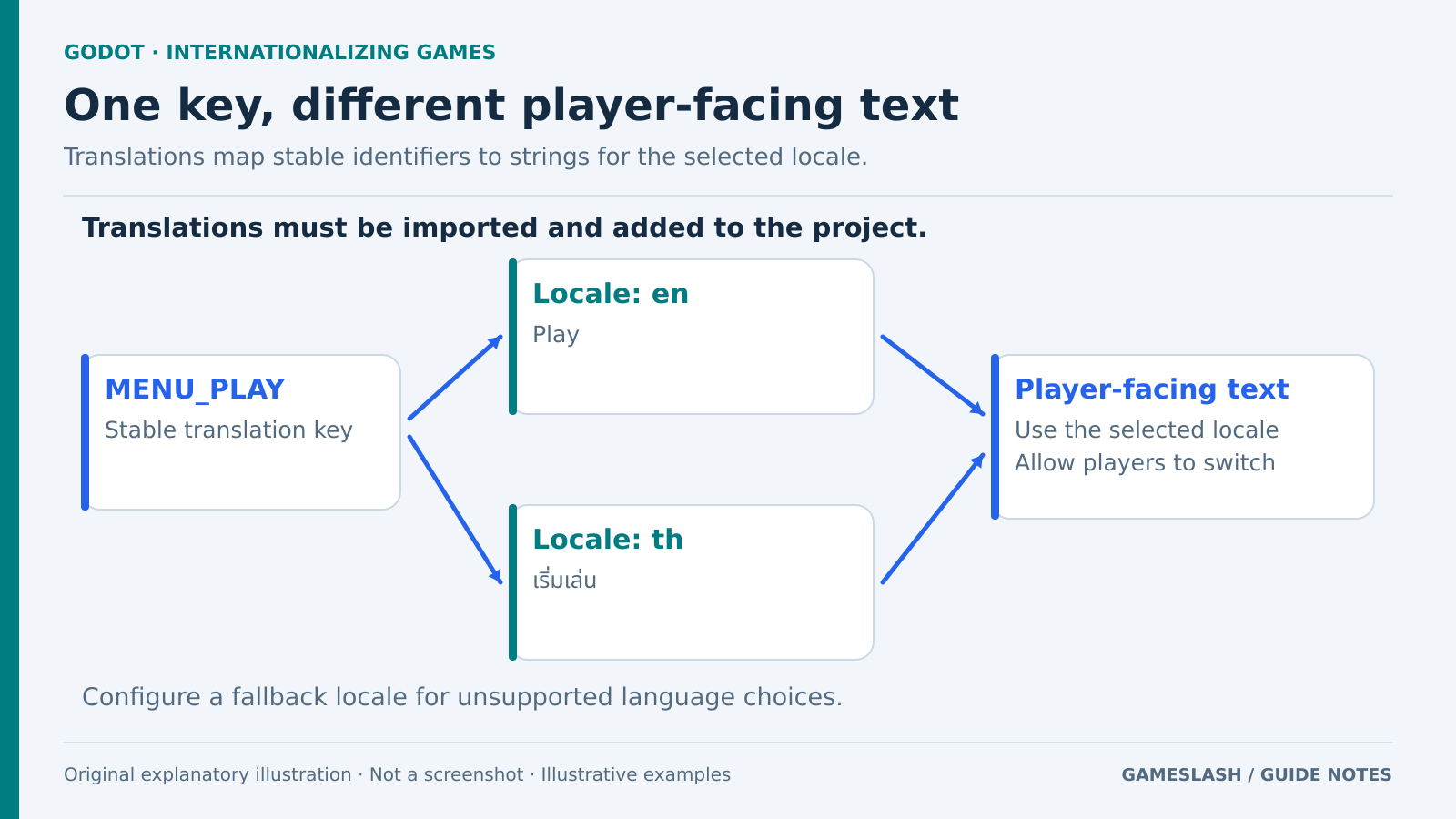
Use it for: Thai/English menus and language-specific signs or voices.
Start: 1) Follow Importing translations and add files under Project Settings > Localization > Translations. 2) Set a fallback locale. 3) Add language selection with TranslationServer.set_locale.
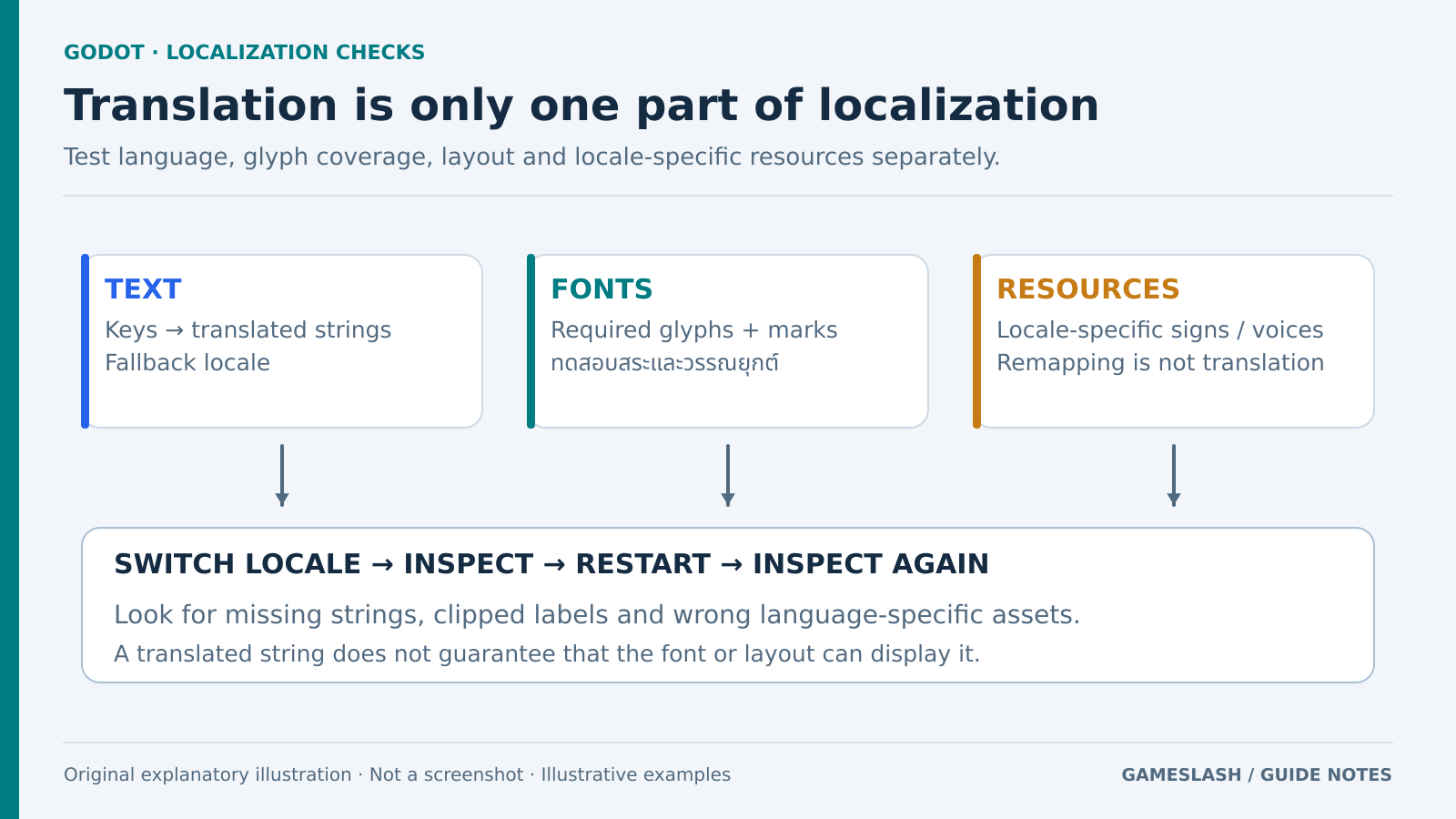
Try checking: Switch languages and restart; inspect missing translations, Thai marks and text overflow.
Limits: Resource remapping swaps assets; it does not author translations. Check font coverage separately and match class names and UI to your Godot version.
Source: Official guide