Back to Tools
Game publishing and platforms

Godot: Exporting Projects

By Godot contributors

Export a playable Godot build and distinguish it from a data-only PCK/ZIP.
guide
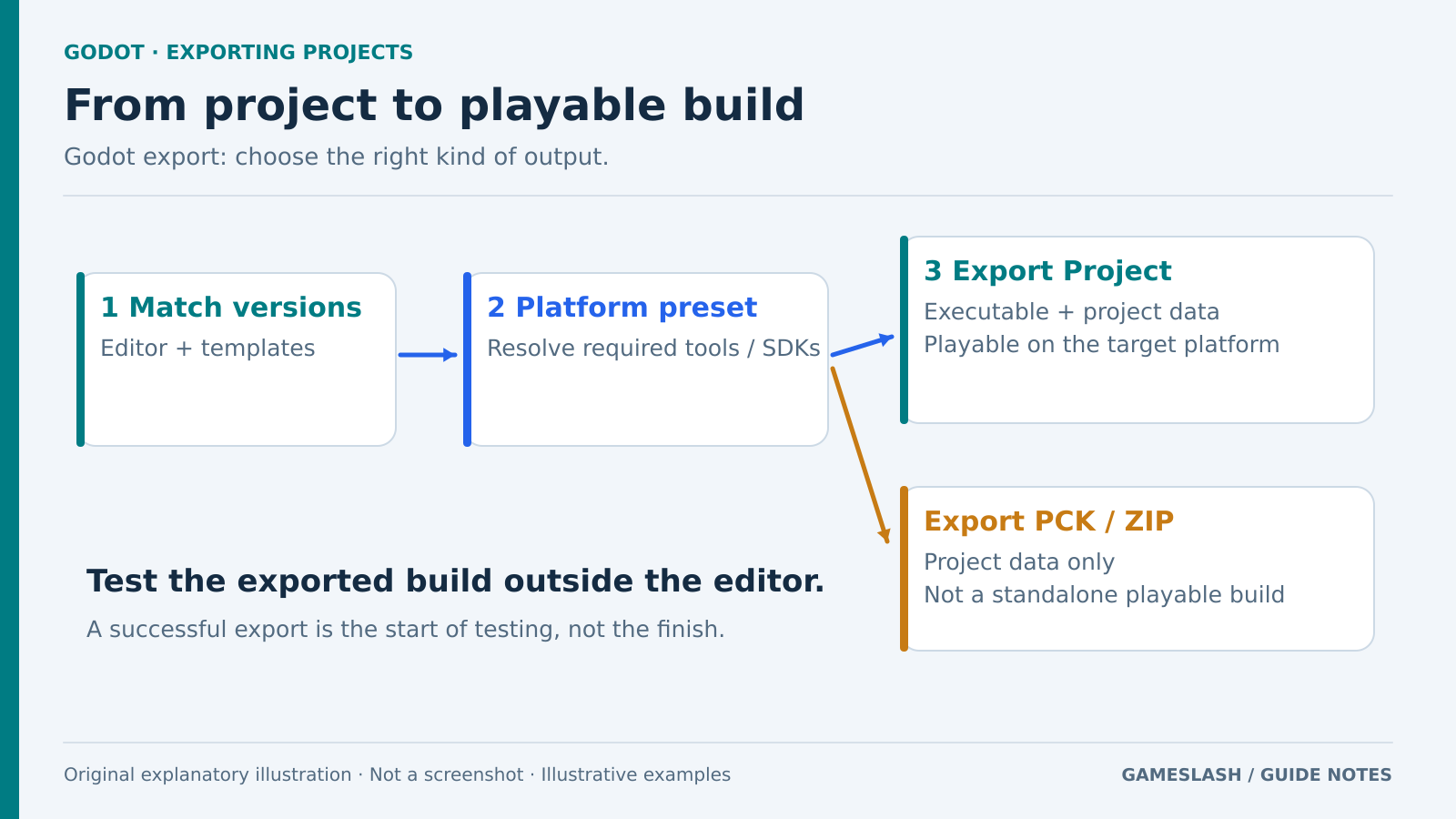
Flow from matching Godot templates and selecting a platform preset to a playable build; a separate PCK or ZIP branch contains data only.
Original concept diagram distinguishing a playable export from a data-only pack. Original explanatory illustration prepared for GameSlash with AI assistance; not an official screenshot or gameplay capture. Concept source: Godot Docs

Use it for: Sharing a demo with someone who does not have the Godot editor.

Start: 1) Check export templates for your Godot version. 2) Add a target-platform preset and resolve missing-tool warnings. 3) Set the output path and choose Export Project.
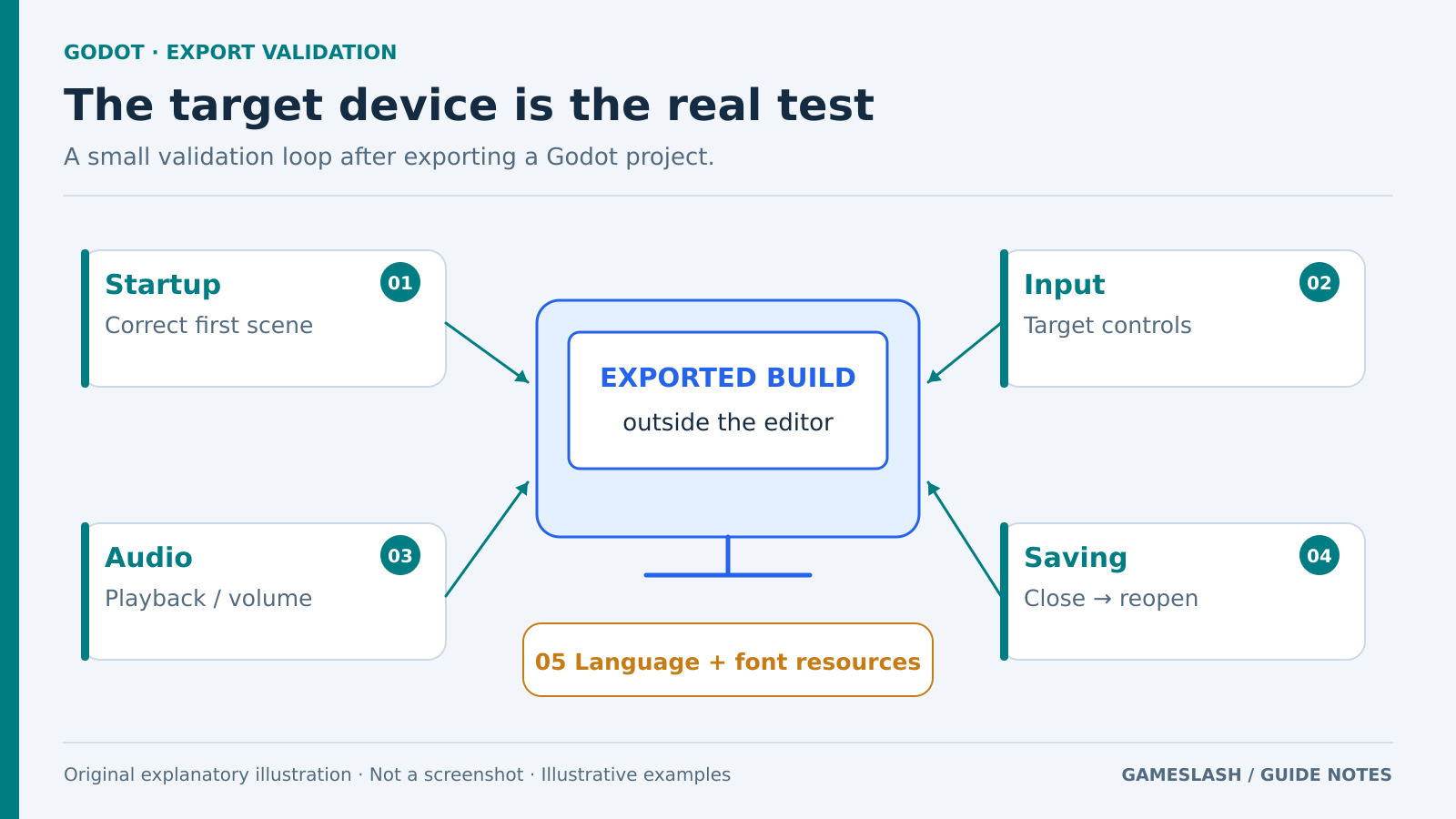
A generic exported-build display connected to startup, input, audio, save-and-reopen, and language-resource checks.
Original testing diagram, not an editor interface. The checks are proposed reader tests, not tests performed here. Original explanatory illustration prepared for GameSlash with AI assistance; not an official screenshot or gameplay capture. Concept source: Godot Docs

Try checking: Launch outside the editor on the target device; check startup, audio, input and saving.

Limits: PCK/ZIP exports contain game data, not a standalone playable build. Some targets need additional SDKs or components. Check language and font resources too.

Source: Official guide

View source