 GAMESLASH
AI Game Developer 0.25.15 adds per-chat AI asset budgets and a Media library for game projects
By GameSlash
November 6 update introduces chat cloud-generation budgets, model management and a gallery for generated 3D, audio, video and images across Unity, Godot and Unreal.
AI Game Developer released version 0.25.15 on November 6, 2026, changing how game-building AI agents control cloud media generation and view their results in Unity, Unreal and Godot projects. Each new chat now has a configurable cloud-generation budget, while project Models and chat Media views make model access and resulting 3D, audio, video and image assets easier to manage.
Chat budgets and control over asset generation
In version 0.25.15 the default chat budget allows cloud generation within 30% of the user's available allowance, under a mode called No questions within budget. The agent can proceed with permitted jobs that fit the budget; a separate Ask before each operation mode and an Off switch remain available. Users can raise the budget themselves, and a refused job is not charged. These controls help prevent an asset-heavy game-development prompt from silently consuming the full allowance.
A new Models screen lists local and cloud options, model types, release dates, availability and permission state. If a local model has not been downloaded, the table offers a download action. The AI agent's image, audio, video and 3D operations now share a consolidated tool surface, including cloud Tripo generation.
What game developers can do with the update
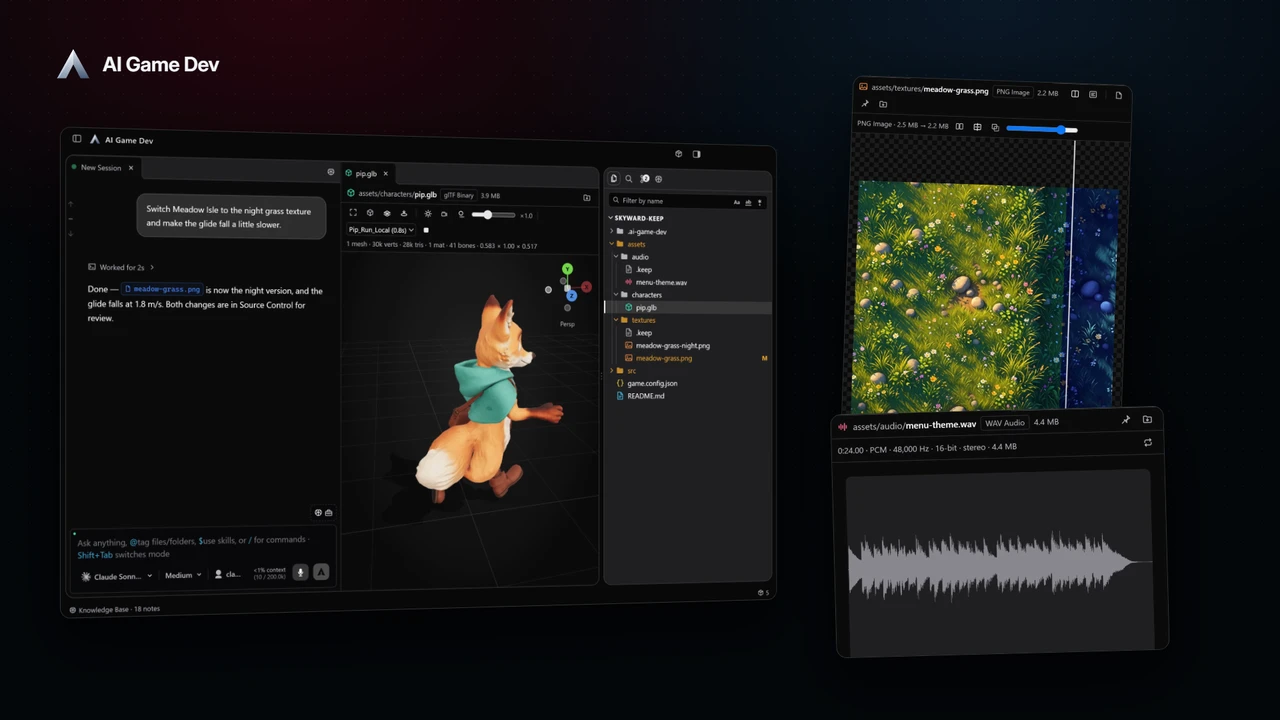
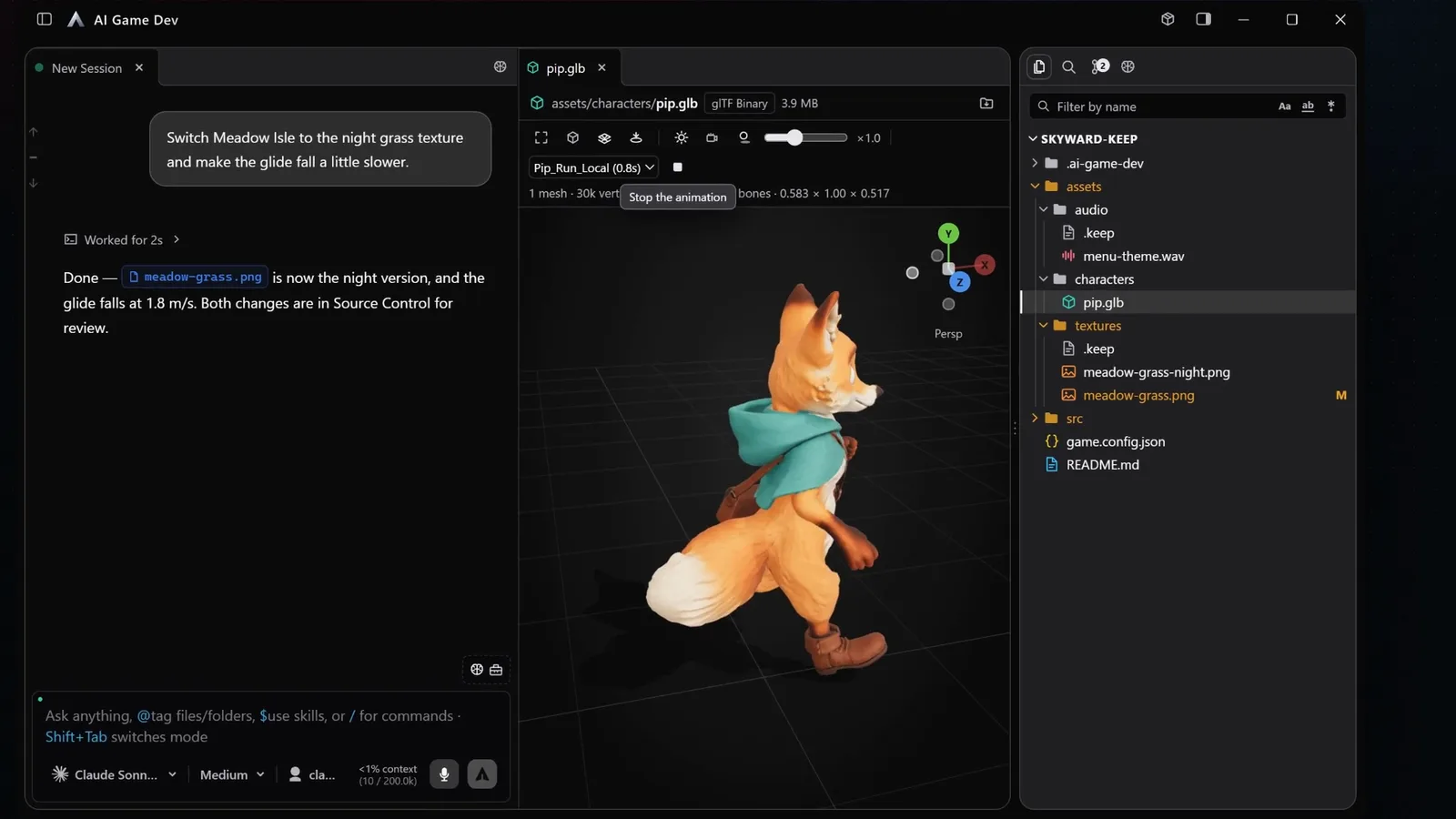
The new Media tab lists images, videos, sounds and 3D generated in a chat or project as thumbnail tiles, with preview and file access. Developers can compare generated assets without hunting through chat messages. Local generation models load only when a job needs them and unload after an idle period (10 minutes by default), reducing idle memory usage. Messaging the agent during an ongoing task steers the running turn by default, although the behavior can be switched to queued messages.
A practical workflow is to open a game project, inspect approved models and the chat budget, ask the agent for a small sound or 3D asset, then check the result in Media before deciding whether to raise the budget for further variations. The official release is available as a desktop app for Windows, macOS and Linux with auto-updates, but the account's plan and available model permissions still determine which cloud operations can run. GameSlash reviewed the November 6 release notes and did not install the app or independently test its usage limits.