 GAMESLASH
Laigter gives 2D sprites depth under moving lights
By GameSlash
Generate normal and specular maps from 2D art in Laigter, preview the lighting, then try the result with a moving torch in Godot.
Laigter is an open-source tool by azagaya that generates texture maps for lighting 2D sprites. A torch moving past a brick wall can light up different edges as it moves, even though the wall is a flat texture. Laigter lets you preview that response before bringing the maps into a game engine.
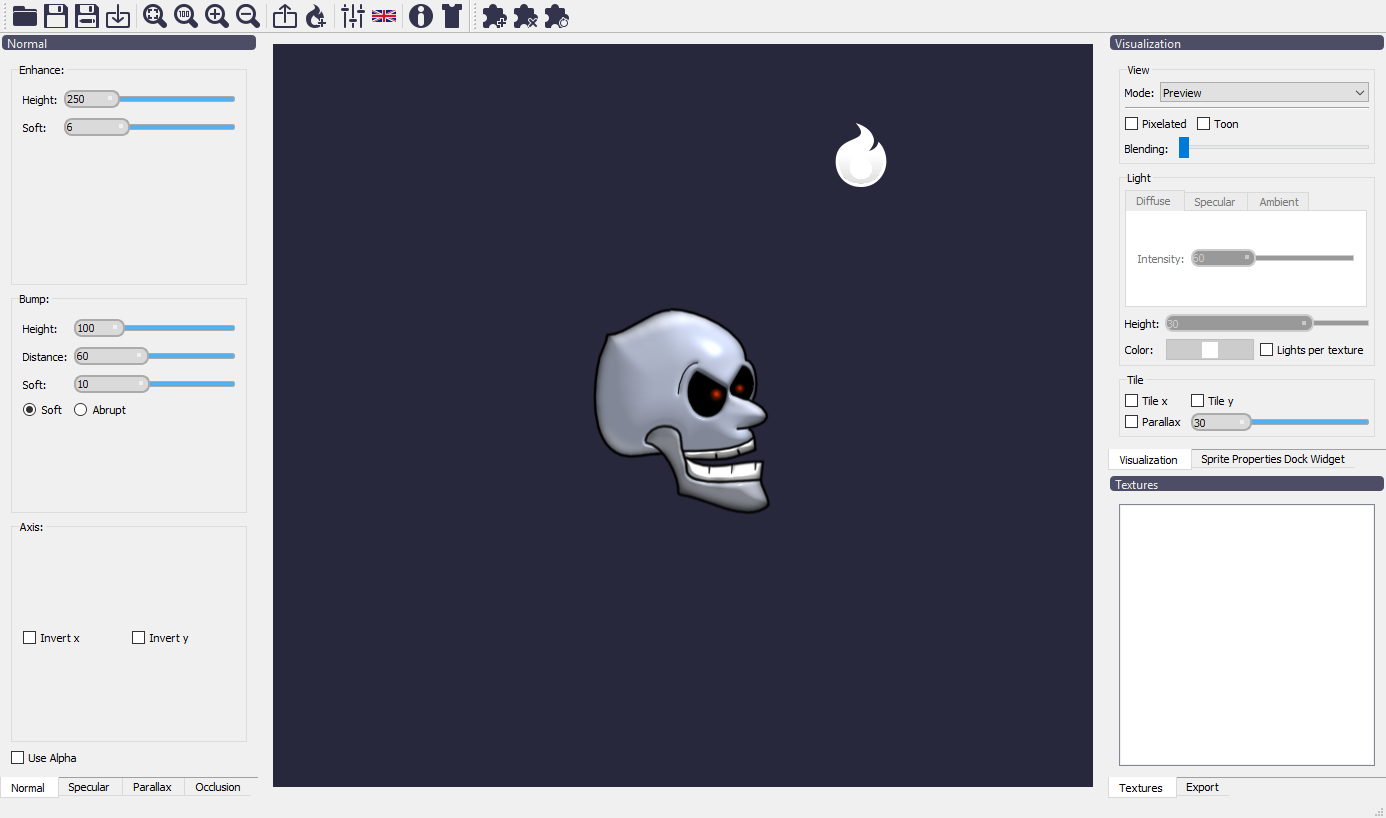
What the maps control
A normal map stores the direction each pixel’s surface faces, so it controls which edges brighten as a light moves. A specular map controls the strength of highlights, useful for separating shiny metal from matte cloth. Laigter can also generate parallax maps for apparent depth and occlusion maps for ambient shading. How those two maps are used depends on the engine’s shader. Laigter documentation
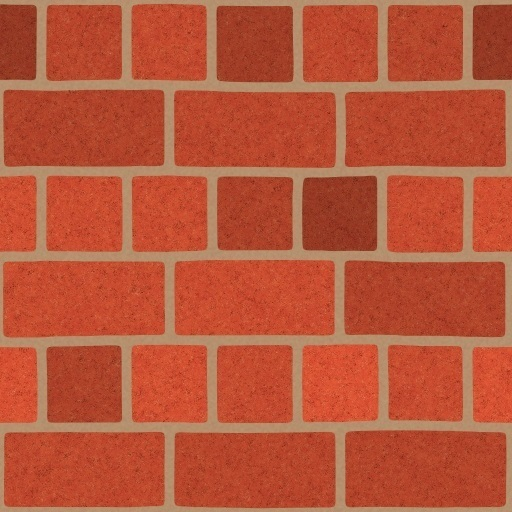
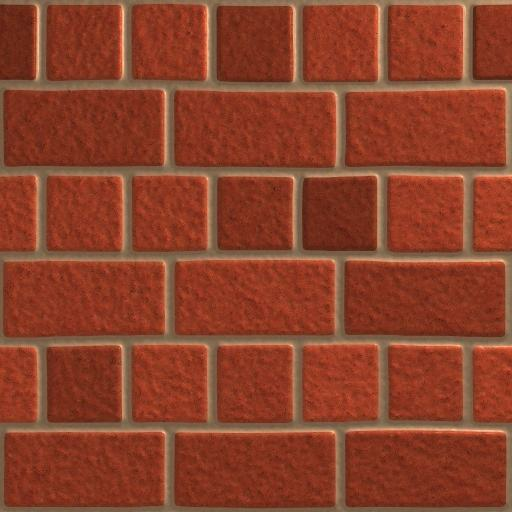
Try a moving torch in Godot
Import a sprite into Laigter, adjust the normal map while moving a light in Preview, then export it. In Godot, set the Sprite2D texture to a CanvasTexture, put the original image in Diffuse and the exported map in Normal Map, then move a PointLight2D with a light texture across the sprite. If the effect is faint, raise the light’s Height and check again. Godot’s 2D lighting guide
This also works as a workflow for AI-generated sprite art once the art is in the project’s sprite layout. If you export a full sheet, keep the diffuse and normal textures on the same grid so each frame samples the matching pixels.
The source code is available on GitHub under GPLv3 or later. At the time of writing, itch.io lists the 1.15.1 builds for Windows, macOS and Linux at US$4.99 or more. Laigter on GameSlash