 GAMESLASH
OhMyGame brings image creation, coding and game playtesting into one app
By GameSlash
Connect design references to generated assets, code and a playable preview, while choosing your own models. Here is the workflow, compatibility and installation path.
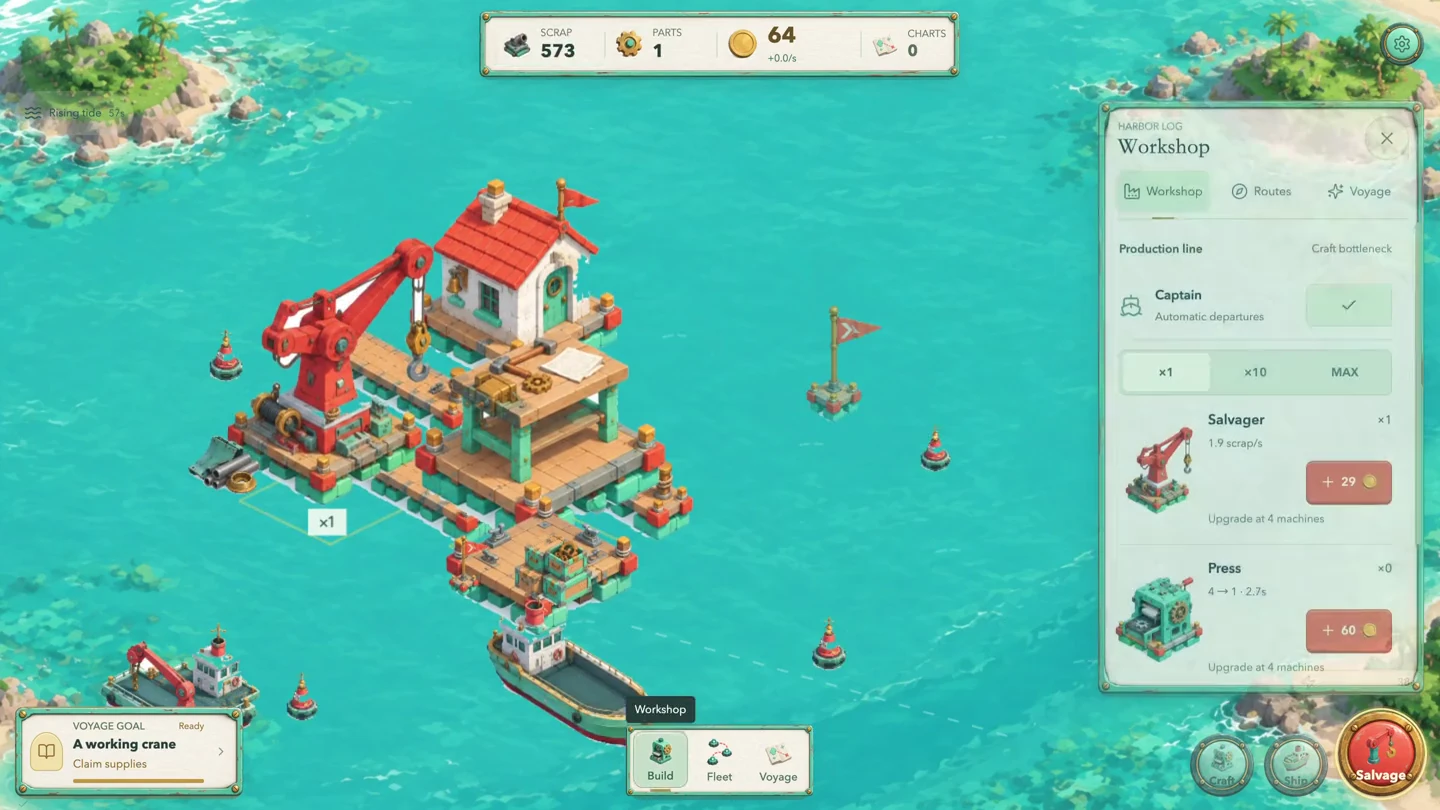
If your game-making workflow is scattered across apps, OhMyGame connects design, image creation, coding and previews in one project. Its useful idea is letting an agent carry your references and assets into a game while you choose the model providers.
What can you make?
Build 2D/3D web games and interactive stories. Start with an idea, have the agent help design it, generate media and write code, then inspect and refine a playable preview. The images here show games made by the development team.
How does the workflow change?
Separate tools: when art and coding happen in different apps, you handle the transfer of files and context.
OhMyGame: keep documents, images and 3D models on a shared canvas, reference nodes from other nodes, then use Library assets in the game.
The benefit is a connected project workflow, not a guarantee of a finished game from one click.
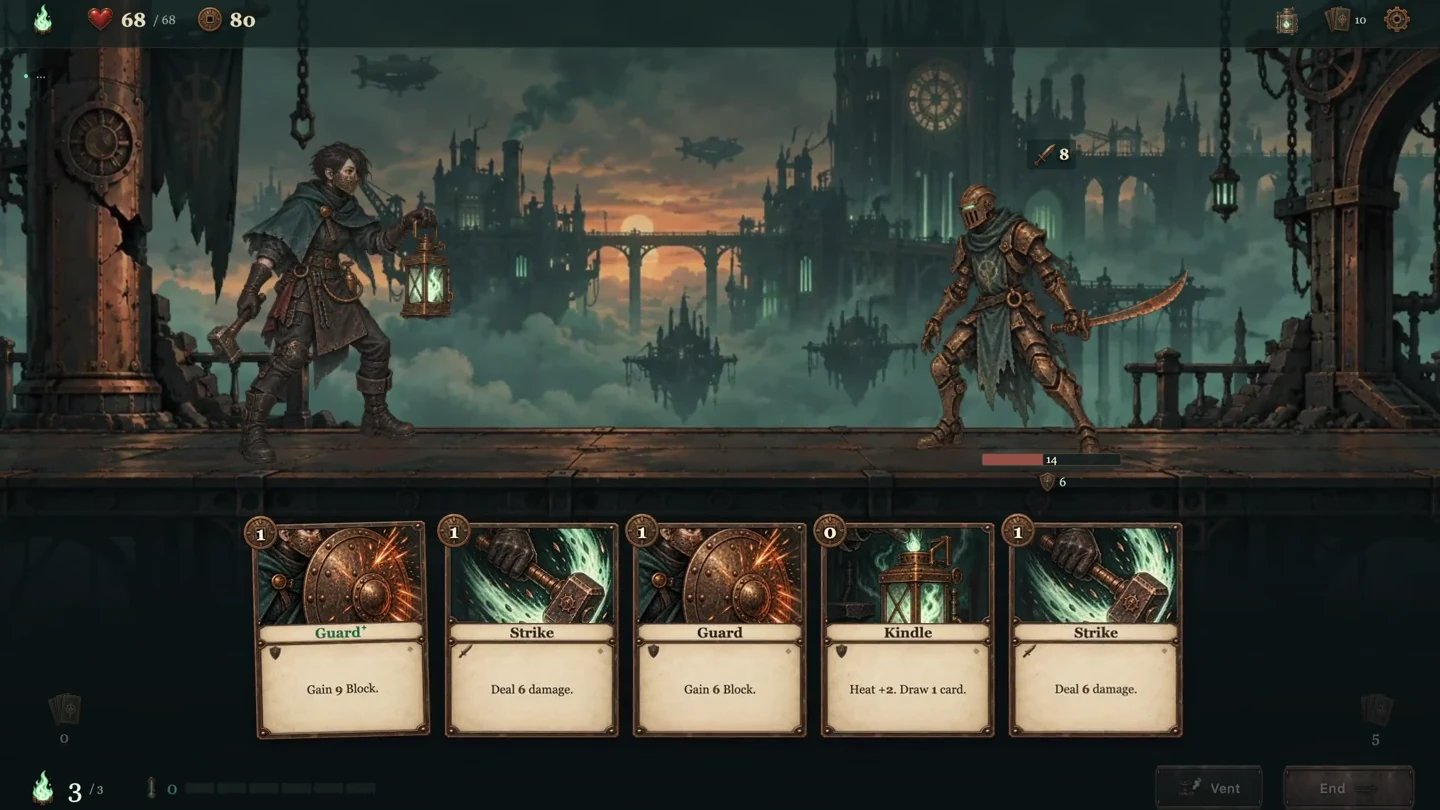
Which tasks does it help with?
Language model: design, code and playtesting. The maintainers say the agent can play canvas/WebGL games and attempt fixes.
Media models: generate images, video or 3D using the relevant connected services, separately from the conversation/coding model.
Keep editing elsewhere: web games remain normal web projects. Beta 4.13 also supports project ZIP export/import.
What does it work with?
Coding: Pi supports 40+ providers, including OpenAI, Anthropic and Google; installed Claude Code, Codex and OpenCode agents are also supported.
Media: examples include OpenAI/OpenRouter for images and Meshy/Tripo/Hyper3D for 3D. Capabilities vary by provider.
Web games: workflows for Three.js, React Three Fiber and Phaser. Native projects still need their engine's tools.
Where do you install it?
Download the official beta 4.13 release for Windows x64 or Apple-silicon Macs.
Connect a language model or coding agent, then add only the media services you need.
Choose Web Game and describe a small game. Local creation needs no OhMyGame account; publishing a shareable game link does.
Before trying it: this is beta software and the Windows build is unsigned. OhMyGame does not charge per run, but model costs and quotas depend on your providers. Review the result before release.
Based on developer documentation and release notes, not a hands-on GameSlash review.