 GAMESLASH
Unity MCP 1.11 lets AI agents import owned Asset Store packages with human approval
By GameSlash
November 11 release adds assetstore-library and assetstore-add tools, plus Unity 6.6 import safeguards and visible Package Manager tools.
AI Game Developer (Unity MCP) 1.11.0 adds two direct tools that let coding agents find Unity Asset Store packages a developer already owns and import them into a project. The release notes identify the update as November 11, 2026; GitHub lists a follow-up 1.11.1 maintenance release on November 12.
What changed in 1.11.0
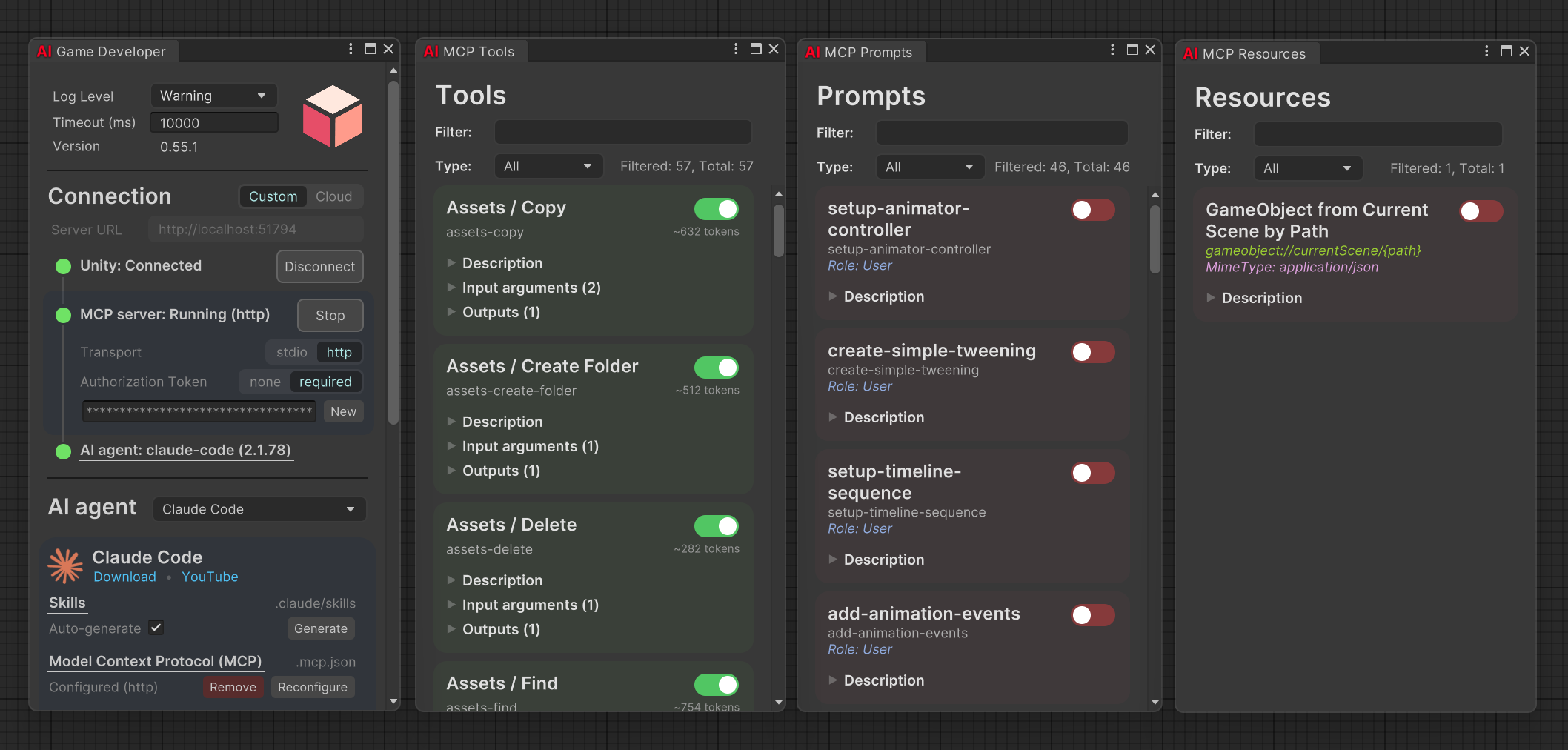
The new assetstore-library(query, onlyDownloaded, maxResults) tool searches the account's My Assets and local download cache. assetstore-add(package, allowProjectSettings) starts an import and checks which files arrived. A new assetStore RQL source also offers Contents() to inspect a .unitypackage without unpacking it, alongside ImportFile(), SignIn() and store navigation.
The package-list, package-search, package-add and package-remove tools are now visible to agents by default. Unity Hub-based sign-in and CLI version-mismatch handling were improved so automation can find the user's assets without silently opening a project in a different installed Editor version. These details come from the developer's merged implementation notes.
How a game developer can use it
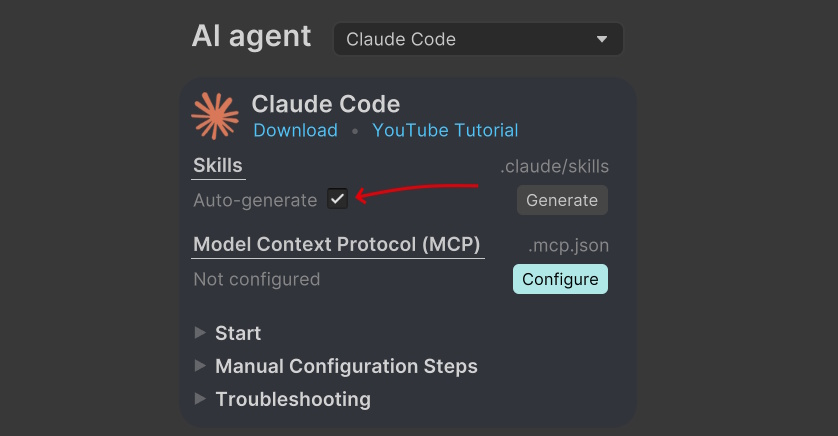
Open the Unity project with a supported agent connected to Unity MCP, sign in to the correct Unity account, then ask the agent to search for an owned terrain, effects or character package using assetstore-library. Review the package and import it with assetstore-add before asking the agent to place assets in a scene. The change helps bridge asset discovery and level blockout; it does not grant ownership of paid assets or purchase anything automatically.
Important import and security limitations
In Unity 6.6, Asset Store packages may trigger a Missing signature dialog. The tool returns awaiting-user and the person must choose whether to approve the import; agents are explicitly instructed not to bypass that decision by importing packages another way. A sign-in window also requires the user to finish authentication. These are intentional safeguards, not fully unattended imports.
According to the release page and pull request #1165, 1.11.0 also includes fixes to headless screenshots and CLI operation. Version 1.11.1 followed on November 12 with dependency and CLI maintenance rather than another major Asset Store feature. For context, GameSlash previously covered an earlier Unity MCP security update.