 GAMESLASH
AI Game Developer 0.26–0.27 adds remote terminal for game agents and one-command plugin updates
By GameSlash
November 8 releases bring a project terminal to desktops and paired phones, help agents discover missing engine extensions, and update CLI and plugins together.
AI Game Developer published versions 0.26.0 and 0.27.0 on November 8, 2026, adding an integrated project terminal that can be reached from a paired phone, mobile agent chats, and a way for agents to find engine extensions that are not installed yet. The follow-up 0.27.0 release also changed the update command to refresh the project's engine plugin and installed extensions together with the CLI.
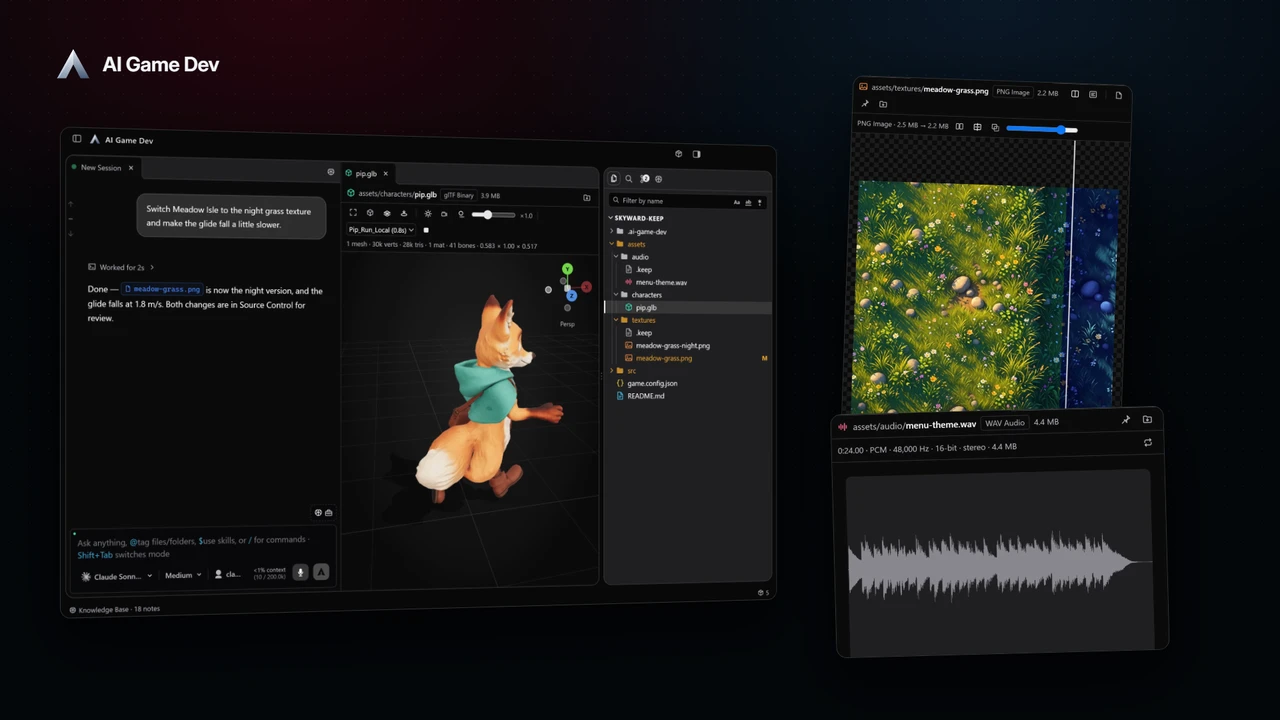
Use a terminal without abandoning the Unity, Unreal or Godot project
In version 0.26.0, the desktop app adds a resizable terminal below its chat and right panel. Shells run on the host computer, with multiple tabs per project and scrollback that survives reconnects. On paired iOS and Android devices, a project terminal can reattach when the connection returns. Remote control keeps the application's biometric confirmation and access-grant checks; the phone is not an unrestricted shell into someone else's machine.
The same release gives the mobile app a proper new-chat flow with a model picker, file attachments, voice dictation and a subagent status view. Developers can inspect project files and GitHub pull requests read-only, and view checks for pull requests on the desktop. These are workflow features, not new gameplay generation models.
Find missing engine tools before writing replacements
Previously, the AI agent's tool search mainly considered tools already registered. Version 0.26.0 lets it discover available Unity, Unreal or Godot extensions even when they are not installed, and request installation through a review step. This makes it easier to use an existing engine extension instead of recreating the same function in ad-hoc scripts. The release also reports stuck engine dialogs more clearly and reduces screenshot payload size in long sessions.
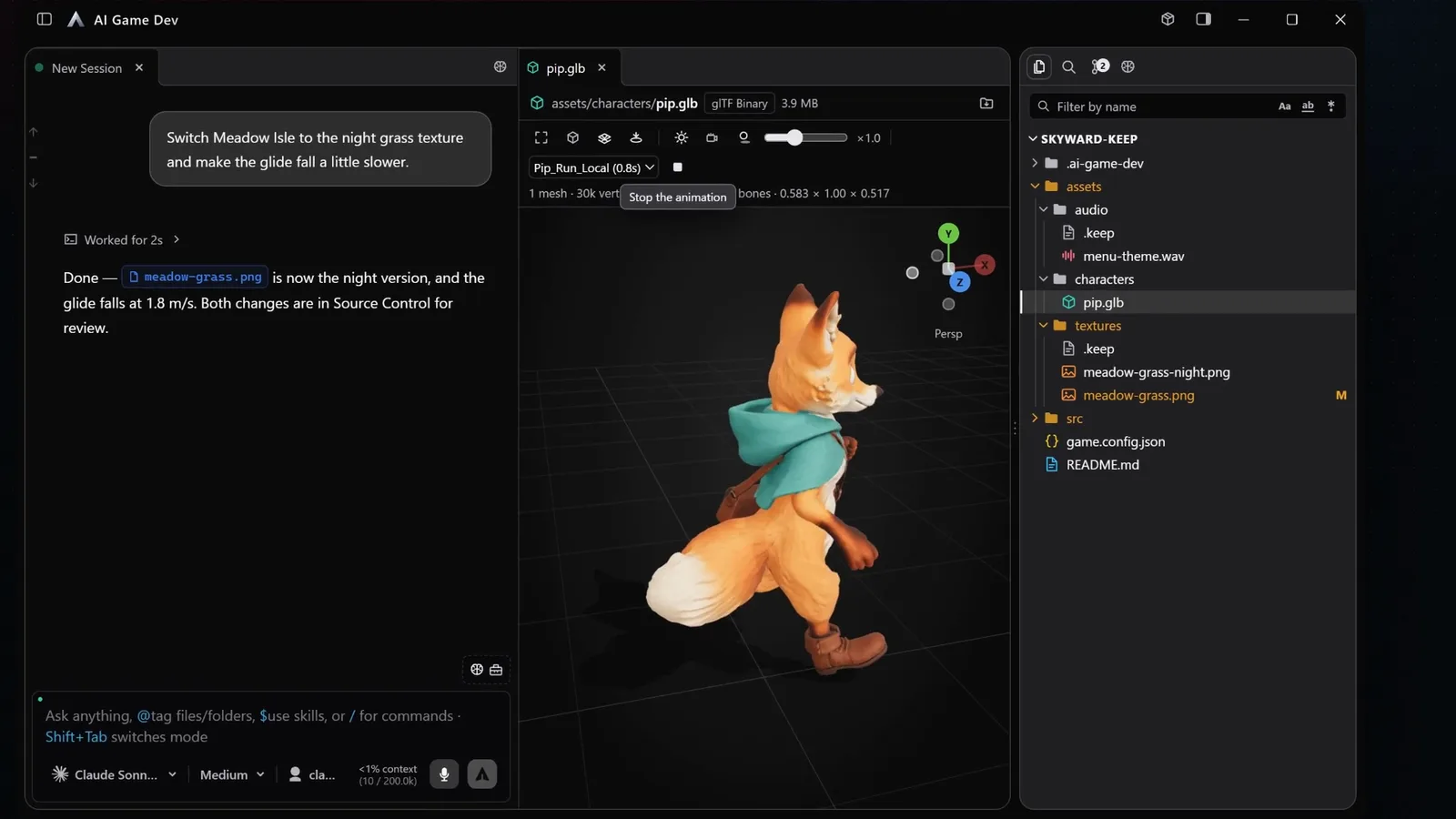
Updating project plugins now takes one command
The developer's 0.27.0 release notes say that running `gamedev update` inside a project can update the CLI, engine MCP plugin and installed extensions together. Running outside a project updates the CLI only. A check mode reports what is outdated without writing changes. Local development checkouts, pinned Godot versions and some Unreal configurations are intentionally left alone, so the command is not a forced override of custom installs.
For someone making games with AI, a practical flow is to inspect whether the needed engine extension exists, review and install it, use the integrated terminal and project previews to test a change, and check code changes before committing. A paired phone can monitor and intervene remotely, but does not replace testing the game in the engine. The software is advertised as free for Windows, macOS and Linux; remote mobile capabilities require a paired supported phone.
Sources: AI Game Developer 0.26.0 release notes (Nov 8); 0.27.0 release notes (Nov 8). Previous GameSlash coverage: 0.25.15 cloud generation budget and Media Gallery.